Create Stunning Web Pages Fast with Adobe Express
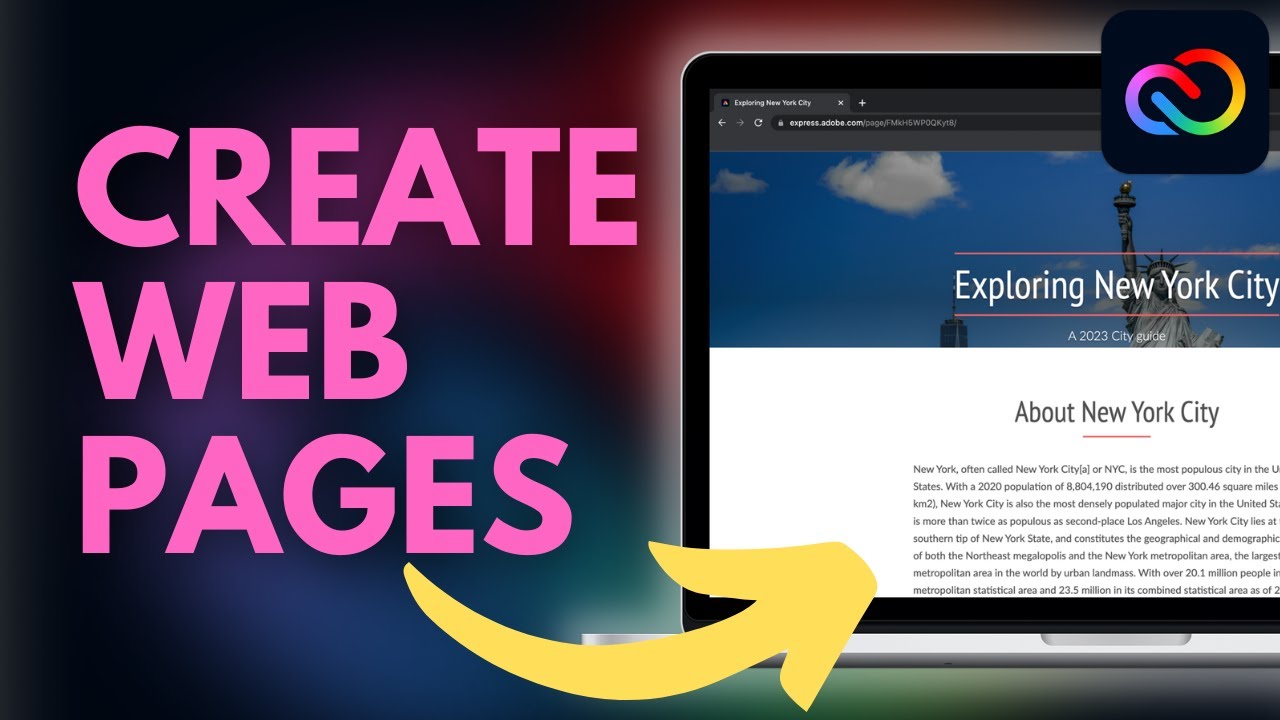
Learn to build eye-catching, scrollable web pages in minutes with this Adobe Express tutorial. 🚀

Andy Todd
25.1K views • Dec 17, 2022
About this video
#adobeexpress #adobe #adobetutorial
ℹ️ ABOUT THIS VIDEO
In this video tutorial, you'll learn how to create stunning scrollable web pages using the Adobe Express Web Page tool. The Web Page tool is a super quick easy to use tool that allows you to create scrollable webpages - perfect for creating portfolios, newsletters, guides, blogs and basic websites. Better still, your web page will be hosted by Adobe so there's no extra cost for hosting/domain names.
You'll learn everything you need to know including how to use all of Web Page tool's key features to allow you to create a beautiful webpage in only a matter of minutes. This tutorial will teach you how to:
- Create a new webpage
- Add a title page and title image
- Insert and edit images
- Add and edit text (including styles, formatting and hyperlinks)
- Insert and position buttons
- Embed videos from YouTube, Adobe Express and Vimeo
- Apply various Adobe Express themes to change the appearance of your web page
- Publish your webpage and update it should you need to make changes
- Unpublish your website
By the end of this tutorial, you'll be clued up and ready to go away and create your very own webpage using the Adobe Express Web Page tool.
✅ LIKE AND SUBSCRIBE TO SHOW YOUR SUPPORT
If you enjoyed this video, be sure to hit that like button and don’t forget to subscribe to this channel to help support its growth: https://www.youtube.com/c/Twominutetechtutorials?sub_confirmation=1
💰FREE 30-DAY TRIAL OF ADOBE EXPRESS PREMIUM
Enjoy a wide range of premium features including access to thousands of high-quality images and templates, resize your designs with one click, access a range of quick access tools for image and video editing, as well as much more with this free trial of Adobe Express Premium: https://prf.hn/l/8xoajVX
💻 VIEW MORE FREE SOFTWARE TUTORIALS
• Microsoft Word: https://www.youtube.com/playlist?list=PLpSIgMT0hUcjW1s6kjcd6IUToWSkBELyI
• Microsoft PowerPoint: https://www.youtube.com/playlist?list=PLpSIgMT0hUcjfWr9YWBj4jv_mwHD3XSLp
• Canva: https://www.youtube.com/playlist?list=PLpSIgMT0hUcgA5mNe3Kx0t66WNw79aHmb
• Adobe Express: https://www.youtube.com/playlist?list=PLpSIgMT0hUch9U5XOgnYLxfsZpSHTeiVB ❤️LIKE AND SUBSCRIBE❤️: https://www.youtube.com/@andy_Todd?sub_confirmation=1
👨🎨 ADOBE EXPRESS TUTORIALS: http://y2u.be/7W5fR79mQxE
📧 OUTLOOK ONLINE TUTORIALS: http://y2u.be/AkItOBWR1os
🧑🎨 CANVA TUTORIALS: http://y2u.be/1UuSIgahypA
👨💻 MICROSOFT POWERPOINT TUTORIALS: http://y2u.be/Aef6XzLSjgc
📄 MICROSOFT WORD TUTORIALS: http://y2u.be/sAbilsNFpc0
ℹ️ ABOUT THIS VIDEO
In this video tutorial, you'll learn how to create stunning scrollable web pages using the Adobe Express Web Page tool. The Web Page tool is a super quick easy to use tool that allows you to create scrollable webpages - perfect for creating portfolios, newsletters, guides, blogs and basic websites. Better still, your web page will be hosted by Adobe so there's no extra cost for hosting/domain names.
You'll learn everything you need to know including how to use all of Web Page tool's key features to allow you to create a beautiful webpage in only a matter of minutes. This tutorial will teach you how to:
- Create a new webpage
- Add a title page and title image
- Insert and edit images
- Add and edit text (including styles, formatting and hyperlinks)
- Insert and position buttons
- Embed videos from YouTube, Adobe Express and Vimeo
- Apply various Adobe Express themes to change the appearance of your web page
- Publish your webpage and update it should you need to make changes
- Unpublish your website
By the end of this tutorial, you'll be clued up and ready to go away and create your very own webpage using the Adobe Express Web Page tool.
✅ LIKE AND SUBSCRIBE TO SHOW YOUR SUPPORT
If you enjoyed this video, be sure to hit that like button and don’t forget to subscribe to this channel to help support its growth: https://www.youtube.com/c/Twominutetechtutorials?sub_confirmation=1
💰FREE 30-DAY TRIAL OF ADOBE EXPRESS PREMIUM
Enjoy a wide range of premium features including access to thousands of high-quality images and templates, resize your designs with one click, access a range of quick access tools for image and video editing, as well as much more with this free trial of Adobe Express Premium: https://prf.hn/l/8xoajVX
💻 VIEW MORE FREE SOFTWARE TUTORIALS
• Microsoft Word: https://www.youtube.com/playlist?list=PLpSIgMT0hUcjW1s6kjcd6IUToWSkBELyI
• Microsoft PowerPoint: https://www.youtube.com/playlist?list=PLpSIgMT0hUcjfWr9YWBj4jv_mwHD3XSLp
• Canva: https://www.youtube.com/playlist?list=PLpSIgMT0hUcgA5mNe3Kx0t66WNw79aHmb
• Adobe Express: https://www.youtube.com/playlist?list=PLpSIgMT0hUch9U5XOgnYLxfsZpSHTeiVB ❤️LIKE AND SUBSCRIBE❤️: https://www.youtube.com/@andy_Todd?sub_confirmation=1
👨🎨 ADOBE EXPRESS TUTORIALS: http://y2u.be/7W5fR79mQxE
📧 OUTLOOK ONLINE TUTORIALS: http://y2u.be/AkItOBWR1os
🧑🎨 CANVA TUTORIALS: http://y2u.be/1UuSIgahypA
👨💻 MICROSOFT POWERPOINT TUTORIALS: http://y2u.be/Aef6XzLSjgc
📄 MICROSOFT WORD TUTORIALS: http://y2u.be/sAbilsNFpc0
Tags and Topics
Browse our collection to discover more content in these categories.
Video Information
Views
25.1K
Likes
479
Duration
46:14
Published
Dec 17, 2022
User Reviews
4.6
(5) Related Trending Topics
LIVE TRENDSRelated trending topics. Click any trend to explore more videos.
No specific trending topics match this video yet.
Explore All Trends