Create Hyperlinked Sheet Index in Excel 📑
Learn how to create a clickable index of all sheets in your Excel workbook for easy navigation, even with hundreds of sheets.

Excel 10 tutorial
80.1K views • Sep 9, 2019
About this video
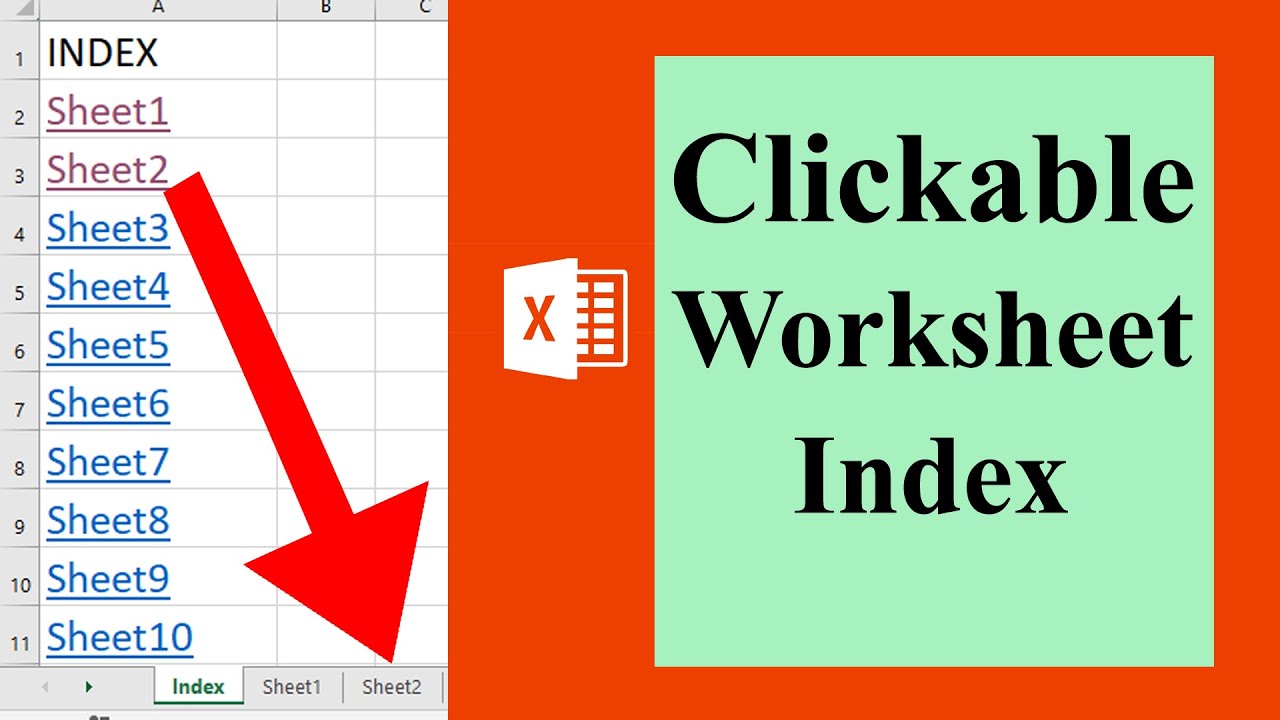
In this advanced excel tutorial we are going to create a system so that we can navigate quickly no matter if we have hundreds of workbook. We are about to make a clickable table of content where all the worksheets of that workbook will be listed in the table of content and they will be clickable. Which means if you click on a sheet name you will be redirected to that worksheet. For example if you click on sheet two then Sheet2 will be your active worksheet.
Lets get started.
Step 1: Click on the Developer tab (How to Add Developer Tab In Excel: https://youtu.be/jkSLYLk0OHU)
Step 2: Click On Visual Basic (Learn VBA Programming: http://bit.ly/excelvbacourse)
Step 3: Click "Insert" and then "Module"
Step 4: Write the code (Please subscribe and here goes the code: https://www.patreon.com/posts/29829756)
Step 5: Click On the "Run" Button
Done . You've successfully created a hyperlinked index of worksheet in an Excel Workbook.
#hyperlink #index
Thanks for watching.
-------------------------------------------------------------------------------------------------------------
Support the channel with as low as $5
https://www.patreon.com/excel10tutorial
-------------------------------------------------------------------------------------------------------------
Please subscribe to #excel10tutorial
https://goo.gl/uL8fqQ
Playlists:
Advance Excel Tutorial: https://goo.gl/ExYy7v
Excel Tutorial for Beginners: https://goo.gl/UDrDcA
Excel Case: https://goo.gl/xiP3tv
Combine Workbook & Worksheets: https://bit.ly/2Tpf7DB
Excel VBA Programming Course: http://bit.ly/excelvbacourse
Social media:
Facebook: https://facebook.com/excel10tutorial
Twitter: https://twitter.com/excel10tutorial
Blogger: https://excel10tutorial.blogspot.com
Tumblr: https://excel10tutorial.tumblr.com
Instagram: https://www.instagram.com/excel_10_tutorial
Hubpages: https://hubpages.com/@excel10tutorial *Become a member and enjoy exclusive perks while supporting the channel you love!*
https://www.youtube.com/@Excel10tutorial/join
Lets get started.
Step 1: Click on the Developer tab (How to Add Developer Tab In Excel: https://youtu.be/jkSLYLk0OHU)
Step 2: Click On Visual Basic (Learn VBA Programming: http://bit.ly/excelvbacourse)
Step 3: Click "Insert" and then "Module"
Step 4: Write the code (Please subscribe and here goes the code: https://www.patreon.com/posts/29829756)
Step 5: Click On the "Run" Button
Done . You've successfully created a hyperlinked index of worksheet in an Excel Workbook.
#hyperlink #index
Thanks for watching.
-------------------------------------------------------------------------------------------------------------
Support the channel with as low as $5
https://www.patreon.com/excel10tutorial
-------------------------------------------------------------------------------------------------------------
Please subscribe to #excel10tutorial
https://goo.gl/uL8fqQ
Playlists:
Advance Excel Tutorial: https://goo.gl/ExYy7v
Excel Tutorial for Beginners: https://goo.gl/UDrDcA
Excel Case: https://goo.gl/xiP3tv
Combine Workbook & Worksheets: https://bit.ly/2Tpf7DB
Excel VBA Programming Course: http://bit.ly/excelvbacourse
Social media:
Facebook: https://facebook.com/excel10tutorial
Twitter: https://twitter.com/excel10tutorial
Blogger: https://excel10tutorial.blogspot.com
Tumblr: https://excel10tutorial.tumblr.com
Instagram: https://www.instagram.com/excel_10_tutorial
Hubpages: https://hubpages.com/@excel10tutorial *Become a member and enjoy exclusive perks while supporting the channel you love!*
https://www.youtube.com/@Excel10tutorial/join
Tags and Topics
Browse our collection to discover more content in these categories.
Video Information
Views
80.1K
Likes
336
Duration
1:38
Published
Sep 9, 2019
User Reviews
4.1
(16) Related Trending Topics
LIVE TRENDSRelated trending topics. Click any trend to explore more videos.
Trending Now