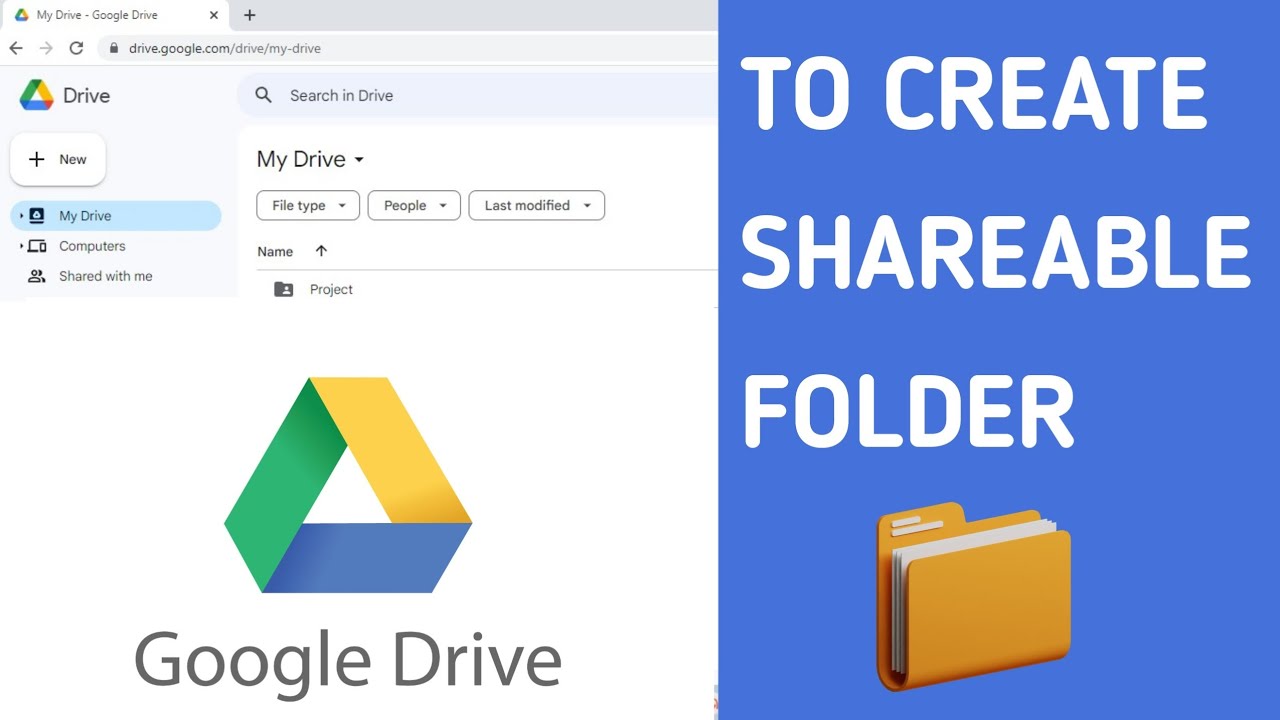
Create & Share Google Drive Folder 📁
Learn how to create and share folders in Google Drive easily with these simple steps.

Quick Look
597.4K views • Jun 12, 2023
About this video
HOW TO CREATE AND SHARE FOLDER IN GOOGLE DRIVE
1) On your computer, go to drive.google.com.
2) At the top left in the New drop-down, click Folder at the top of the list. If you already have a folder on your computer you want to upload, you should choose the Folder upload option in this menu.
3) Enter a name for your folder in the pop-up and click Create.You will then see the newly created folder appear in My Drive
4) Click Share
5) In general Access select Anyone with the link
6) To choose how a person can use the folder
• Can organize, add, & edit: People can open, edit, delete, or move any files within the folder. People can also add files to the folder.
• Can view only: People can see the folder and they can open all files within the folder.
7) Now share the link with anyone to give access to the folder
TO GIVE FOLDER ACCESS TO SPECIFIC PERSON OR A GROUP
• In general Access select Restricted
Under "People," type the email address of a person or group you want to share with.
____________________________________________
For more such videos subscribe to our channel
How to ? ⏩: https://www.youtube.com/playlist?list=PLUgkM9s2XR-Ai1rtxk7Jr_lq-8sn58TRe
⏩follow us on Instagram
https://www.instagram.com/_quicklook_/
⏩visit our website
https://quicklook05.wixsite.com/quicklook
Music by audionautix.com
#quicklook #googledrive #googledrivelink
1) On your computer, go to drive.google.com.
2) At the top left in the New drop-down, click Folder at the top of the list. If you already have a folder on your computer you want to upload, you should choose the Folder upload option in this menu.
3) Enter a name for your folder in the pop-up and click Create.You will then see the newly created folder appear in My Drive
4) Click Share
5) In general Access select Anyone with the link
6) To choose how a person can use the folder
• Can organize, add, & edit: People can open, edit, delete, or move any files within the folder. People can also add files to the folder.
• Can view only: People can see the folder and they can open all files within the folder.
7) Now share the link with anyone to give access to the folder
TO GIVE FOLDER ACCESS TO SPECIFIC PERSON OR A GROUP
• In general Access select Restricted
Under "People," type the email address of a person or group you want to share with.
____________________________________________
For more such videos subscribe to our channel
How to ? ⏩: https://www.youtube.com/playlist?list=PLUgkM9s2XR-Ai1rtxk7Jr_lq-8sn58TRe
⏩follow us on Instagram
https://www.instagram.com/_quicklook_/
⏩visit our website
https://quicklook05.wixsite.com/quicklook
Music by audionautix.com
#quicklook #googledrive #googledrivelink
Tags and Topics
Browse our collection to discover more content in these categories.
Video Information
Views
597.4K
Likes
3.5K
Duration
2:11
Published
Jun 12, 2023
User Reviews
4.3
(119) Related Trending Topics
LIVE TRENDSRelated trending topics. Click any trend to explore more videos.
Trending Now