Excel Dynamic Numbering List Tips 📋
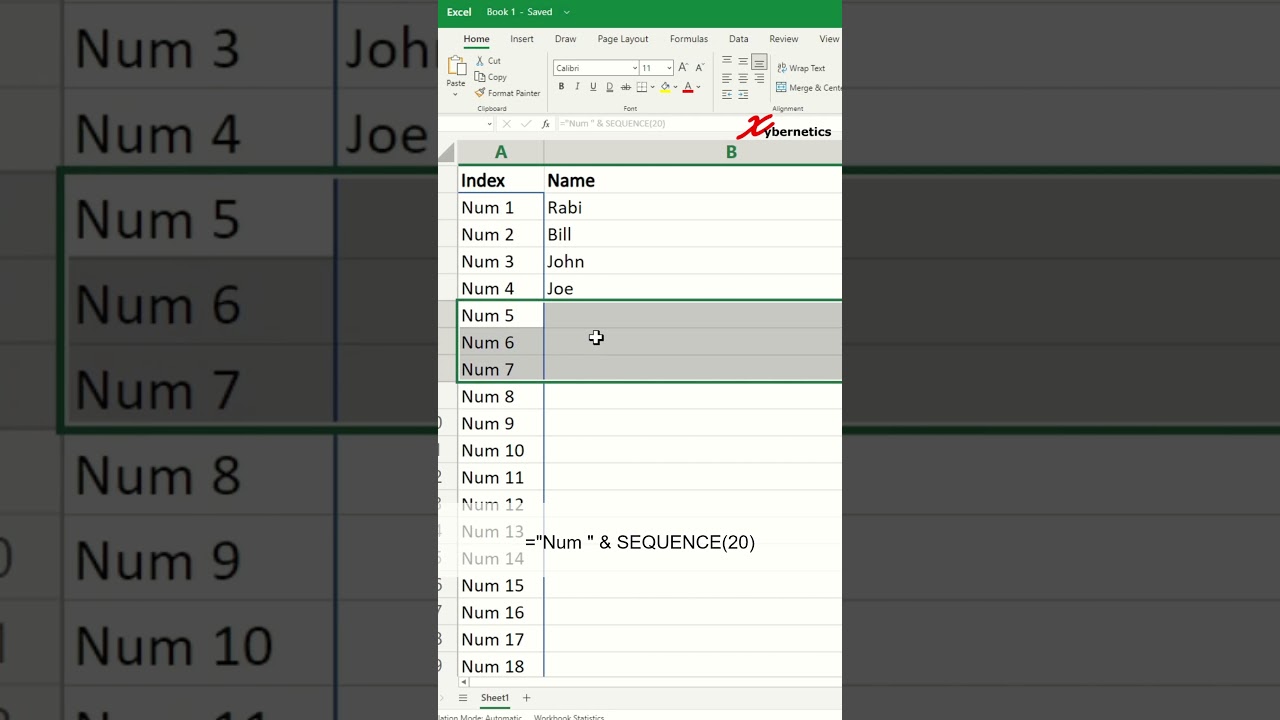
Learn how to create a dynamic numbering list in Excel using a simple macro with SEQUENCE and COUNTA functions.

Rabi Gurung
3.4K views • Jul 1, 2025
About this video
Here is the Microsoft Excel macro that was used in this video.
="Num " & SEQUENCE(COUNTA(B2:B21))
#microsoft #excel #exceltips #tips #exceltricks #tricksandtips
="Num " & SEQUENCE(COUNTA(B2:B21))
#microsoft #excel #exceltips #tips #exceltricks #tricksandtips
Tags and Topics
Browse our collection to discover more content in these categories.
Video Information
Views
3.4K
Likes
88
Duration
1:03
Published
Jul 1, 2025
User Reviews
4.6
(3) Related Trending Topics
LIVE TRENDSRelated trending topics. Click any trend to explore more videos.
No specific trending topics match this video yet.
Explore All Trends