How to Create Community Group in WhatsApp Business Android !
☕ If this video helped you, consider supporting by buying me a coffee: https://coff.ee/bimalbasnet ➜ This video explores how to create a community group in ...

Saral Guide
19.3K views • Feb 12, 2025
About this video
☕ If this video helped you, consider supporting by buying me a coffee: https://coff.ee/bimalbasnet
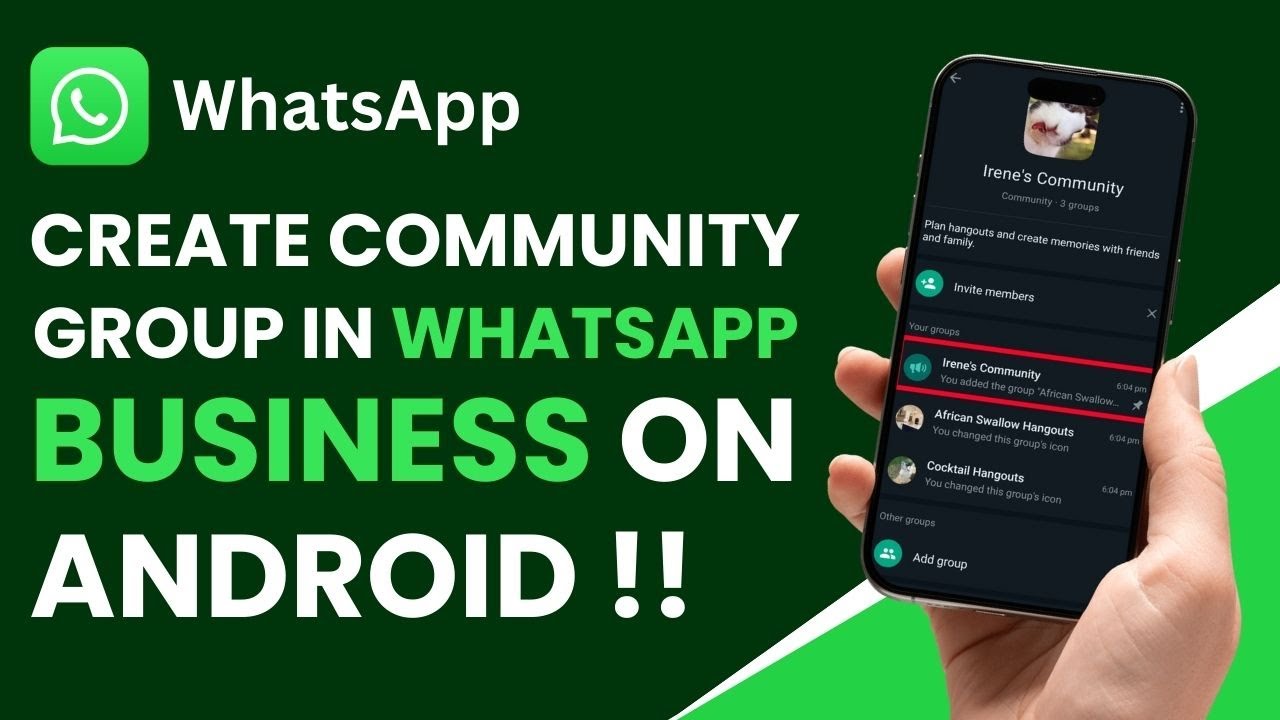
➜ This video explores how to create a community group in WhatsApp Business on an Android device and clarifies why this feature currently remains unavailable. At the start, the presenter points out that the limitation has nothing to do with whether you are using Android or iOS. Instead, it is related to restrictions within the WhatsApp Business app itself. The regular WhatsApp app provides a clear option to create or start new communities, while WhatsApp Business only allows users to join existing communities via invitation links. This distinction often confuses business owners and organizations who are already benefiting from the specialized features of WhatsApp Business, such as auto-replies and detailed business profiles, because they naturally expect these features to also include the flexibility to create communities for marketing or group announcements.
Communities, as implemented on the regular WhatsApp app, allow administrators to group multiple sub-chats together under one overarching umbrella. For example, a teacher could place various class groups under a single community, or a neighborhood association could contain multiple interest groups under the same digital space. Unfortunately, for those who rely on WhatsApp Business, creating such communities remains impossible as of the recording of this video. Some might wonder whether the presenter’s device or operating system type affects the feature, but the limitation is confirmed to be app-based. The official WhatsApp help center also documents that WhatsApp Business does not yet support community creation, meaning the problem persists no matter where you install it.
The presenter walks viewers through the steps one might take if creating communities were allowed on WhatsApp Business. You would typically tap the three dots on the top right to open the menu, select the Communities option, and then look for a “Start Community” or “Create Community” button. In the regular WhatsApp, this button is clearly visible at the top or bottom of the Communities page. In WhatsApp Business, however, the feature is conspicuously absent. Instead, the app only offers the ability to view or join existing communities, indicating that the app developers might be testing or refining the feature exclusively in the standard version before eventually rolling it out to WhatsApp Business.
The video concludes by confirming that even official WhatsApp documentation states users of WhatsApp Business “can’t currently create a community,” which suggests it may still be in development or under consideration for a future update. The presenter advises that there is no confirmed timeline for when or if community creation will be added, but staying updated with app releases might eventually yield good news. Those who truly need community creation today might be forced to switch to the standard WhatsApp app for that specific function, then switch back to WhatsApp Business for their day-to-day business interactions. This split usage is inconvenient, but for now it is the only workaround for those who rely heavily on community-based group management features while also wanting the specialized tools of WhatsApp Business.
For many, the question remains: will WhatsApp unify its offerings and allow business accounts to create communities soon? It makes sense for corporate and entrepreneurial users to have access to the same robust group management options that personal users already enjoy. WhatsApp might be analyzing the potential impacts or ensuring that advanced business features do not overwhelm small business owners who prefer simpler functionality. Only time will tell whether a future update will bring these features into a single convenient ecosystem. In the meantime, the best you can do is join existing communities from within WhatsApp Business or switch temporarily to the standard app if you want to start one on your own. Subscribing to this channel and staying informed on the latest WhatsApp changes is the recommended approach to remain in the loop regarding any community features that might land in WhatsApp Business in the future.
0:00 Introduction
0:02 Checking WhatsApp Business
0:09 Comparison with Regular WhatsApp
0:19 Communities Feature Explained
0:26 No Create Option on Business App
0:45 Official WhatsApp Documentation
1:00 Conclusion
#WhatsAppBusiness #CommunityGroup #WhatsAppTutorial #BusinessTips #AndroidGuide #MessagingApp #SocialMediaTools #WhatsAppUpdate #TechHowTo #BusinessChat
DISCLAIMER: This Channel "Saral Guide" is not the official support of the content provided & Does Not Promote Any illegal content, all contents provided by This Channel are meant for EDUCATIONAL purposes only. The Channel doesn't own any logos or websites displayed on videos and thumbnails.
➜ This video explores how to create a community group in WhatsApp Business on an Android device and clarifies why this feature currently remains unavailable. At the start, the presenter points out that the limitation has nothing to do with whether you are using Android or iOS. Instead, it is related to restrictions within the WhatsApp Business app itself. The regular WhatsApp app provides a clear option to create or start new communities, while WhatsApp Business only allows users to join existing communities via invitation links. This distinction often confuses business owners and organizations who are already benefiting from the specialized features of WhatsApp Business, such as auto-replies and detailed business profiles, because they naturally expect these features to also include the flexibility to create communities for marketing or group announcements.
Communities, as implemented on the regular WhatsApp app, allow administrators to group multiple sub-chats together under one overarching umbrella. For example, a teacher could place various class groups under a single community, or a neighborhood association could contain multiple interest groups under the same digital space. Unfortunately, for those who rely on WhatsApp Business, creating such communities remains impossible as of the recording of this video. Some might wonder whether the presenter’s device or operating system type affects the feature, but the limitation is confirmed to be app-based. The official WhatsApp help center also documents that WhatsApp Business does not yet support community creation, meaning the problem persists no matter where you install it.
The presenter walks viewers through the steps one might take if creating communities were allowed on WhatsApp Business. You would typically tap the three dots on the top right to open the menu, select the Communities option, and then look for a “Start Community” or “Create Community” button. In the regular WhatsApp, this button is clearly visible at the top or bottom of the Communities page. In WhatsApp Business, however, the feature is conspicuously absent. Instead, the app only offers the ability to view or join existing communities, indicating that the app developers might be testing or refining the feature exclusively in the standard version before eventually rolling it out to WhatsApp Business.
The video concludes by confirming that even official WhatsApp documentation states users of WhatsApp Business “can’t currently create a community,” which suggests it may still be in development or under consideration for a future update. The presenter advises that there is no confirmed timeline for when or if community creation will be added, but staying updated with app releases might eventually yield good news. Those who truly need community creation today might be forced to switch to the standard WhatsApp app for that specific function, then switch back to WhatsApp Business for their day-to-day business interactions. This split usage is inconvenient, but for now it is the only workaround for those who rely heavily on community-based group management features while also wanting the specialized tools of WhatsApp Business.
For many, the question remains: will WhatsApp unify its offerings and allow business accounts to create communities soon? It makes sense for corporate and entrepreneurial users to have access to the same robust group management options that personal users already enjoy. WhatsApp might be analyzing the potential impacts or ensuring that advanced business features do not overwhelm small business owners who prefer simpler functionality. Only time will tell whether a future update will bring these features into a single convenient ecosystem. In the meantime, the best you can do is join existing communities from within WhatsApp Business or switch temporarily to the standard app if you want to start one on your own. Subscribing to this channel and staying informed on the latest WhatsApp changes is the recommended approach to remain in the loop regarding any community features that might land in WhatsApp Business in the future.
0:00 Introduction
0:02 Checking WhatsApp Business
0:09 Comparison with Regular WhatsApp
0:19 Communities Feature Explained
0:26 No Create Option on Business App
0:45 Official WhatsApp Documentation
1:00 Conclusion
#WhatsAppBusiness #CommunityGroup #WhatsAppTutorial #BusinessTips #AndroidGuide #MessagingApp #SocialMediaTools #WhatsAppUpdate #TechHowTo #BusinessChat
DISCLAIMER: This Channel "Saral Guide" is not the official support of the content provided & Does Not Promote Any illegal content, all contents provided by This Channel are meant for EDUCATIONAL purposes only. The Channel doesn't own any logos or websites displayed on videos and thumbnails.
Tags and Topics
Browse our collection to discover more content in these categories.
Video Information
Views
19.3K
Likes
88
Duration
1:24
Published
Feb 12, 2025
User Reviews
4.1
(3)