How to create captions quickly & easily in Premiere Pro for FREE
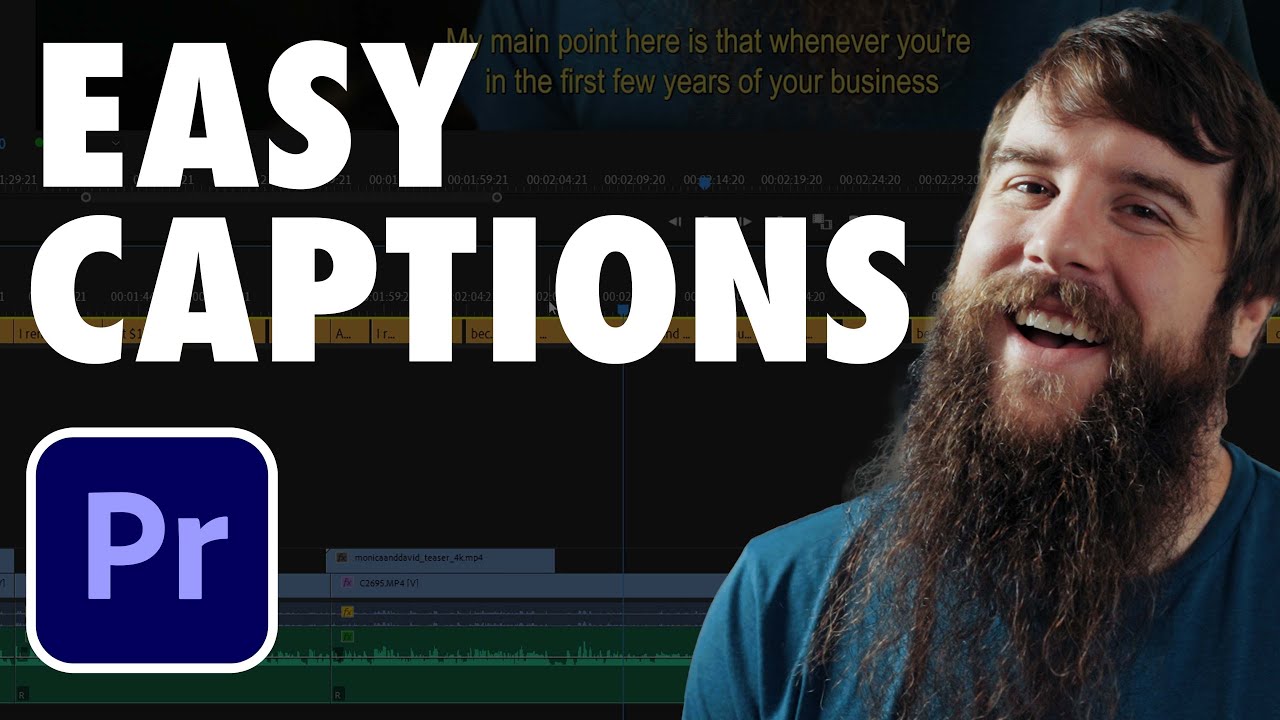
The fastest and easiest way to add captions and subtitles to your videos in Premiere Pro for free! 😍 Colored with my presets, get them here: https://whoisma...

Matt WhoisMatt Johnson
80.4K views • Nov 8, 2021
About this video
The fastest and easiest way to add captions and subtitles to your videos in Premiere Pro for free!
😍 Colored with my presets, get them here: https://whoismatt.com/luts
✌ Join my Learn Wedding Filmmaking Facebook Group: https://learnweddingfilmmaking.co/
⏱ EDIT FASTER! I use Archaius Creative to help edit my videos & they want to help you too!: https://www.archaiuscreative.com/whoismatt (Get 10% off your first editing project when you use this link)
❗ Favorite Wedding Filmmaking Gear: https://kit.co/whoismatt
My Instagram: http://www.instagram.com/whoismatt
Music licensing sites I recommend:
🎧 Sound Stripe - https://whoismatt.com/soundstripemusic (use the coupon code "WHOISMATT" for 10% off a yearly or monthly subscription!)
🎷 ART LIST - https://whoismatt.com/artlistmusic (free extra 2-months when you subscribe using this link!)
🎵 Musicbed - https://whoismatt.com/musicbedmusic
0:00 Make sure you are on at least Premiere version 15.0
0:48 Open the Captions workspace
1:32 Transcribe Your Sequence
3:26 Correct any transcript errors
4:20 Create your Captions
5:22 Decide if you want to bake captions in or Create SRT File
5:40 Create SRT Sidecar File in Premiere 22.0
7:18 Create SRT Sidecar File in Premiere 15.0
7:57 How to customize font/color and burn captions into your video
9:46 Warning about burning in captions by default
I’m required to state that I'm a part of affiliate programs for Amazon, B&H, SoundStripe, ArtList, Musicbed, and Adobe and that some of the links above are affiliate links.
😍 Colored with my presets, get them here: https://whoismatt.com/luts
✌ Join my Learn Wedding Filmmaking Facebook Group: https://learnweddingfilmmaking.co/
⏱ EDIT FASTER! I use Archaius Creative to help edit my videos & they want to help you too!: https://www.archaiuscreative.com/whoismatt (Get 10% off your first editing project when you use this link)
❗ Favorite Wedding Filmmaking Gear: https://kit.co/whoismatt
My Instagram: http://www.instagram.com/whoismatt
Music licensing sites I recommend:
🎧 Sound Stripe - https://whoismatt.com/soundstripemusic (use the coupon code "WHOISMATT" for 10% off a yearly or monthly subscription!)
🎷 ART LIST - https://whoismatt.com/artlistmusic (free extra 2-months when you subscribe using this link!)
🎵 Musicbed - https://whoismatt.com/musicbedmusic
0:00 Make sure you are on at least Premiere version 15.0
0:48 Open the Captions workspace
1:32 Transcribe Your Sequence
3:26 Correct any transcript errors
4:20 Create your Captions
5:22 Decide if you want to bake captions in or Create SRT File
5:40 Create SRT Sidecar File in Premiere 22.0
7:18 Create SRT Sidecar File in Premiere 15.0
7:57 How to customize font/color and burn captions into your video
9:46 Warning about burning in captions by default
I’m required to state that I'm a part of affiliate programs for Amazon, B&H, SoundStripe, ArtList, Musicbed, and Adobe and that some of the links above are affiliate links.
Tags and Topics
Browse our collection to discover more content in these categories.
Video Information
Views
80.4K
Likes
2.1K
Duration
11:03
Published
Nov 8, 2021
User Reviews
4.7
(16) Related Trending Topics
LIVE TRENDSRelated trending topics. Click any trend to explore more videos.
No specific trending topics match this video yet.
Explore All Trends