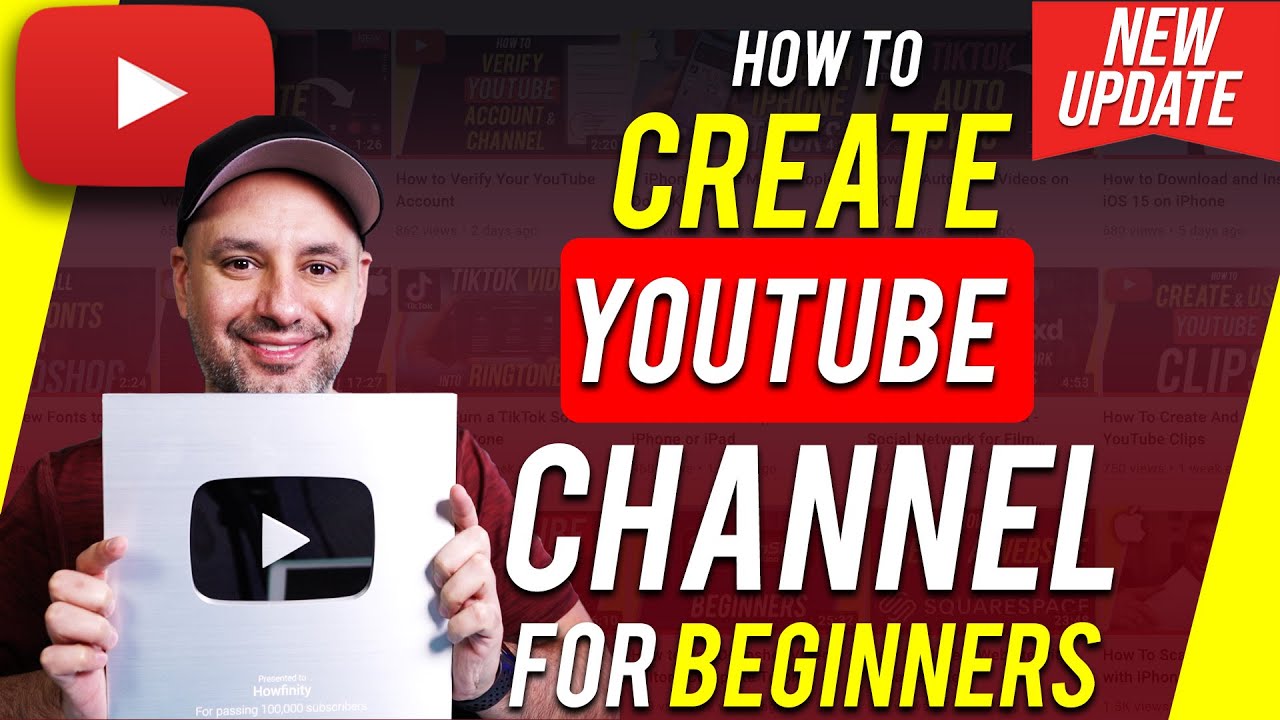
Create a YouTube Channel: Beginner's Guide 📹
Learn essential steps and settings to start your YouTube channel successfully. A complete guide for beginners.

Howfinity
1.5M views • Jan 3, 2022
About this video
Want to create a YouTube channel? There are some important steps and settings you need to know before creating a YouTube channel.
It is a lot more difficult to change some of these settings on your YouTube channel if you don’t set them up correctly in the beginning.
In this video, I’ll show you a 7 step process for creating a successful YouTube channel the right way.
In order to create a YouTube channel, you first need a Google account. Google owns YouTube and everything will be under one account.
If you use other services like Gmail or Google docs, you already have a Google account and YouTube account.
But if you don’t, you’ll need to create a Google account first before setting up a YouTube channel.
For step 2, set up a channel name. This can be changed later.
Step 3 is verifying your YouTube channel. This will unlock a lot of useful options.
Step 4 is channel customization. You can change the channel layout here.
Step 5 is branding. You can add a YouTube channel profile picture, and channel banners.
Placeit for a channel profile picture (affiliate link)
https://1.envato.market/c/1318479/629767/10168
Step 6 is basic info. You need to add a description about your channel as well as contact info and other websites to link to.
Step 7 is monetization. There is a tab dedicated to channel monetization on YouTube.
Bonus: Keyword explorer. (affiliate link)
You can use Tubebuddy to find video titles and topics.
https://www.tubebuddy.com/howfinity
Thank you for watching this video! Subscribe to see more simple and easy to follow how-to videos.
It is a lot more difficult to change some of these settings on your YouTube channel if you don’t set them up correctly in the beginning.
In this video, I’ll show you a 7 step process for creating a successful YouTube channel the right way.
In order to create a YouTube channel, you first need a Google account. Google owns YouTube and everything will be under one account.
If you use other services like Gmail or Google docs, you already have a Google account and YouTube account.
But if you don’t, you’ll need to create a Google account first before setting up a YouTube channel.
For step 2, set up a channel name. This can be changed later.
Step 3 is verifying your YouTube channel. This will unlock a lot of useful options.
Step 4 is channel customization. You can change the channel layout here.
Step 5 is branding. You can add a YouTube channel profile picture, and channel banners.
Placeit for a channel profile picture (affiliate link)
https://1.envato.market/c/1318479/629767/10168
Step 6 is basic info. You need to add a description about your channel as well as contact info and other websites to link to.
Step 7 is monetization. There is a tab dedicated to channel monetization on YouTube.
Bonus: Keyword explorer. (affiliate link)
You can use Tubebuddy to find video titles and topics.
https://www.tubebuddy.com/howfinity
Thank you for watching this video! Subscribe to see more simple and easy to follow how-to videos.
Tags and Topics
Browse our collection to discover more content in these categories.
Video Information
Views
1.5M
Likes
32.0K
Duration
12:38
Published
Jan 3, 2022
User Reviews
4.8
(301) Related Trending Topics
LIVE TRENDSRelated trending topics. Click any trend to explore more videos.
No specific trending topics match this video yet.
Explore All Trends