How to Create a WhatsApp Business Community Group on Android
Communities can only be created using WhatsApp Messenger, not WhatsApp Business. Download and open WhatsApp Messenger, then go to the Communities tab. Tap "...

4kEasyGuide
104 views • Apr 15, 2026
About this video
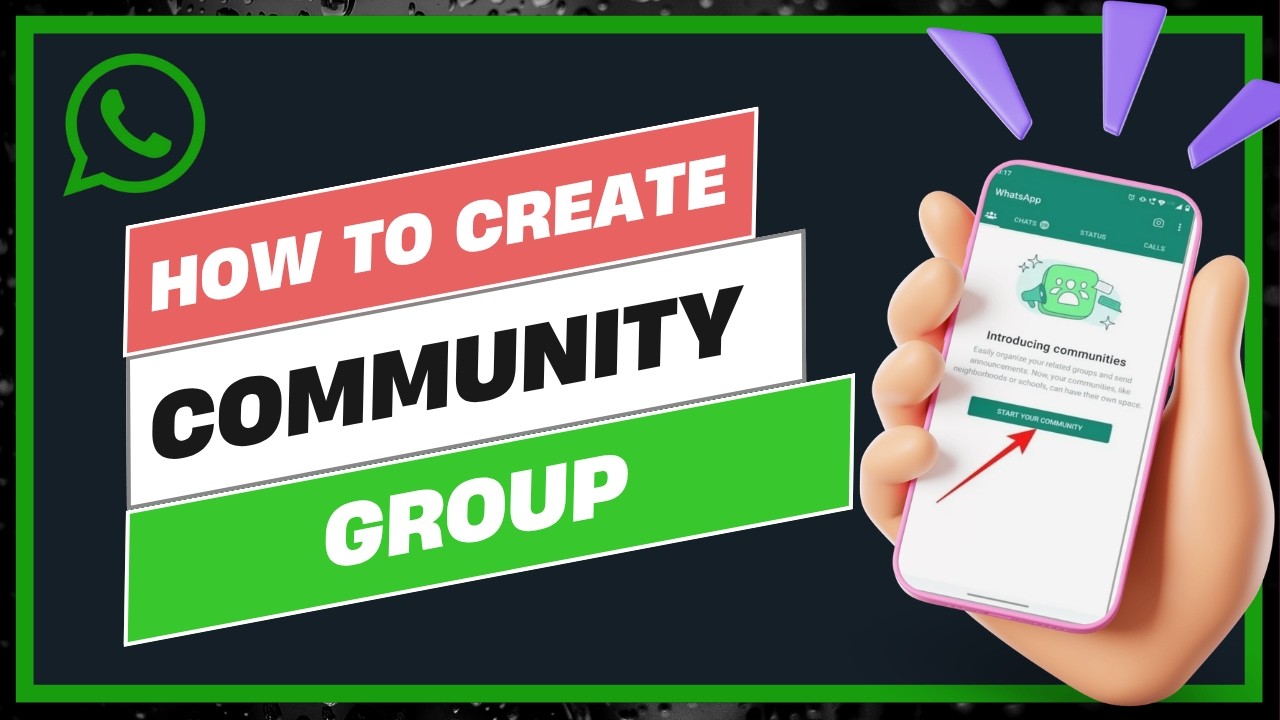
Communities can only be created using WhatsApp Messenger, not WhatsApp Business. Download and open WhatsApp Messenger, then go to the Communities tab.
Tap "New Community," add a name, profile picture, and description. Tap the green arrow to create the community. To add members, tap the three dotted line in the top right corner, select "Invite Members," and either send an invitation link or add members directly by name.
The WhatsApp Business account can be invited and given admin access to manage the community. The business account itself cannot create the community but can be added as an admin afterward.
DISCLAIMER: This Channel "4kEasyGuide" is not the Official Support of the content provided & Does Not Promote Any illegal content, all contents provided by This Channel are meant for EDUCATIONAL purposes only. The Channel doesn't own any logos or websites displayed on videos and thumbnails.
Tap "New Community," add a name, profile picture, and description. Tap the green arrow to create the community. To add members, tap the three dotted line in the top right corner, select "Invite Members," and either send an invitation link or add members directly by name.
The WhatsApp Business account can be invited and given admin access to manage the community. The business account itself cannot create the community but can be added as an admin afterward.
DISCLAIMER: This Channel "4kEasyGuide" is not the Official Support of the content provided & Does Not Promote Any illegal content, all contents provided by This Channel are meant for EDUCATIONAL purposes only. The Channel doesn't own any logos or websites displayed on videos and thumbnails.
Video Information
Views
104
Likes
1
Duration
1:10
Published
Apr 15, 2026
Related Trending Topics
LIVE TRENDSRelated trending topics. Click any trend to explore more videos.