Create Searchable PDFs with Plustek SmartScan 📄
Learn how to make searchable PDF files using Plustek SmartScan Utility for easy document management.
Plustek Global
634 views • Mar 22, 2023
About this video
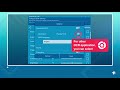
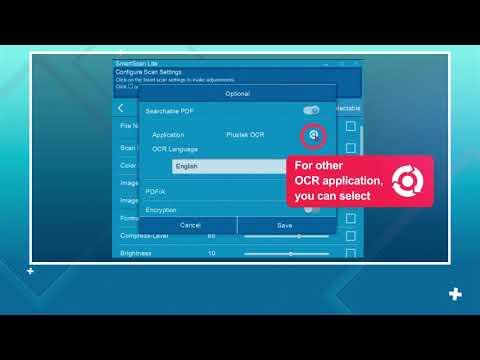
This tutorial video demonstrates how to create searchable PDF documents on Plustek SmartScan Utility Application.
Streamline to multiple destinations to 14+ destinations with the capability to personalize job profiles through a push of a button. Simply drop in the documents and start SCAN-VIEW-SAVE.
For more information, please visit our webpage:
https://plustek.com/us/software/scanclient/smartscan.php
Streamline to multiple destinations to 14+ destinations with the capability to personalize job profiles through a push of a button. Simply drop in the documents and start SCAN-VIEW-SAVE.
For more information, please visit our webpage:
https://plustek.com/us/software/scanclient/smartscan.php
Tags and Topics
Browse our collection to discover more content in these categories.
Video Information
Views
634
Likes
1
Duration
1:19
Published
Mar 22, 2023
Related Trending Topics
LIVE TRENDSRelated trending topics. Click any trend to explore more videos.
No specific trending topics match this video yet.
Explore All Trends