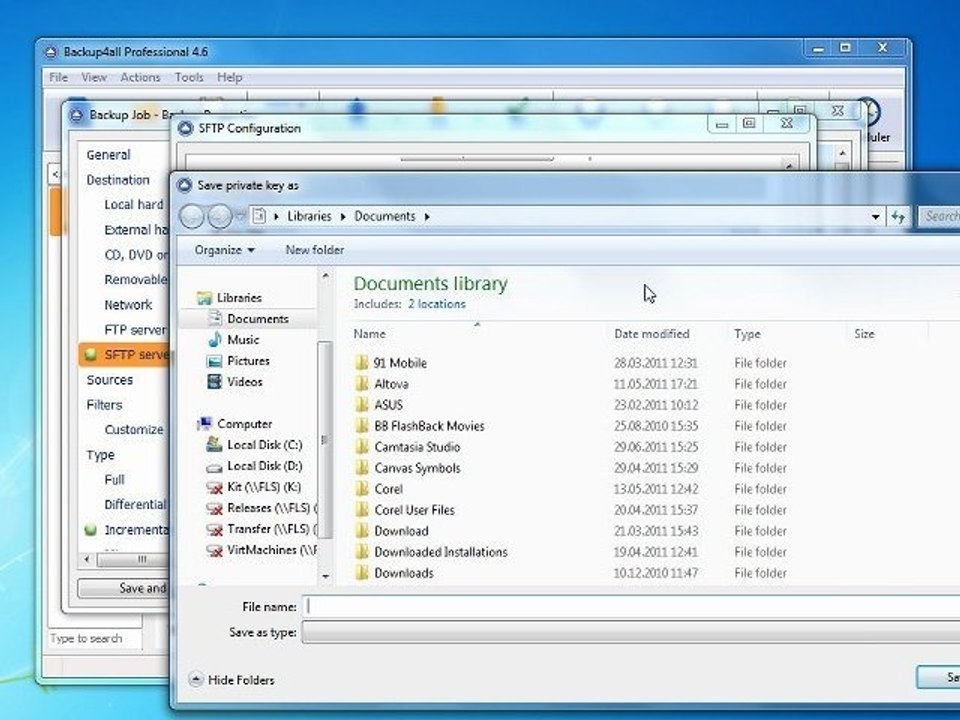
How to Create a Private and Public Key Pair with Backup4all 🔑
Learn step-by-step how to generate a secure private-public key pair using Backup4all, essential for protecting your digital certificates and data security.
Backup4all
7 views • Mar 22, 2012
About this video
Every digital certificate has a pair of associated cryptographic keys. This pair of keys consists of a private key and a public key. A public key is part of the owner's digital certificate and is available for anyone to use. A private key, however, is protected by and available only to the owner of the key. This limited access ensures that communications that use the key are kept secure. A detailed tutorial about creating a public key pair can be read here http://www.backup4all.com/kb/how-to-create-a-private-public-key-pair-406.html
Video Information
Views
7
Duration
1:38
Published
Mar 22, 2012
Related Trending Topics
LIVE TRENDSRelated trending topics. Click any trend to explore more videos.
No specific trending topics match this video yet.
Explore All Trends