How to Convert Word to PDF in Mobile 2025 | Android & iPhone
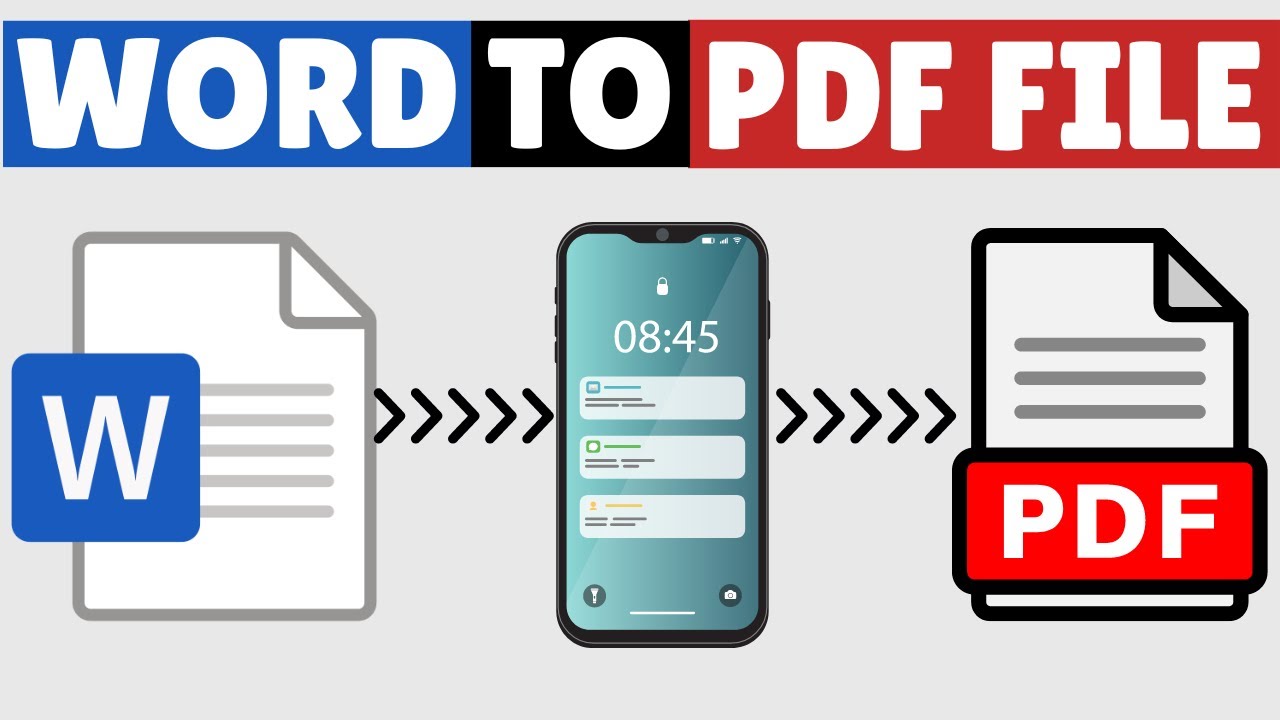
This video guides about how to convert word to pdf in mobile. To convert ms word document into a pdf on your mobile device, simply follow the step-by-step g...
Tech Related Tips
327.8K views • Jul 13, 2023
About this video
This video guides about how to convert word to pdf in mobile.
To convert ms word document into a pdf on your mobile device, simply follow the step-by-step guide.
Microsoft Office 365 will be used to convert word file into PDF file on mobile phones. Microsoft 365 comes with a built-in Word to PDF Converter that lets you convert word files in Android and iPhone devices for free.
Here are the Steps to Convert Word to PDF in Mobile (Android & iPhone):
1. Open Microsoft 365 (Office) app on your Mobile Device.
2. On the Bottom Right Corner, Click on Apps. Click on Document to PDF. Locate the Word File that you want to convert.
3. App will convert your ms word files into PDF document.
4. Save the PDF file by clicking on the three dots in the bottom right corner, then clicking on "Save as" and giving the file a name and choosing where to save it.
I hope you now understand how to convert word to pdf in mobile. If you face any issue while converting word documents, please let me know in the comments section below. I will surely respond.
#wordtopdf
#wordtopdfconverter
#pdfconverter
#techrelatedtips
To convert ms word document into a pdf on your mobile device, simply follow the step-by-step guide.
Microsoft Office 365 will be used to convert word file into PDF file on mobile phones. Microsoft 365 comes with a built-in Word to PDF Converter that lets you convert word files in Android and iPhone devices for free.
Here are the Steps to Convert Word to PDF in Mobile (Android & iPhone):
1. Open Microsoft 365 (Office) app on your Mobile Device.
2. On the Bottom Right Corner, Click on Apps. Click on Document to PDF. Locate the Word File that you want to convert.
3. App will convert your ms word files into PDF document.
4. Save the PDF file by clicking on the three dots in the bottom right corner, then clicking on "Save as" and giving the file a name and choosing where to save it.
I hope you now understand how to convert word to pdf in mobile. If you face any issue while converting word documents, please let me know in the comments section below. I will surely respond.
#wordtopdf
#wordtopdfconverter
#pdfconverter
#techrelatedtips
Tags and Topics
Browse our collection to discover more content in these categories.
Video Information
Views
327.8K
Likes
2.3K
Duration
1:45
Published
Jul 13, 2023
User Reviews
4.3
(65) Related Trending Topics
LIVE TRENDSRelated trending topics. Click any trend to explore more videos.
No specific trending topics match this video yet.
Explore All Trends