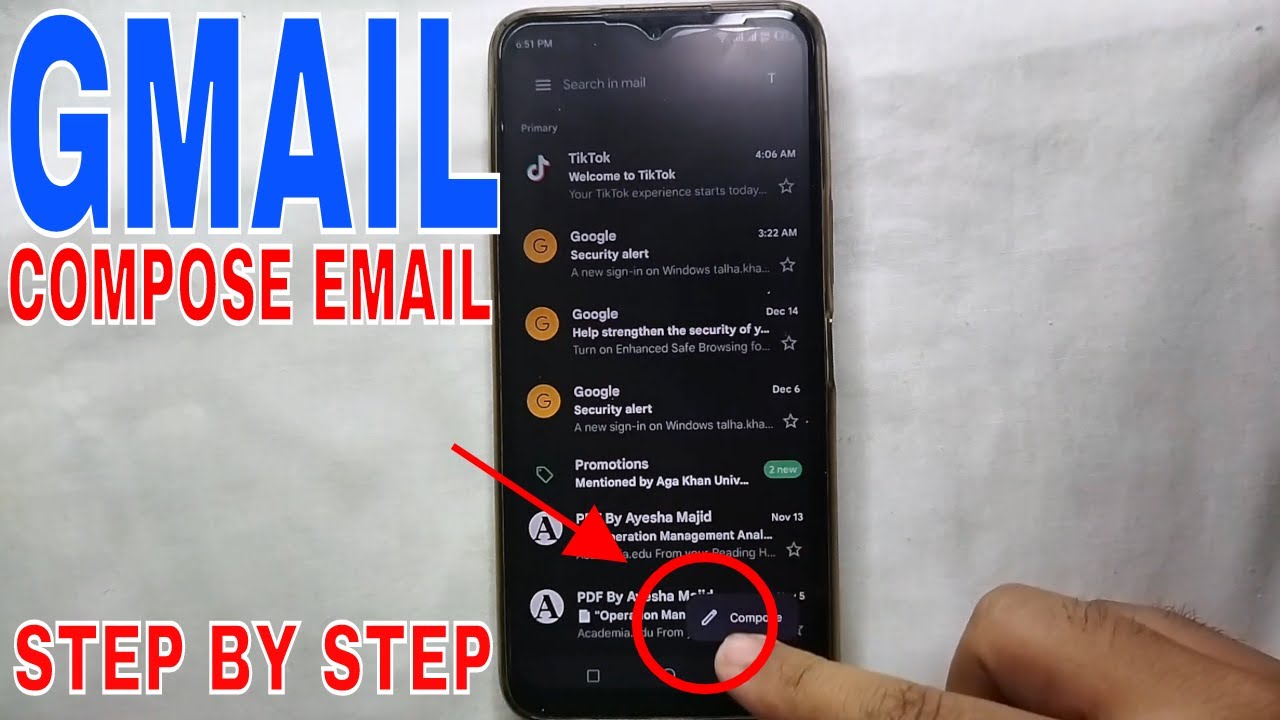
How to Compose an Email in Gmail App 📧
Learn step-by-step how to send an email using the Gmail app. Watch the full guide for easy instructions.

The Stuff I Use Channel
374 views • Dec 28, 2022
About this video
How To Compose An Email From Gmail App
__________________________________________________
New Project Channel: https://www.youtube.com/@makemoneyAnthony?sub_confirmation=1
___________________________________________________
Subscribe for More Reviews Here:
https://www.youtube.com/@makemoneyAnthony?sub_confirmation=1
__________________________________________________
About this product:
Gmail is a free email service provided by Google. As of 2019, it had 1.5 billion active users worldwide.[1] A user typically accesses Gmail in a web browser or the official mobile app. Google also supports the use of email clients via the POP and IMAP protocols.
At its launch in 2004, Gmail provided a storage capacity of one gigabyte per user, which was significantly higher than its competitors offered at the time. Today, the service comes with 15 gigabytes of storage. Users can receive emails up to 50 megabytes in size, including attachments, while they can send emails up to 25 megabytes. In order to send larger files, users can insert files from Google Drive into the message. Gmail has a search-oriented interface and a "conversation view" similar to an Internet forum. The service is notable among website developers for its early adoption of Ajax.
------------------------------------
Get in touch!
email: stuffiusechannel(at)gmail.com
__
Affiliate Disclosure: I may earn a commission for my endorsement, recommendation, testimonial, and/or link to any products or services from the links above. Your purchase helps support my work in bringing you real information about my experience, and does not cost anything additional to you.
We are a participant in the Amazon Services LLC Associates Program, an affiliate advertising program designed to provide a means for us to earn fees by linking to Amazon.com and affiliated sites.
__________________________________________________
New Project Channel: https://www.youtube.com/@makemoneyAnthony?sub_confirmation=1
___________________________________________________
Subscribe for More Reviews Here:
https://www.youtube.com/@makemoneyAnthony?sub_confirmation=1
__________________________________________________
About this product:
Gmail is a free email service provided by Google. As of 2019, it had 1.5 billion active users worldwide.[1] A user typically accesses Gmail in a web browser or the official mobile app. Google also supports the use of email clients via the POP and IMAP protocols.
At its launch in 2004, Gmail provided a storage capacity of one gigabyte per user, which was significantly higher than its competitors offered at the time. Today, the service comes with 15 gigabytes of storage. Users can receive emails up to 50 megabytes in size, including attachments, while they can send emails up to 25 megabytes. In order to send larger files, users can insert files from Google Drive into the message. Gmail has a search-oriented interface and a "conversation view" similar to an Internet forum. The service is notable among website developers for its early adoption of Ajax.
------------------------------------
Get in touch!
email: stuffiusechannel(at)gmail.com
__
Affiliate Disclosure: I may earn a commission for my endorsement, recommendation, testimonial, and/or link to any products or services from the links above. Your purchase helps support my work in bringing you real information about my experience, and does not cost anything additional to you.
We are a participant in the Amazon Services LLC Associates Program, an affiliate advertising program designed to provide a means for us to earn fees by linking to Amazon.com and affiliated sites.
Tags and Topics
Browse our collection to discover more content in these categories.
Video Information
Views
374
Likes
5
Duration
3:26
Published
Dec 28, 2022
Related Trending Topics
LIVE TRENDSRelated trending topics. Click any trend to explore more videos.