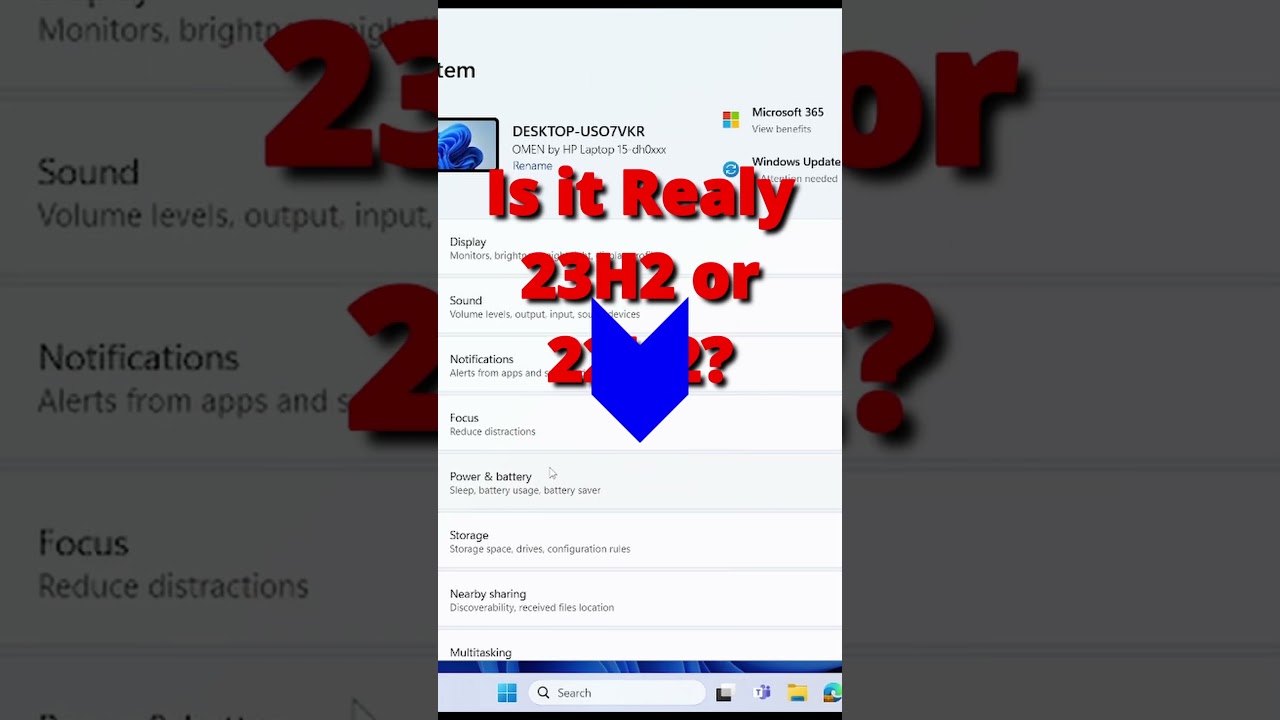
How to Check Windows 11 Version 23H2 or 22H2 #shorts videos #windowstips&trics
#shorts video about how to check your Windows 11 version, edition, and build number? Do you want to learn how to find out more details about your operating s...

iTech Line
50.2K views • Nov 17, 2023
About this video
#shorts video about how to check your Windows 11 version, edition, and build number? Do you want to learn how to find out more details about your operating system? Do you want to see the latest features and updates for Windows 11 version 23H2?
In this video, I will show you how to check your Windows 11 version, edition, and build number using three different methods: You will learn how to find out the exact version of Windows 11 you are running, whether it is Home, Pro, Enterprise, or Education, and what is the build number that indicates the level of updates and patches you have installed. You will also learn how to get more information about your operating system, such as the installation date, product ID, system type, and more.
By the end of this video, you will be able to check your Windows 11 version, edition, and build number with ease and confidence. You will also be able to enjoy the latest features and updates of Windows 11 version 23H2.
This video is part of the Windows 11 tutorial series , where I teach you everything you need to know about Microsoft Windows 11, the most advanced and user-friendly operating system ever.
Thank you for watching, and I hope you enjoy this video. See you in the next video. 😊
If you liked this video, please give it a thumbs up and subscribe to my channel for more tech tips and tutorials.
Subscribe us to learn more computer tips and tricks: https://bit.ly/3lxDLSH
-~-~~-~~~-~~-~-
Please watch:
"How to take Screenshot Easily, The Best Screenshot Software for Windows and Mac, Lightshot Tutorial," https://www.youtube.com/watch?v=tZNjtz764io
"How to find windows Product Key": https://youtu.be/8iHRp5kMBzk
-~-~~-~~~-~~-~-
#23H2 #22H2 #windows11 #windows11version
In this video, I will show you how to check your Windows 11 version, edition, and build number using three different methods: You will learn how to find out the exact version of Windows 11 you are running, whether it is Home, Pro, Enterprise, or Education, and what is the build number that indicates the level of updates and patches you have installed. You will also learn how to get more information about your operating system, such as the installation date, product ID, system type, and more.
By the end of this video, you will be able to check your Windows 11 version, edition, and build number with ease and confidence. You will also be able to enjoy the latest features and updates of Windows 11 version 23H2.
This video is part of the Windows 11 tutorial series , where I teach you everything you need to know about Microsoft Windows 11, the most advanced and user-friendly operating system ever.
Thank you for watching, and I hope you enjoy this video. See you in the next video. 😊
If you liked this video, please give it a thumbs up and subscribe to my channel for more tech tips and tutorials.
Subscribe us to learn more computer tips and tricks: https://bit.ly/3lxDLSH
-~-~~-~~~-~~-~-
Please watch:
"How to take Screenshot Easily, The Best Screenshot Software for Windows and Mac, Lightshot Tutorial," https://www.youtube.com/watch?v=tZNjtz764io
"How to find windows Product Key": https://youtu.be/8iHRp5kMBzk
-~-~~-~~~-~~-~-
#23H2 #22H2 #windows11 #windows11version
Tags and Topics
Browse our collection to discover more content in these categories.
Video Information
Views
50.2K
Likes
369
Duration
0:16
Published
Nov 17, 2023
User Reviews
4.2
(10) Related Trending Topics
LIVE TRENDSRelated trending topics. Click any trend to explore more videos.