Change YouTube Shorts Thumbnail After Upload 📺
Learn how to easily set or change your YouTube Shorts thumbnail even after uploading. Step-by-step guide for custom covers.
Straight To The Point Guides
3.9K views • May 24, 2025
About this video
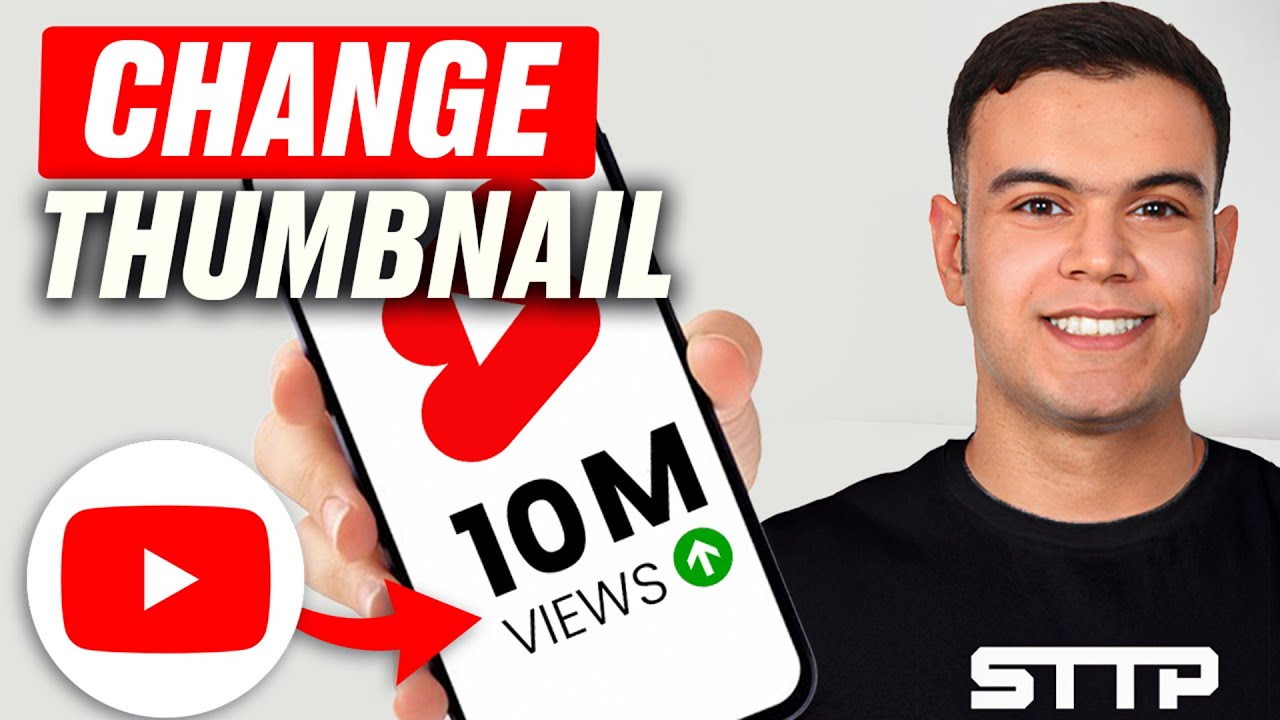
How To Change YouTube Shorts Thumbnail Even After Uploading
Want to set a custom thumbnail/cover for your YouTube Shorts? Here's the easiest way to do it, whether you're uploading from mobile or desktop!
✅ Works for Android, iPhone & PC
✅ Thumbnail appears as the cover on your Shorts feed
✅ Boosts views and clicks!
📌 Mobile Upload Steps:
Open the YouTube app
Tap the "+" icon to upload a Short
Select your video, tap Next
On the "Details" screen, tap the thumbnail preview
Choose the frame you want
Finish uploading – done!
📌 Desktop: You can't set Shorts thumbnails from desktop directly. Use mobile for control.
🎯 Tip: Pick the most eye-catching frame from your Short!
📧 For business or collabs: Samuraimanbusiness@gmail.com
Want to set a custom thumbnail/cover for your YouTube Shorts? Here's the easiest way to do it, whether you're uploading from mobile or desktop!
✅ Works for Android, iPhone & PC
✅ Thumbnail appears as the cover on your Shorts feed
✅ Boosts views and clicks!
📌 Mobile Upload Steps:
Open the YouTube app
Tap the "+" icon to upload a Short
Select your video, tap Next
On the "Details" screen, tap the thumbnail preview
Choose the frame you want
Finish uploading – done!
📌 Desktop: You can't set Shorts thumbnails from desktop directly. Use mobile for control.
🎯 Tip: Pick the most eye-catching frame from your Short!
📧 For business or collabs: Samuraimanbusiness@gmail.com
Tags and Topics
Browse our collection to discover more content in these categories.
Video Information
Views
3.9K
Likes
70
Duration
1:33
Published
May 24, 2025
User Reviews
4.6
(3) Related Trending Topics
LIVE TRENDSRelated trending topics. Click any trend to explore more videos.
No specific trending topics match this video yet.
Explore All Trends