Change Admin Password on Windows Server 2016/2019 🔑
Learn how to update the administrator password on Windows Server 2016 and 2019 for improved security and management.
Database Mart
11.6K views • Dec 24, 2021
About this video
#Administratorpassword #WindowsServer #WindowsCloud #WindowsHosting #windowsserver2016 #windowsserver2019 #changepassword
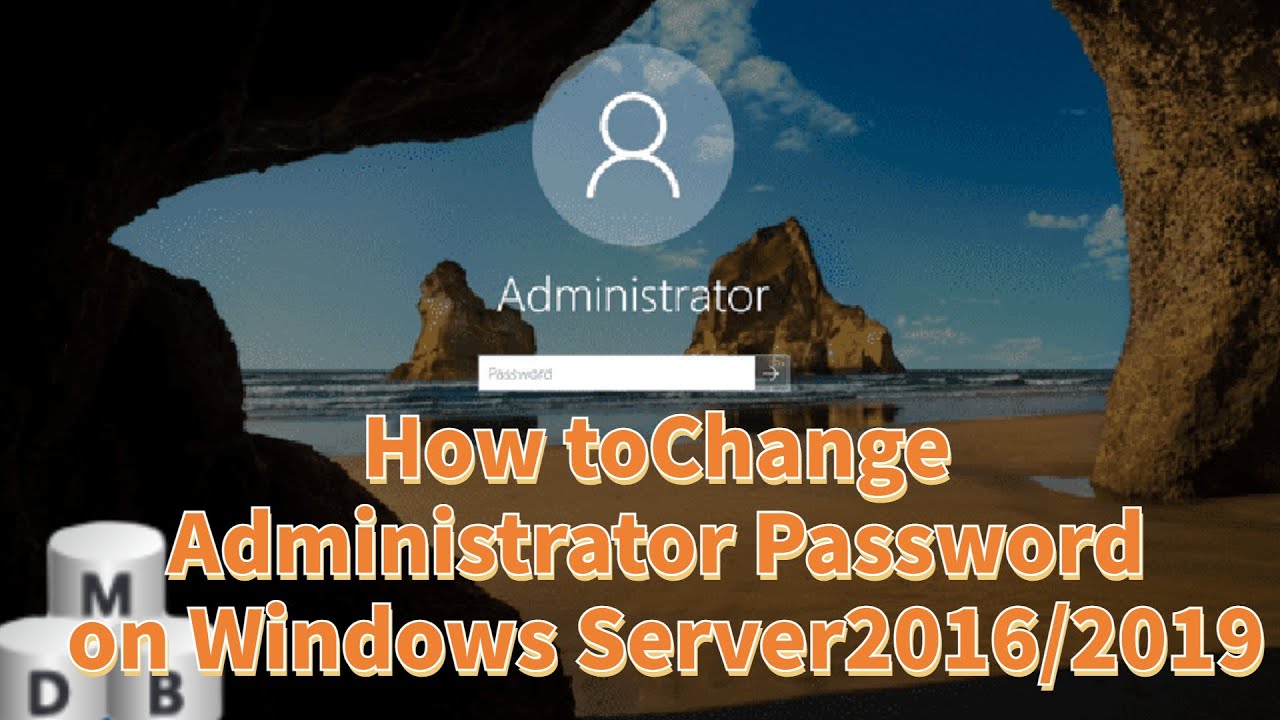
Changing password at regular intervals is a good practice for all system administrators. In a production environment, change the password at least every 3 months and for other environments do it every 6 to 12 months. In this video, we will show you how to Change the Administrator Password on Windows Server 2016/2019.
You can also watch the below videos about managing Windows VPS.
How to Change the RDP Port for Windows Server
https://www.youtube.com/watch?v=VE_XvzxGFWU
How to Change the Server Name for a Windows Server
https://www.youtube.com/watch?v=pFIhBjyJYHg
Thanks for watching.
Comment your feedback if possible.
Please like and share this video with your friends to spread the knowledge to others.
Subscribe to our channel for continuous how-to videos about managing applications or services on hosted servers.
https://www.youtube.com/@databasemart8440
Let's connect!
Facebook: https://www.facebook.com/databasemart
Linkedin: https://www.linkedin.com/company/database-mart
Visit Database Mart for #VPShosting, #dedicatedhosting, and #GPUhosting services
https://bit.ly/3bXdevZ
Special 10% discount for NEW clients: "10_YTAF0722"
Changing password at regular intervals is a good practice for all system administrators. In a production environment, change the password at least every 3 months and for other environments do it every 6 to 12 months. In this video, we will show you how to Change the Administrator Password on Windows Server 2016/2019.
You can also watch the below videos about managing Windows VPS.
How to Change the RDP Port for Windows Server
https://www.youtube.com/watch?v=VE_XvzxGFWU
How to Change the Server Name for a Windows Server
https://www.youtube.com/watch?v=pFIhBjyJYHg
Thanks for watching.
Comment your feedback if possible.
Please like and share this video with your friends to spread the knowledge to others.
Subscribe to our channel for continuous how-to videos about managing applications or services on hosted servers.
https://www.youtube.com/@databasemart8440
Let's connect!
Facebook: https://www.facebook.com/databasemart
Linkedin: https://www.linkedin.com/company/database-mart
Visit Database Mart for #VPShosting, #dedicatedhosting, and #GPUhosting services
https://bit.ly/3bXdevZ
Special 10% discount for NEW clients: "10_YTAF0722"
Tags and Topics
Browse our collection to discover more content in these categories.
Video Information
Views
11.6K
Likes
26
Duration
1:04
Published
Dec 24, 2021
User Reviews
3.9
(2) Related Trending Topics
LIVE TRENDSRelated trending topics. Click any trend to explore more videos.
No specific trending topics match this video yet.
Explore All Trends