Change iPhone Screen Timeout ⏱️
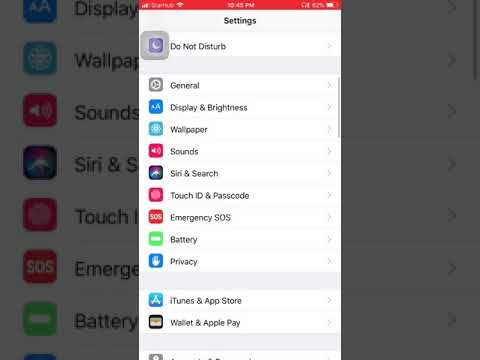
Go to Settings > Display & Brightness > Auto-Lock to adjust your screen timeout duration.
HZ
327.9K views • Sep 23, 2018
About this video
Go to Settings, Go to Display & Brightness, Press auto-lock and change the timing.
Video Information
Views
327.9K
Likes
1.1K
Duration
0:10
Published
Sep 23, 2018
User Reviews
4.1
(65) Related Trending Topics
LIVE TRENDSRelated trending topics. Click any trend to explore more videos.