How to Change Page Orientation to Landscape in Microsoft Word
Learn how to quickly and easily switch your page orientation to landscape in Microsoft Word, whether for a single page or the entire document.
Mr. Devotor
53 views • Jun 2, 2025
About this video
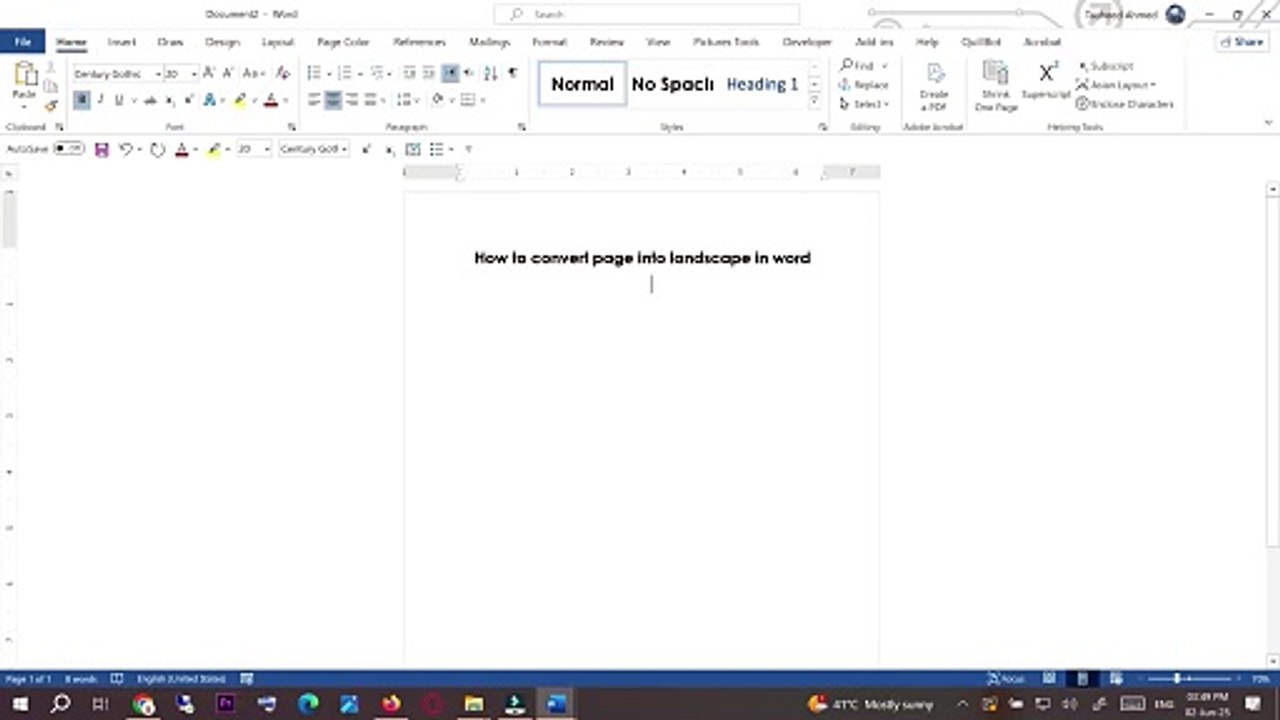
Want to change your page orientation to landscape in Microsoft Word? This quick and easy tutorial will show you exactly how to convert a page—or even a single page—into landscape mode without affecting the rest of your document. Perfect for formatting wide tables, charts, or images in Word documents.<br /><br />📌 In this video:<br /><br />How to set the entire document to landscape<br /><br />How to make only one page landscape in Word<br /><br />Page orientation settings in Microsoft Word<br /><br />✅ Works for Microsoft Word 2016, 2019, 2021, and Microsoft 365.<br /><br />🔔 Like, share, and subscribe for more helpful Word tutorials!<br /><br />#MicrosoftWord #LandscapePage #WordTutorial #PageOrientation #MSWordTips #WordDocument #HowToWord #LandscapeInWord #WordTips
Video Information
Views
53
Duration
0:55
Published
Jun 2, 2025
Related Trending Topics
LIVE TRENDSRelated trending topics. Click any trend to explore more videos.
Trending Now