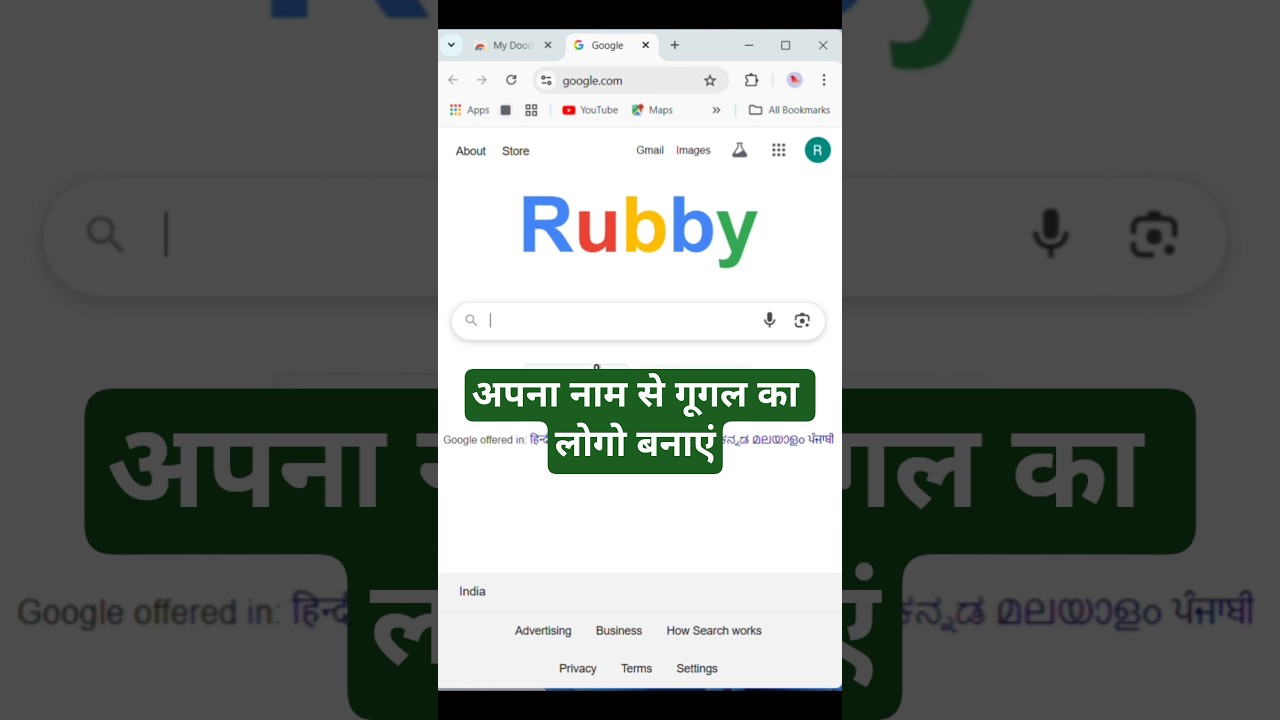
Customize Google Logo with Your Name on PC ✨
Learn how to create a personalized Google logo with your name using browser tricks on your computer. Official logo changes aren't possible.

TechinfoRubby
374.8K views • Jun 23, 2025
About this video
It is not possible to directly change the official Google logo on the Google homepage to your name or any other custom text. The Google logo is a globally recognized brand element and is not designed to be customizable by individual users. However, you can customize the appearance of your Google search page and your Chrome browser using browser extensions or by creating custom themes
1. Using Browser Extensions:
Stylus:
Stylus is a browser extension available for Firefox and Chrome that allows you to customize the appearance of websites, including Google. You can find and install it from your browser's extension store.
2.Changer:
Changer is another Chrome extension that allows you to replace and customize the Google logo on the Google search page and customize your browsing experience with images.
3. Using Custom Themes:
Chrome Themes:
You can customize the appearance of your Chrome browser by installing themes. These themes can change the overall look of the browser, including the colors and background images, but they don't directly modify the Google logo.
4 Google Account Profile:
You can manage your Google Account settings to change your profile picture and name, which will be displayed when you are logged into Google services.
Important Considerations:
5.Branding:
The Google logo is a registered trademark and changing it without permission is not allowed.
Security:
Be cautious when installing browser extensions from unknown sources as they may pose security risks.
Refresh:
Any changes made using browser extensions or custom themes will only be visible on your computer and will not affect other users.
1. Using Browser Extensions:
Stylus:
Stylus is a browser extension available for Firefox and Chrome that allows you to customize the appearance of websites, including Google. You can find and install it from your browser's extension store.
2.Changer:
Changer is another Chrome extension that allows you to replace and customize the Google logo on the Google search page and customize your browsing experience with images.
3. Using Custom Themes:
Chrome Themes:
You can customize the appearance of your Chrome browser by installing themes. These themes can change the overall look of the browser, including the colors and background images, but they don't directly modify the Google logo.
4 Google Account Profile:
You can manage your Google Account settings to change your profile picture and name, which will be displayed when you are logged into Google services.
Important Considerations:
5.Branding:
The Google logo is a registered trademark and changing it without permission is not allowed.
Security:
Be cautious when installing browser extensions from unknown sources as they may pose security risks.
Refresh:
Any changes made using browser extensions or custom themes will only be visible on your computer and will not affect other users.
Tags and Topics
Browse our collection to discover more content in these categories.
Video Information
Views
374.8K
Likes
1.8K
Duration
0:12
Published
Jun 23, 2025
User Reviews
4.2
(74) Related Trending Topics
LIVE TRENDSRelated trending topics. Click any trend to explore more videos.
No specific trending topics match this video yet.
Explore All Trends