How to Change a WhatsApp Group Profile Picture
Learn the step-by-step process to change the group icon in WhatsApp.
online
48 views • May 10, 2025
About this video
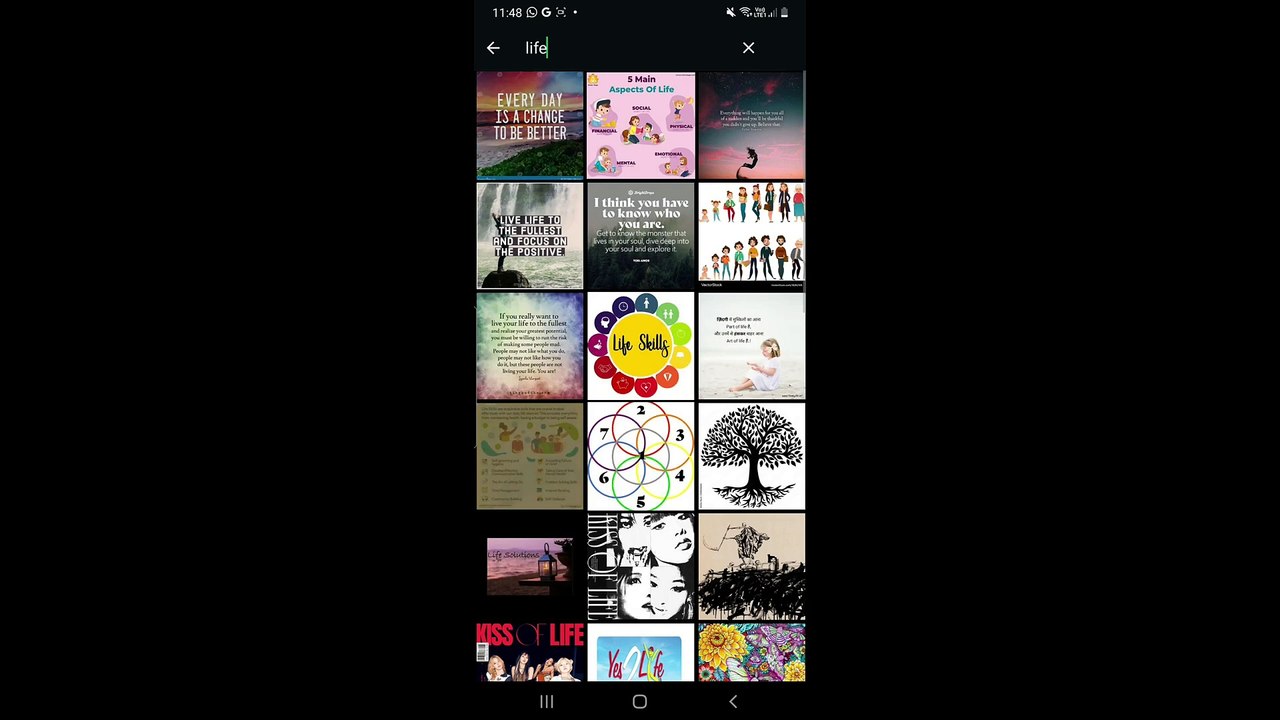
*Title:* How to Change Group Icon in WhatsApp | WhatsApp: How to Change Group Profile Picture <br /><br />*Description:* <br />Learn how to easily change the group icon in WhatsApp with this step-by-step guide. Whether you want to update your group’s profile picture to something fun, relevant, or new, this tutorial will help you customize your WhatsApp group quickly and effortlessly. <br /><br />---<br /><br />Steps to Change a WhatsApp Group Icon <br /><br />#### 1. *Open WhatsApp* <br />Launch the *WhatsApp* app on your device. <br /><br />#### 2. *Select the Group* <br />Navigate to the group whose icon you want to change. <br />Tap on the group to open the chat screen. <br /><br />#### 3. *Access Group Info* <br />Tap the *group name* at the top of the chat screen. <br />This will take you to the *Group Info* section. <br /><br />#### 4. *Edit the Group Icon* <br />Tap on the *current group icon* (the circular image at the top). <br />A menu will appear with options: <br />**Gallery**: Choose an image from your phone. <br />**Camera**: Take a new photo. <br />**Emoji & Sticker**: Create an icon using emojis or stickers. <br />**Search Web**: Look for an image online (available in some versions). <br />**Remove Icon**: Delete the current icon, leaving it blank. <br /><br />#### 5. *Set the New Group Icon* <br />Select your preferred option and upload or capture an image. <br />Adjust the image as needed by cropping or resizing. <br />Tap *Done* or *Save* to confirm. <br /><br />#### 6. *Notify Group Members* <br />WhatsApp automatically notifies all group members about the icon change. <br /><br />---<br /><br />Why Change Your WhatsApp Group Icon? <br />**Customization**: Reflect the group’s theme or purpose. <br />**Fun & Identity**: Add a personal touch with creative images. <br />**Organization**: Easily identify groups in your chat list. <br /><br />---<br /><br />Make your WhatsApp groups more engaging by updating the group icon today! If this tutorial helped you, don’t forget to like, share, and subscribe for more helpful tips.
Video Information
Views
48
Duration
2:55
Published
May 10, 2025
Related Trending Topics
LIVE TRENDSRelated trending topics. Click any trend to explore more videos.
Trending Now