Bypass FileVault Recovery on M1 MacBook 🔑
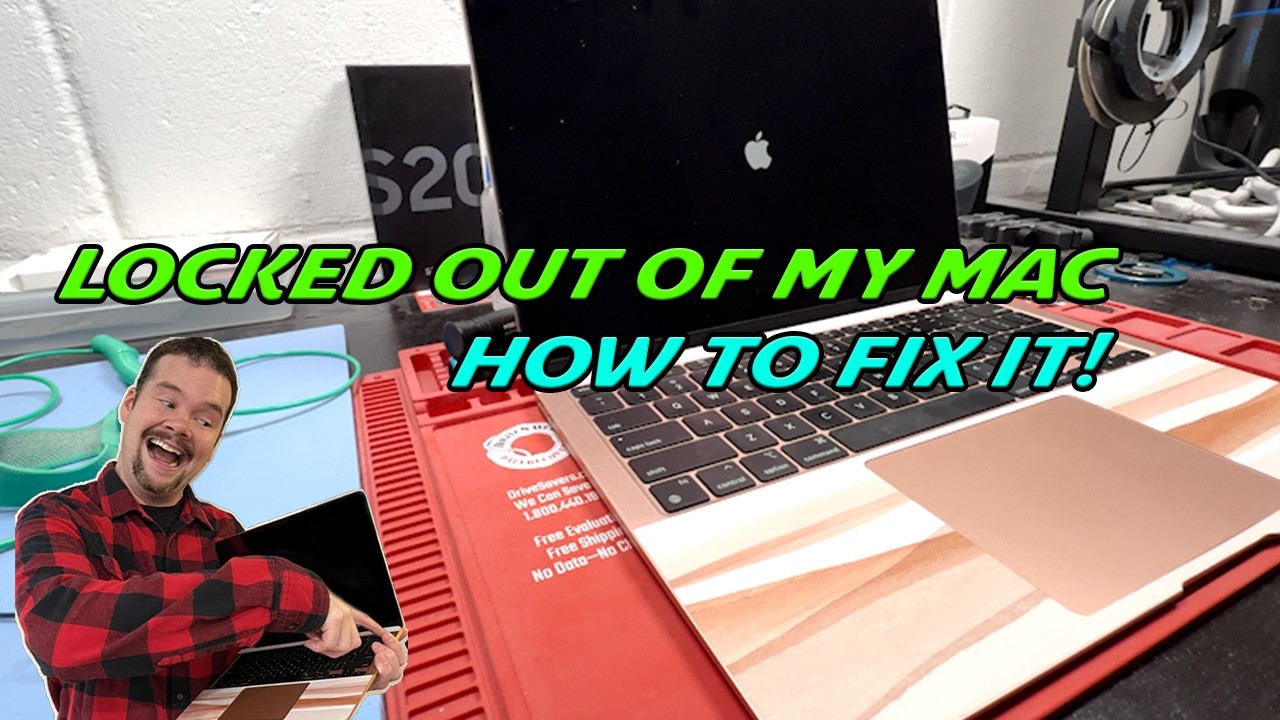
Learn how to fix MacBook stuck on recovery key screen using Apple ID, especially on M1 and newer models. Quick and simple solution.

Worth it Repairs
28.7K views • Aug 2, 2025
About this video
The video is a tutorial on how to fix a MacBook that is stuck on the recovery key screen, a common issue when FileVault is enabled during the initial setup. This can lock users out of their data if they forget their password. I demonstrate how to boot the Mac into recovery mode without the encryption key locking the computer and explains how to reset your password.
Models
MacBook (M1 or newer)
Apple ID credentials
Wi-Fi connection
Models
INTEL CPUS
Command and R
While Powering On
Time Stamps
0:27 Recovery Key on Mac
1:27 How To Reset Password On My Mac
Important Note: Always back up your MacBook using iCloud or Time Machine to prevent data loss.
Special thanks to our sponsor, 🖱️ cellhelmet.com for supporting this video. Thank You 🖱️ drivesaversdatarecovery.com Use my Reference Code DS57458 to get a free estimate on a data recovery. No Data No Charge.
Contact for Repairs:
If you prefer professional repair services, contact me at Mark@worthitrepairs.com.
Don't forget to like, comment, and subscribe for more repair tutorials! If you found this guide helpful, consider sending a ⭐ Super Thanks. Your support helps me create more content like this.
Powered By www.Chipp.ai check out my Repair Ai at www.Worthitrepairs.com
#Macbookforgotpassword
Creator Note: I made this video from the flood of comments coming in saying its not working. Hope it helps! Comment if you have questions I will do my best to reply.
Models
MacBook (M1 or newer)
Apple ID credentials
Wi-Fi connection
Models
INTEL CPUS
Command and R
While Powering On
Time Stamps
0:27 Recovery Key on Mac
1:27 How To Reset Password On My Mac
Important Note: Always back up your MacBook using iCloud or Time Machine to prevent data loss.
Special thanks to our sponsor, 🖱️ cellhelmet.com for supporting this video. Thank You 🖱️ drivesaversdatarecovery.com Use my Reference Code DS57458 to get a free estimate on a data recovery. No Data No Charge.
Contact for Repairs:
If you prefer professional repair services, contact me at Mark@worthitrepairs.com.
Don't forget to like, comment, and subscribe for more repair tutorials! If you found this guide helpful, consider sending a ⭐ Super Thanks. Your support helps me create more content like this.
Powered By www.Chipp.ai check out my Repair Ai at www.Worthitrepairs.com
#Macbookforgotpassword
Creator Note: I made this video from the flood of comments coming in saying its not working. Hope it helps! Comment if you have questions I will do my best to reply.
Tags and Topics
Browse our collection to discover more content in these categories.
Video Information
Views
28.7K
Likes
95
Duration
3:09
Published
Aug 2, 2025
User Reviews
4.0
(5) Related Trending Topics
LIVE TRENDSRelated trending topics. Click any trend to explore more videos.
No specific trending topics match this video yet.
Explore All Trends