Build WhatsApp AI Chatbot in 30 Seconds with n8n
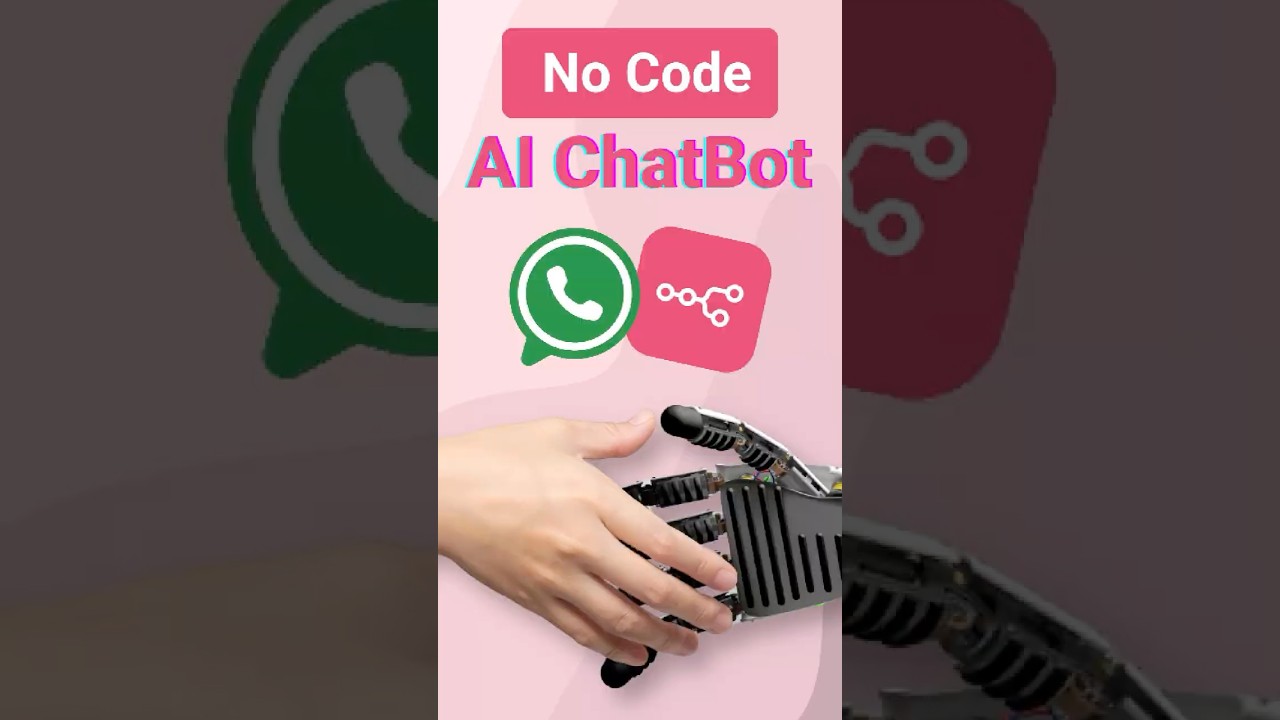
Create your AI WhatsApp chatbot in under 10 minutes—no coding needed! Step-by-step guide to connect n8n and Wasseng. 🚀

Wassenger
84.1K views • Apr 3, 2025
About this video
🚀 Create your own AI WhatsApp chatbot in under 10 minutes — NO coding skills needed!
In this step-by-step tutorial, you'll learn how to connect n8n, Wassenger, and OpenAI to automatically respond to WhatsApp messages 24/7 using artificial intelligence.
🔗 Tools You’ll Need:
✅ Wassenger – The API solution to connect WhatsApp
👉 Sign up for free: https://wassenger.com/register
✅ n8n – Visual workflow automation (must be installed locally for custom nodes)
👉 Download or self-host: https://n8n.io
👉 n8n Docs: https://docs.n8n.io
✅ OpenAI – To generate smart replies (ChatGPT)
👉 Create an OpenAI account: https://platform.openai.com/signup
👉 Get your API key: https://platform.openai.com/account/api-keys
📚 Related Help Articles:
📘 How to set up your local n8n environment:
👉 https://medium.com/@wassenger/send-automated-whatsapp-messages-with-n8n-and-wassenger-fb2f72aa7af4
📘 How to install the Wassenger node on n8n:
👉 https://medium.com/@wassenger/how-to-build-an-ai-whatsapp-agent-in-minutes-using-n8n-wassenger-and-openai-d1cc96b33a7c
📘 How to create a webhook in Wassenger:
👉 https://app.wassenger.com/developers/webhooks
Whether you run a business, have a support team, or just love automation, this tutorial is for you!
🔥 Why Use This AI WhatsApp Chatbot?
✅ Answer customer messages instantly
✅ Run 24/7 support without a human team
✅ No-code solution that anyone can build
✅ Boost lead generation and customer satisfaction
✅ Customize it endlessly with n8n's flexibility
🎉 Try Wassenger free for 7 days and bring AI to your WhatsApp today:
👉 https://wassenger.com/register
💬 Got questions or need help? Drop them in the comments, and we’ll answer everything.
👍 Like this video if it helped you.
🔔 Don’t forget to subscribe for more automation tips every week!
#WhatsAppBot #AIChatbot #Wassenger #n8n #OpenAI #Automation #ChatGPT #NoCode #Tutorial
In this step-by-step tutorial, you'll learn how to connect n8n, Wassenger, and OpenAI to automatically respond to WhatsApp messages 24/7 using artificial intelligence.
🔗 Tools You’ll Need:
✅ Wassenger – The API solution to connect WhatsApp
👉 Sign up for free: https://wassenger.com/register
✅ n8n – Visual workflow automation (must be installed locally for custom nodes)
👉 Download or self-host: https://n8n.io
👉 n8n Docs: https://docs.n8n.io
✅ OpenAI – To generate smart replies (ChatGPT)
👉 Create an OpenAI account: https://platform.openai.com/signup
👉 Get your API key: https://platform.openai.com/account/api-keys
📚 Related Help Articles:
📘 How to set up your local n8n environment:
👉 https://medium.com/@wassenger/send-automated-whatsapp-messages-with-n8n-and-wassenger-fb2f72aa7af4
📘 How to install the Wassenger node on n8n:
👉 https://medium.com/@wassenger/how-to-build-an-ai-whatsapp-agent-in-minutes-using-n8n-wassenger-and-openai-d1cc96b33a7c
📘 How to create a webhook in Wassenger:
👉 https://app.wassenger.com/developers/webhooks
Whether you run a business, have a support team, or just love automation, this tutorial is for you!
🔥 Why Use This AI WhatsApp Chatbot?
✅ Answer customer messages instantly
✅ Run 24/7 support without a human team
✅ No-code solution that anyone can build
✅ Boost lead generation and customer satisfaction
✅ Customize it endlessly with n8n's flexibility
🎉 Try Wassenger free for 7 days and bring AI to your WhatsApp today:
👉 https://wassenger.com/register
💬 Got questions or need help? Drop them in the comments, and we’ll answer everything.
👍 Like this video if it helped you.
🔔 Don’t forget to subscribe for more automation tips every week!
#WhatsAppBot #AIChatbot #Wassenger #n8n #OpenAI #Automation #ChatGPT #NoCode #Tutorial
Video Information
Views
84.1K
Likes
1.2K
Duration
0:32
Published
Apr 3, 2025
User Reviews
4.6
(16) Related Trending Topics
LIVE TRENDSRelated trending topics. Click any trend to explore more videos.
No specific trending topics match this video yet.
Explore All Trends