How to Build an App with AI in 2026 as a Beginner (Vibe Coding + No Code)
Tools I used: ✅ Best AI App builder is Base44 https://base44.pxf.io/c/6440076/2049275/25619?trafcat=base&sharedid=video55 ✅ FREE Base44 Masterclass (Build ...

Mikey No Code
87.8K views • Dec 8, 2025
About this video
Tools I used:
✅ Best AI App builder is Base44 https://base44.pxf.io/c/6440076/2049275/25619?trafcat=base&sharedid=video55
✅ FREE Base44 Masterclass (Build Apps, Websites & Saas with AI) https://mikeyno-code.com/Skool-base44
✅ Join the only program that lets you actually start building apps today: https://mikeyno-code.com/Skool
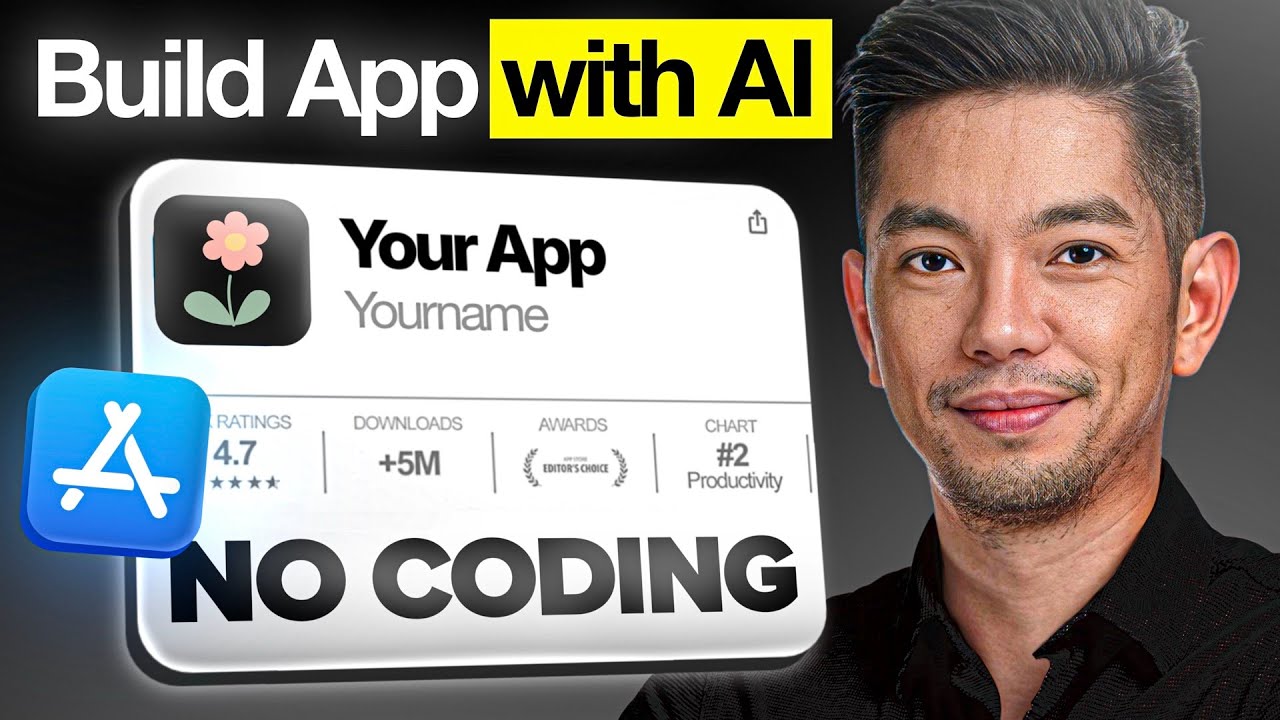
In this video, I break down the exact step-by-step process I use to build an app with AI in 2026, even if you're a complete beginner with zero coding experience. You'll learn how to build an app using powerful AI app builder tools, discover the vibe coding approach that makes app development fun and accessible, and master the no-code methods that let you build app projects without writing a single line of code. I'll show you how to make an app from concept to completion, covering the best AI tools and platforms that are revolutionizing how to build app solutions in 2026.
00:00 - The $4M/Month App Opportunity: Recreating iScanner
01:42 - Introduction to the AI Workflow: Base 44 + Despia
02:22 - Phase 1: Setting Up the Front-End Layout and Dashboard
03:52 - Phase 2: Building the Document Upload and Preview Flow
05:14 - Phase 3: Implementing AI-Powered Text Recognition (OCR)
06:39 - Phase 4: Building the Document Editor and Creation System
08:37 - Phase 5: Adding the Digital Signature Pad Functionality
10:17 - Phase 6: Integrating Real-Time Camera and Photo Capture
11:52 - Phase 7: Building Save and Export (PDF/JPEG/PNG) Features
12:58 - Preparing for Export: Disabling Login for App Store Review
13:32 - Phase 8: Packaging the App for iOS with Despia
14:59 - Connecting Your Apple Developer Account and API Keys
18:26 - Configuring Required Apple Identifiers and App Groups
19:38 - Setting Up One Signal and App Clip Target Components
21:37 - Implementing Share Targets and Home Screen Widgets
26:44 - Creating the App Store Connect Project Container
28:42 - Phase 9: Final Submission (Privacy Policies & Store Metadata)
34:04 - Conclusion: Submitting Your App to the Review Queue
Join my exclusive newsletter: https://mikeyno-code.com/newsletter
📩 For inquiries: Mikey (at) ytmedia.group
✅ Best AI App builder is Base44 https://base44.pxf.io/c/6440076/2049275/25619?trafcat=base&sharedid=video55
✅ FREE Base44 Masterclass (Build Apps, Websites & Saas with AI) https://mikeyno-code.com/Skool-base44
✅ Join the only program that lets you actually start building apps today: https://mikeyno-code.com/Skool
In this video, I break down the exact step-by-step process I use to build an app with AI in 2026, even if you're a complete beginner with zero coding experience. You'll learn how to build an app using powerful AI app builder tools, discover the vibe coding approach that makes app development fun and accessible, and master the no-code methods that let you build app projects without writing a single line of code. I'll show you how to make an app from concept to completion, covering the best AI tools and platforms that are revolutionizing how to build app solutions in 2026.
00:00 - The $4M/Month App Opportunity: Recreating iScanner
01:42 - Introduction to the AI Workflow: Base 44 + Despia
02:22 - Phase 1: Setting Up the Front-End Layout and Dashboard
03:52 - Phase 2: Building the Document Upload and Preview Flow
05:14 - Phase 3: Implementing AI-Powered Text Recognition (OCR)
06:39 - Phase 4: Building the Document Editor and Creation System
08:37 - Phase 5: Adding the Digital Signature Pad Functionality
10:17 - Phase 6: Integrating Real-Time Camera and Photo Capture
11:52 - Phase 7: Building Save and Export (PDF/JPEG/PNG) Features
12:58 - Preparing for Export: Disabling Login for App Store Review
13:32 - Phase 8: Packaging the App for iOS with Despia
14:59 - Connecting Your Apple Developer Account and API Keys
18:26 - Configuring Required Apple Identifiers and App Groups
19:38 - Setting Up One Signal and App Clip Target Components
21:37 - Implementing Share Targets and Home Screen Widgets
26:44 - Creating the App Store Connect Project Container
28:42 - Phase 9: Final Submission (Privacy Policies & Store Metadata)
34:04 - Conclusion: Submitting Your App to the Review Queue
Join my exclusive newsletter: https://mikeyno-code.com/newsletter
📩 For inquiries: Mikey (at) ytmedia.group
Tags and Topics
Browse our collection to discover more content in these categories.
Video Information
Views
87.8K
Duration
34:43
Published
Dec 8, 2025
User Reviews
3.9
(17) Related Trending Topics
LIVE TRENDSRelated trending topics. Click any trend to explore more videos.
No specific trending topics match this video yet.
Explore All Trends