Boot Mac in Recovery Mode (Intel) | Quick Guide
Learn how to easily boot your Intel Mac into recovery mode. Turn off, then hold Command + R during startup. 🚀

Simple Tech
568.0K views • Feb 4, 2022
About this video
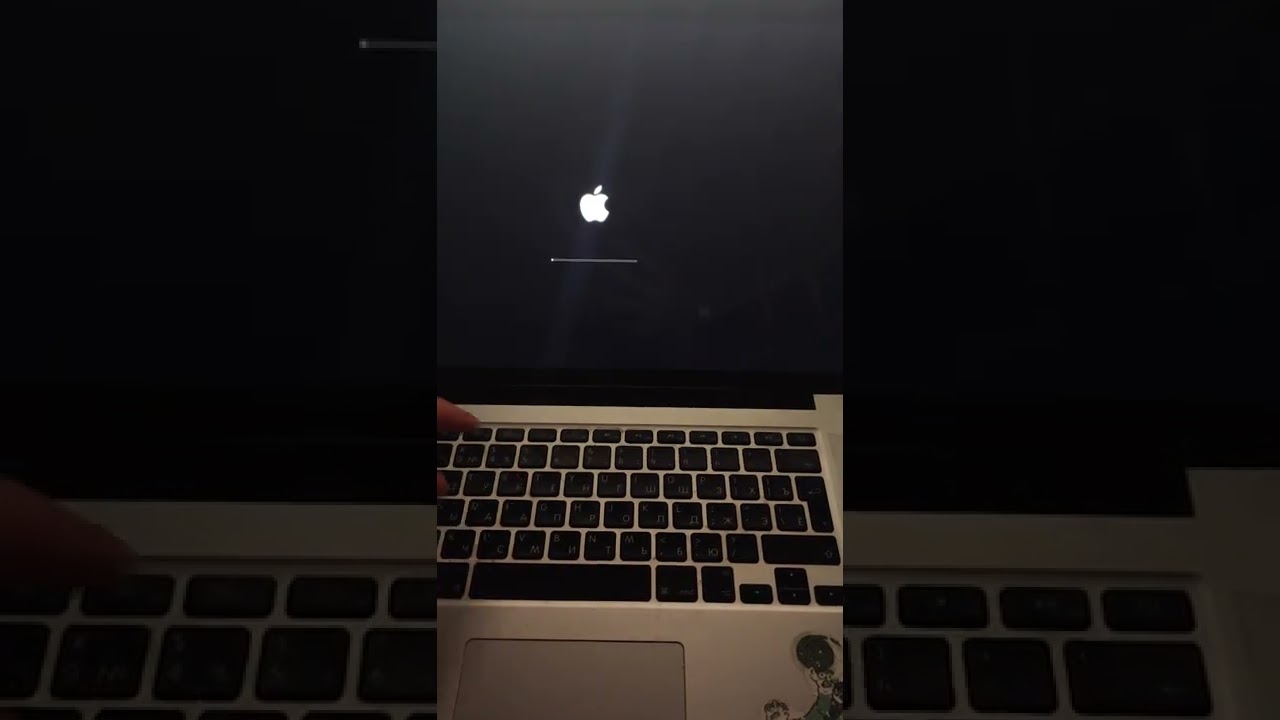
Simply and very #Shorts video how to boot your Mac in recovery mode!
Turn off your Mac.
Press the power button, then press and hold the command R button.
After the apple logo appears, release all buttons
Turn off your Mac.
Press the power button, then press and hold the command R button.
After the apple logo appears, release all buttons
Tags and Topics
Browse our collection to discover more content in these categories.
Video Information
Views
568.0K
Likes
4.9K
Duration
0:19
Published
Feb 4, 2022
User Reviews
4.4
(113) Related Trending Topics
LIVE TRENDSRelated trending topics. Click any trend to explore more videos.
No specific trending topics match this video yet.
Explore All Trends