How To Backup and Download All Gmail Emails on Windows!
Want to keep a backup of all your Email from your Gmail Account by downloading them to your Computer? Follow these 2 steps properly to export all Gmail Email...

Fix369
68.9K views • Dec 21, 2022
About this video
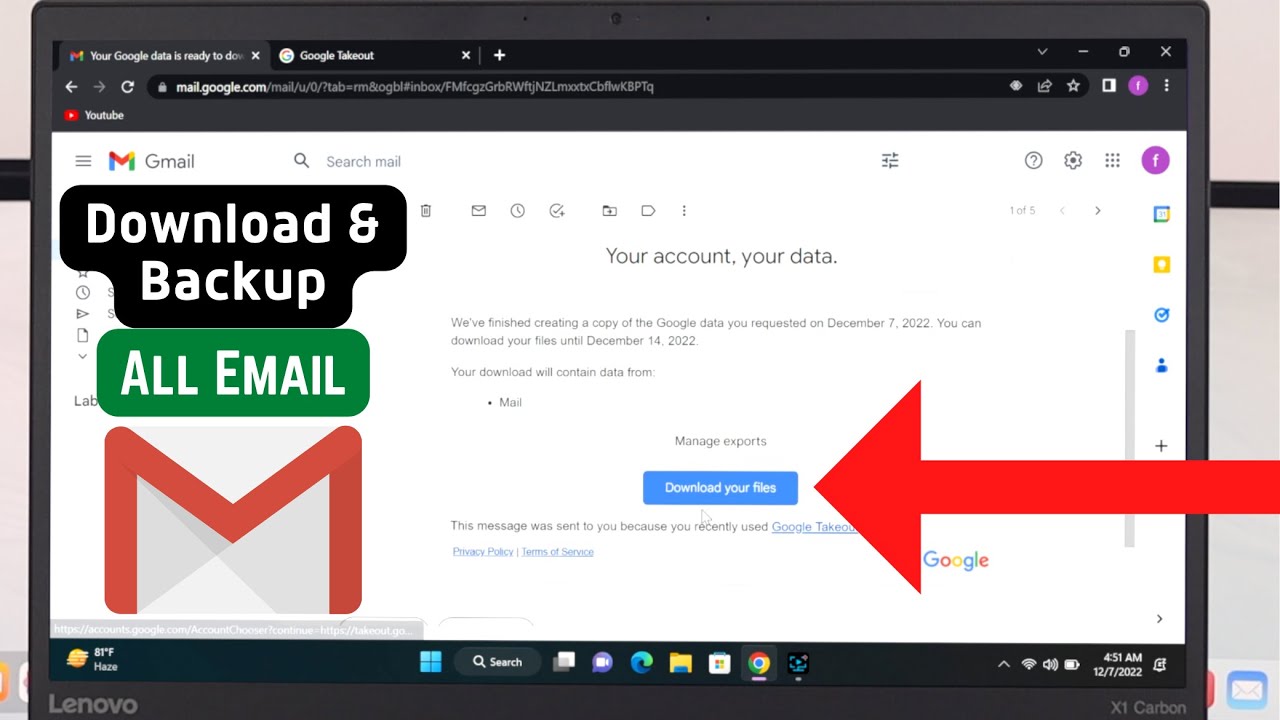
Want to keep a backup of all your Email from your Gmail Account by downloading them to your Computer? Follow these 2 steps properly to export all Gmail Emails on your Windows 11/10 or Mac Computer, so you can keep them safe on your hard drive, Pen drive or any other external device.
For this video, we have used the Google Chrome Browser but you can use Safari, Mozilla Firefox, Opera, Microsoft Edge, and more.
0:00 Video Overview
0:15 Step 1: Export All Emails in a Download link
2:05 Step 2: Download All Emails on the PC
For this video, we have used the Google Chrome Browser but you can use Safari, Mozilla Firefox, Opera, Microsoft Edge, and more.
0:00 Video Overview
0:15 Step 1: Export All Emails in a Download link
2:05 Step 2: Download All Emails on the PC
Tags and Topics
Browse our collection to discover more content in these categories.
Video Information
Views
68.9K
Likes
416
Duration
2:42
Published
Dec 21, 2022
User Reviews
4.2
(13) Related Trending Topics
LIVE TRENDSRelated trending topics. Click any trend to explore more videos.
No specific trending topics match this video yet.
Explore All Trends