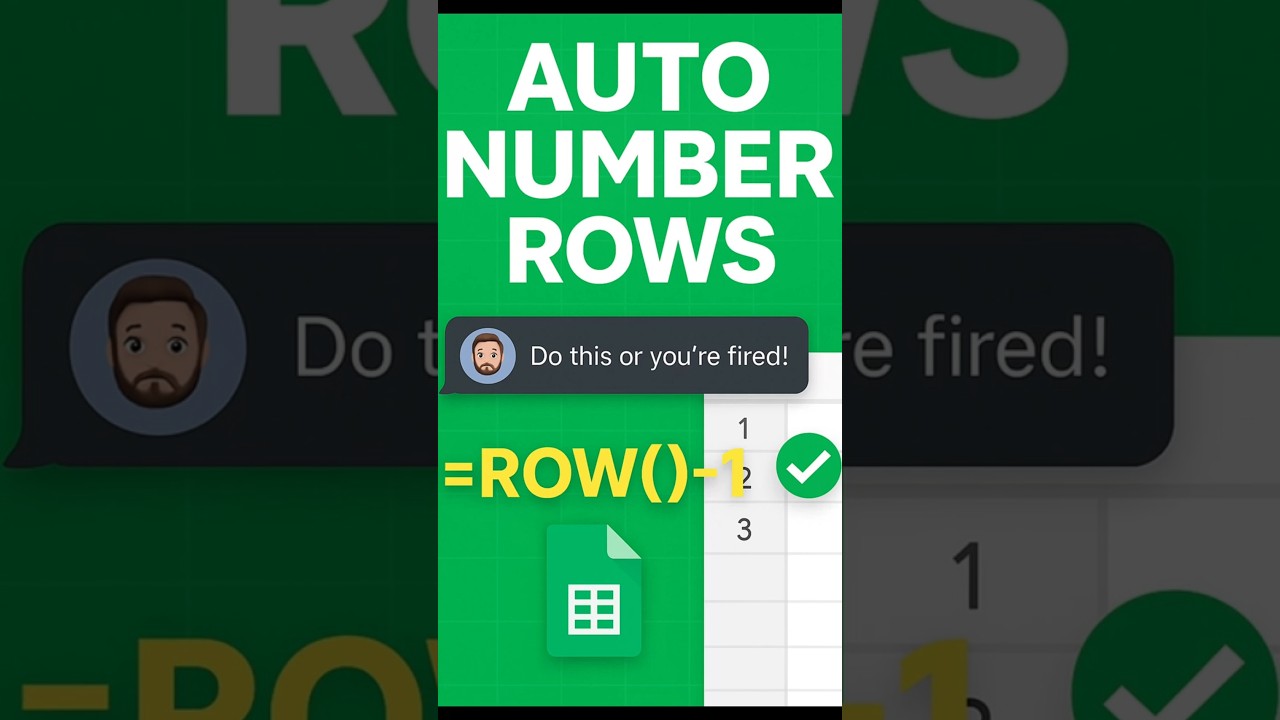
Auto Number Rows in Google Sheets with SEQUENCE
Learn how to quickly auto number rows in Google Sheets using =SEQUENCE() for lists and tables. 🚀

sheet_geek
1.9K views • May 18, 2025
About this video
Stop typing row numbers by hand! In this quick Google Sheets tutorial, learn how to use =SEQUENCE() to instantly number your rows. Perfect for lists, tables, and tracking! #GoogleSheets #Shorts #Formulas
Tags and Topics
Browse our collection to discover more content in these categories.
Video Information
Views
1.9K
Duration
0:17
Published
May 18, 2025
User Reviews
3.7
(1) Related Trending Topics
LIVE TRENDSRelated trending topics. Click any trend to explore more videos.
No specific trending topics match this video yet.
Explore All Trends