Master Viral Subtitles Animation 🎬
Learn to create viral subtitles easily and keep your files lightweight with UniConverter. Boost your videos now!

Editing Empire
83.3K views • Sep 30, 2025
About this video
Creating viral subtitles? Keep your files lightweight with UniConverter -
https://event.wondershare.com/api/s/2fx
#wondershare #uniconverter
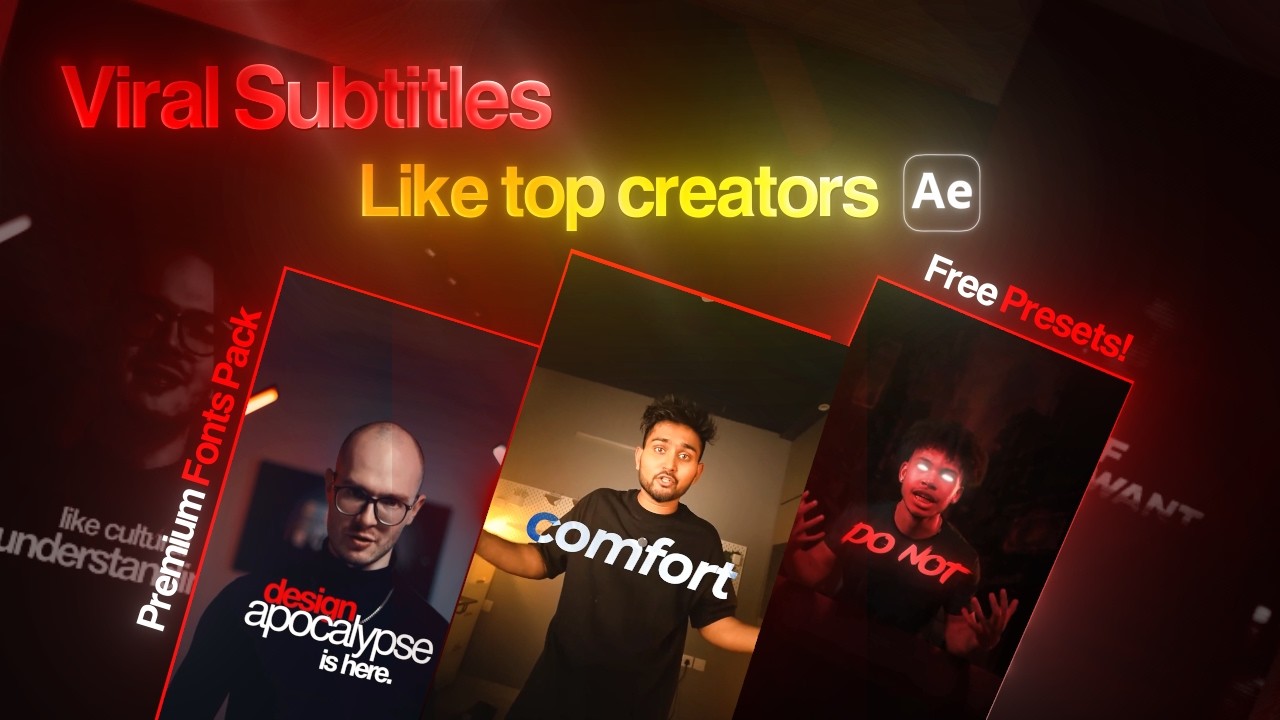
Learn how to edit subtitles like a pro and make your edits stand out! In this video, I’ll show you how to create insane subtitle animations, from pop-up effects, premium text styles, metallic sweeps, gradients, blur transitions, tracking effects, and more — all inside Premiere Pro & After Effects.
You’ll also get free presets to speed up your workflow, font pairing tips, and pro-level tricks to keep your subtitles consistent, synced, and client-ready. Plus, I’ll share common mistakes editors make and how to avoid them to save time and deliver premium results.
Whether you edit shorts, reels, or long-form videos — these techniques will level up your subtitle game and even help you earn more from clients. 🚀
👉 Watch till the end for advanced effects and time-saving hacks you won’t want to miss!
Font Pack Download-
https://drive.google.com/file/d/1-8sq7Xz8j-WRo50geiwNZOhRd-7Rod3-/view?usp=drivesdk
Text Presets DOwnload Link-
https://drive.google.com/file/d/1G8C4rGRl5Aik-PoGu-C7l9Rz1sR5ghOO/view?usp=drivesdk
Music Used From https://audiosocket.com/?fpr=editing11
For Buisiness Enquiries Contqct me here-
kineticpulse10@gmail.com
#aftereffects
#aftereffectstutorial
#videoediting
#subtitlesediting
#cqpcut
#editing
https://event.wondershare.com/api/s/2fx
#wondershare #uniconverter
Learn how to edit subtitles like a pro and make your edits stand out! In this video, I’ll show you how to create insane subtitle animations, from pop-up effects, premium text styles, metallic sweeps, gradients, blur transitions, tracking effects, and more — all inside Premiere Pro & After Effects.
You’ll also get free presets to speed up your workflow, font pairing tips, and pro-level tricks to keep your subtitles consistent, synced, and client-ready. Plus, I’ll share common mistakes editors make and how to avoid them to save time and deliver premium results.
Whether you edit shorts, reels, or long-form videos — these techniques will level up your subtitle game and even help you earn more from clients. 🚀
👉 Watch till the end for advanced effects and time-saving hacks you won’t want to miss!
Font Pack Download-
https://drive.google.com/file/d/1-8sq7Xz8j-WRo50geiwNZOhRd-7Rod3-/view?usp=drivesdk
Text Presets DOwnload Link-
https://drive.google.com/file/d/1G8C4rGRl5Aik-PoGu-C7l9Rz1sR5ghOO/view?usp=drivesdk
Music Used From https://audiosocket.com/?fpr=editing11
For Buisiness Enquiries Contqct me here-
kineticpulse10@gmail.com
#aftereffects
#aftereffectstutorial
#videoediting
#subtitlesediting
#cqpcut
#editing
Tags and Topics
Browse our collection to discover more content in these categories.
Video Information
Views
83.3K
Likes
4.5K
Duration
12:54
Published
Sep 30, 2025
User Reviews
4.7
(16) Related Trending Topics
LIVE TRENDSRelated trending topics. Click any trend to explore more videos.
No specific trending topics match this video yet.
Explore All Trends