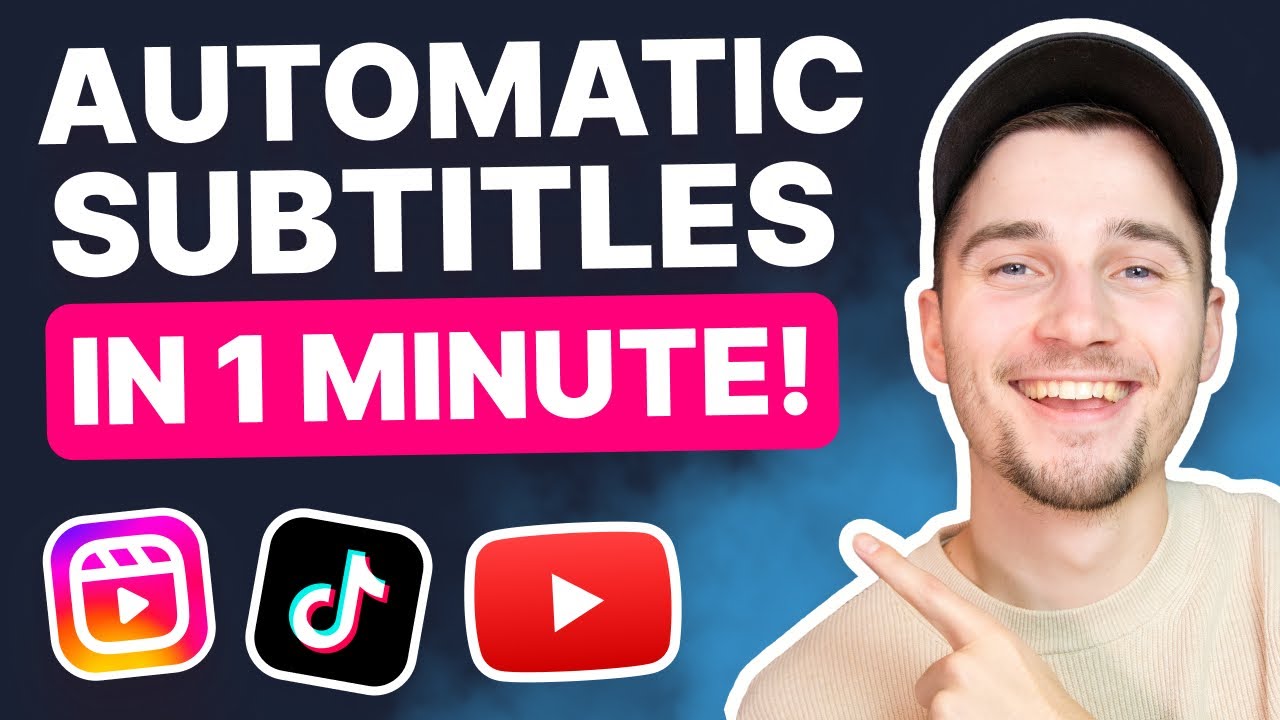
Add Subtitles to Your Video in 1 Minute! 🔥
Learn how to quickly add subtitles to your videos for better engagement and accessibility using this simple tool.👉 https://veed.video/46HfVIO
VEED STUDIO
44.4K views • Jun 29, 2023
About this video
👉 Add subtitles to your video here - https://veed.video/46HfVIO
Having subtitles in your videos will make them more engaging, accessible, and simply absolutely amazing! Now... what if we told you there are also super easy to make? 😱🔥
With VEED's simple online video editor, you can add subtitles to your YouTube, TikTok, Instagram (or any other) video in seconds. From auto transcribing your video with the help of AI, and downloading subtitle transcripts, to burning them into videos with animated subtitles, VEED's editor has got your covered! 👍
After importing your video into the editor, you can auto caption your video in a few clicks, with the help of its built-in AI-powered auto transcription tool. In moments, you'll have accurate subtitles, which are completely synced with the audio of the video. You're always free to make further adjustments to your subtitles in a way you prefer. 🚀
Would you like to use these subtitles as closed captions for a YouTube video? Or perhaps you want to use the transcript for descriptions, blogs or landing pages? Download the subtitles as a TXT, VTT or SRT file straight to your downloads folder on your device! 🔗
Would you like to customize the style of the subtitles and burn them into your video? Easily change the design of the subtitles by choosing subtitles presets and changing the font, size and color. You could also add cool effects such as shadows and highlight boxes, and... one-click animated subtitles, which you can instantly add and apply to all subtitles to make them standout! 🤩
Creating subtitles for videos has never been this quick, easy and fun! You can try VEED for free and add automatically add subtitles to your videos through the link above. 🎉
When creating videos with VEED, make sure you upgrade your FREE account if you want access to certain features and abilities, so you keep on creating amazing videos! 🔥
Enjoy and good luck! 🍀
-------------------------------------------------------------------------------
🚀 : How to Add Subtitles to a Video (with AI) in 1 minute!:
00:00 Video overview
00:07 Head over to VEED to get started + import your video
00:13 How to add subtitles to a video automatically (AI-powered)
00:31 Add, change, reposition or highlight subtitles
00:39 Download subtitles as TXT, VTT or SRT file
00:45 Customize design of subtitles (font, size, color, effects)
00:58 How to add animations to subtitles (in one click!)
01:06 Export and share the video with your audience! 🚀
--------------------------------------------------------------------------------------------------------------------
💙 WHAT TO WATCH NEXT
Beginner at editing? Watch VEED University 🚀 - https://youtu.be/LfJRgXKDqh0
How to Generate Subtitles Automatically - https://youtu.be/u_LNj-u_8mk
How to Convert GIF to Video Online - https://youtu.be/oAcyDY7pHco
--------------------------------------------------------------------------------------------------------------------
💙 What is VEED?
VEED is a simple online video editing platform, perfect for creating social media video content online. You can use VEED to crop, trim, filter, add music to videos, add subtitles, automatically generate subtitles, turn podcasts into videos, and much more.
--------------------------------------------------------------------------------------------------------------------
🚀 STAY IN THE LOOP:
Subscribe to our YouTube Channel - https://www.youtube.com/veedstudio
Follow us on Instagram - https://www.instagram.com/veedstudio/
Follow us on TikTok - https://www.tiktok.com/@veedstudio
Learn on our Blog - https://www.veed.io/grow/
--------------------------------------------------------------------------------------------------------------------
Try VEED - https://veed.video/46HfVIO
Thank you so much for watching!
Tim & VEED.IO
#veed #subtitles #videoediting
Having subtitles in your videos will make them more engaging, accessible, and simply absolutely amazing! Now... what if we told you there are also super easy to make? 😱🔥
With VEED's simple online video editor, you can add subtitles to your YouTube, TikTok, Instagram (or any other) video in seconds. From auto transcribing your video with the help of AI, and downloading subtitle transcripts, to burning them into videos with animated subtitles, VEED's editor has got your covered! 👍
After importing your video into the editor, you can auto caption your video in a few clicks, with the help of its built-in AI-powered auto transcription tool. In moments, you'll have accurate subtitles, which are completely synced with the audio of the video. You're always free to make further adjustments to your subtitles in a way you prefer. 🚀
Would you like to use these subtitles as closed captions for a YouTube video? Or perhaps you want to use the transcript for descriptions, blogs or landing pages? Download the subtitles as a TXT, VTT or SRT file straight to your downloads folder on your device! 🔗
Would you like to customize the style of the subtitles and burn them into your video? Easily change the design of the subtitles by choosing subtitles presets and changing the font, size and color. You could also add cool effects such as shadows and highlight boxes, and... one-click animated subtitles, which you can instantly add and apply to all subtitles to make them standout! 🤩
Creating subtitles for videos has never been this quick, easy and fun! You can try VEED for free and add automatically add subtitles to your videos through the link above. 🎉
When creating videos with VEED, make sure you upgrade your FREE account if you want access to certain features and abilities, so you keep on creating amazing videos! 🔥
Enjoy and good luck! 🍀
-------------------------------------------------------------------------------
🚀 : How to Add Subtitles to a Video (with AI) in 1 minute!:
00:00 Video overview
00:07 Head over to VEED to get started + import your video
00:13 How to add subtitles to a video automatically (AI-powered)
00:31 Add, change, reposition or highlight subtitles
00:39 Download subtitles as TXT, VTT or SRT file
00:45 Customize design of subtitles (font, size, color, effects)
00:58 How to add animations to subtitles (in one click!)
01:06 Export and share the video with your audience! 🚀
--------------------------------------------------------------------------------------------------------------------
💙 WHAT TO WATCH NEXT
Beginner at editing? Watch VEED University 🚀 - https://youtu.be/LfJRgXKDqh0
How to Generate Subtitles Automatically - https://youtu.be/u_LNj-u_8mk
How to Convert GIF to Video Online - https://youtu.be/oAcyDY7pHco
--------------------------------------------------------------------------------------------------------------------
💙 What is VEED?
VEED is a simple online video editing platform, perfect for creating social media video content online. You can use VEED to crop, trim, filter, add music to videos, add subtitles, automatically generate subtitles, turn podcasts into videos, and much more.
--------------------------------------------------------------------------------------------------------------------
🚀 STAY IN THE LOOP:
Subscribe to our YouTube Channel - https://www.youtube.com/veedstudio
Follow us on Instagram - https://www.instagram.com/veedstudio/
Follow us on TikTok - https://www.tiktok.com/@veedstudio
Learn on our Blog - https://www.veed.io/grow/
--------------------------------------------------------------------------------------------------------------------
Try VEED - https://veed.video/46HfVIO
Thank you so much for watching!
Tim & VEED.IO
#veed #subtitles #videoediting
Tags and Topics
Browse our collection to discover more content in these categories.
Video Information
Views
44.4K
Likes
239
Duration
1:20
Published
Jun 29, 2023
User Reviews
4.1
(8) Related Trending Topics
LIVE TRENDSRelated trending topics. Click any trend to explore more videos.
No specific trending topics match this video yet.
Explore All Trends