Add Sequential Numbers in Google Sheets & Excel
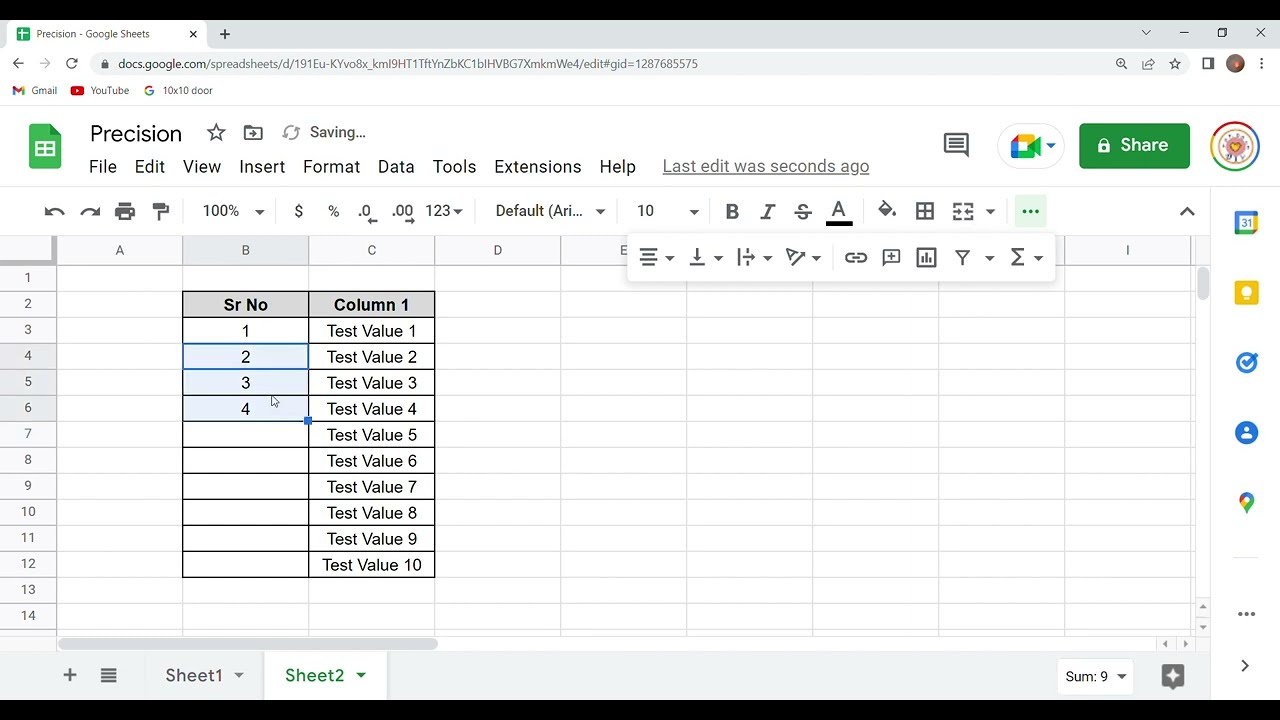
Learn how to automatically number rows in Google Sheets and Excel using fill handle or ROW function for efficient data management. 📊

DIY - Let's Do It!
96 views • Oct 30, 2022
About this video
Automatically number rows. Add sequential numbers to rows of data by dragging the fill handle but only after ....... @diy-letsdoit7492
You can also ROW or SEQUENCE function as per the needs.
These step-by-step instructions will show you how to resolve and accomplish your goal.
Clear + Simple + Intuitive Steps to guide you.
#googlesheets
#excel
#sequence
You can also ROW or SEQUENCE function as per the needs.
These step-by-step instructions will show you how to resolve and accomplish your goal.
Clear + Simple + Intuitive Steps to guide you.
#googlesheets
#excel
#sequence
Video Information
Views
96
Likes
2
Duration
1:23
Published
Oct 30, 2022
Related Trending Topics
LIVE TRENDSRelated trending topics. Click any trend to explore more videos.
No specific trending topics match this video yet.
Explore All Trends