How to Add or Change YouTube Thumbnail on PC 📸
Learn the simple steps to add or change your YouTube thumbnail during and after uploading your video.

Social Video Plaza
18.6K views • May 6, 2021
About this video
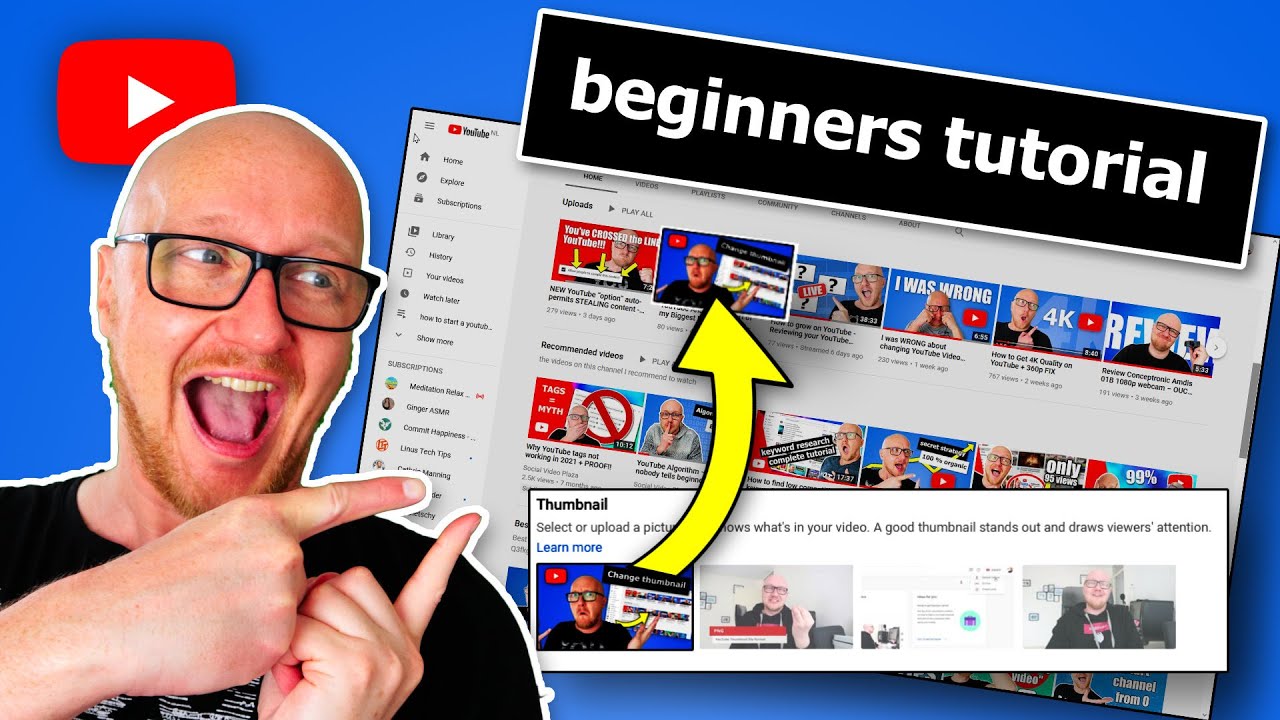
How to add and change a custom YouTube Thumbnail?
I show you the easiest way when uploading and after uploading.
In this video I’m going to look at 3 things
-The best image format for a thumbnail
-how to add a thumbnail to your video when uploading to toutube
-And how to change a thumbnail after uploading a video.
You can make thumbnail in photo editors like photoshop, Canva or Affinity Photo.
Technically you can have a photo in PNG, GIF or JPG format that is 2MB or less.
All those software packages can make those formats.
-GIF only allows 256 colors, not really a viable option
-PNG has the best quality out of all, but is often larger than 2 mb.
-JPG is generally the smallest and that is what I always use.
The recommended resolution by YouTube is 1920x1080.
With this resolution, the algorithm has the maximum amount of image information, so it can better determine the topic of the video.
To add a thumbnail:
-Go to YouTube Studio
-Click on Content
-Click on the pencil icon of a video
-Go to the "thumbnail" header and click on the image title "add thumbnail".
-if you already have a thumbnail: hover over the thumbnail, click on the 3 dots, choose "change"
🔴 RECOMMENDED VIDEOS/PLAYLISTS:
🎥VIDEO: How to make thumbnails that viewers click on: https://youtu.be/y__oUkhNZA0
🎥VIDEO: Can you change thumbnail without getting punished by the algorithm: https://youtu.be/1PNdx-0LiW0
🎥VIDEO: What beginners don't know about the algorithm: https://youtu.be/dN2nHJ6j-PY
🎥 LIST: Recommended videos: https://www.youtube.com/playlist?list=PL-o07qhpuelxhmAwg27FEDjiTMWLHHUzv
🔴 *** MY PRODUCTS & GUIDES ***
📘 YOUTUBE BEGINNERS E-BOOK (50% off with code wbt263): https://www.socialvideoplaza.com/book-tube
🎓 ALL EBOOKS, COURSES & COACHING: https://www.socialvideoplaza.com/en/products
👕 LIKE & SUBSCRIBE MERCH: https://www.socialvideoplaza.com/en/products
📘 FREE GUIDE TO MAKE MONEY ON YOUTUBE: https://www.socialvideoplaza.com/en/free-tube-ebook
❤️ YOUTUBE EQUIPMENT I USE: https://www.socialvideoplaza.com/en/recommended-equipment
🌎 FREE templates, checklists, examples: https://www.socialvideoplaza.com/en/downloads
★ TABLE OF CONTENTS ★
• 0:00 Intro: add or change YouTube thumbail
• 0:19 Image requirements for thumbnails
• 1:13 Add thumbnail while uploading a video
• 2:37 Change thumbnail after uploading
• 3:24 Thumbnail bug in YouTube
💡 TOPICS IN THIS VIDEO 💡
• change thumbnail youtube
• how to change thumbnail on youtube video
• youtube custom thumbnail
• how to add thumbnail to youtube videos
• add thumbnail to youtube vide
• how to add a thumbnail to a youtube video
• how to add thumbnails to your videos
🔴 *** MY SOCALS ***
✅ SECONDARY CHANNEL with short form YouTube tips: https://www.youtube.com/channel/UCjLYpd8zPw3khILpl-Q3fkg
🌎 YouTube creator blog: https://www.socialvideoplaza.com
✅ Patreon: https://www.patreon.com/dexxterclark
✅ Personal website: https://www.dexxterclark.com
✅ Instagram: https://instagram.com/dexxterclark
✅ Twitter: https://twitter.com/dexxterclark
✅ LinkedIn: https://www.linkedin.com/in/dexxterclark/
🔴 *** ABOUT ME ***
My name is Dexxter Clark from The Netherlands.
I've been on YouTube since 2010 but got serious in 2017 with my YouTube channel about DJing in 2017.
My background is in software engineering, theatre and a local television station.
Over the years I've experimented with multiple YouTube channels, so now I can advice starters.
🔴 *** ABOUT THIS CHANNEL ***
Social Video PLaza channel is all about helping YouTube creators with YouTube tips and tricks to succeed with their YouTube channel.
I talk about how to start an online business (with the help of YouTube) and earn passive income.
Click here to subscribe: https://www.youtube.com/channel/UC6Mrc73KE_rDeqMKvti1TXQ?sub_confirmation=1
🔴 *** DISCLAIMER ***
Links included in this description might be affiliate links. If you purchase a product or service with the links that I provide I may receive a small commission. There is no additional charge to you!
I'm not a legal or financial professional. I'm not in a position to give you legal or financial advice.
Always consult a legal or financial professional before making any decisions.
🔎 HASHTAGS
#youtubethumbnail
I show you the easiest way when uploading and after uploading.
In this video I’m going to look at 3 things
-The best image format for a thumbnail
-how to add a thumbnail to your video when uploading to toutube
-And how to change a thumbnail after uploading a video.
You can make thumbnail in photo editors like photoshop, Canva or Affinity Photo.
Technically you can have a photo in PNG, GIF or JPG format that is 2MB or less.
All those software packages can make those formats.
-GIF only allows 256 colors, not really a viable option
-PNG has the best quality out of all, but is often larger than 2 mb.
-JPG is generally the smallest and that is what I always use.
The recommended resolution by YouTube is 1920x1080.
With this resolution, the algorithm has the maximum amount of image information, so it can better determine the topic of the video.
To add a thumbnail:
-Go to YouTube Studio
-Click on Content
-Click on the pencil icon of a video
-Go to the "thumbnail" header and click on the image title "add thumbnail".
-if you already have a thumbnail: hover over the thumbnail, click on the 3 dots, choose "change"
🔴 RECOMMENDED VIDEOS/PLAYLISTS:
🎥VIDEO: How to make thumbnails that viewers click on: https://youtu.be/y__oUkhNZA0
🎥VIDEO: Can you change thumbnail without getting punished by the algorithm: https://youtu.be/1PNdx-0LiW0
🎥VIDEO: What beginners don't know about the algorithm: https://youtu.be/dN2nHJ6j-PY
🎥 LIST: Recommended videos: https://www.youtube.com/playlist?list=PL-o07qhpuelxhmAwg27FEDjiTMWLHHUzv
🔴 *** MY PRODUCTS & GUIDES ***
📘 YOUTUBE BEGINNERS E-BOOK (50% off with code wbt263): https://www.socialvideoplaza.com/book-tube
🎓 ALL EBOOKS, COURSES & COACHING: https://www.socialvideoplaza.com/en/products
👕 LIKE & SUBSCRIBE MERCH: https://www.socialvideoplaza.com/en/products
📘 FREE GUIDE TO MAKE MONEY ON YOUTUBE: https://www.socialvideoplaza.com/en/free-tube-ebook
❤️ YOUTUBE EQUIPMENT I USE: https://www.socialvideoplaza.com/en/recommended-equipment
🌎 FREE templates, checklists, examples: https://www.socialvideoplaza.com/en/downloads
★ TABLE OF CONTENTS ★
• 0:00 Intro: add or change YouTube thumbail
• 0:19 Image requirements for thumbnails
• 1:13 Add thumbnail while uploading a video
• 2:37 Change thumbnail after uploading
• 3:24 Thumbnail bug in YouTube
💡 TOPICS IN THIS VIDEO 💡
• change thumbnail youtube
• how to change thumbnail on youtube video
• youtube custom thumbnail
• how to add thumbnail to youtube videos
• add thumbnail to youtube vide
• how to add a thumbnail to a youtube video
• how to add thumbnails to your videos
🔴 *** MY SOCALS ***
✅ SECONDARY CHANNEL with short form YouTube tips: https://www.youtube.com/channel/UCjLYpd8zPw3khILpl-Q3fkg
🌎 YouTube creator blog: https://www.socialvideoplaza.com
✅ Patreon: https://www.patreon.com/dexxterclark
✅ Personal website: https://www.dexxterclark.com
✅ Instagram: https://instagram.com/dexxterclark
✅ Twitter: https://twitter.com/dexxterclark
✅ LinkedIn: https://www.linkedin.com/in/dexxterclark/
🔴 *** ABOUT ME ***
My name is Dexxter Clark from The Netherlands.
I've been on YouTube since 2010 but got serious in 2017 with my YouTube channel about DJing in 2017.
My background is in software engineering, theatre and a local television station.
Over the years I've experimented with multiple YouTube channels, so now I can advice starters.
🔴 *** ABOUT THIS CHANNEL ***
Social Video PLaza channel is all about helping YouTube creators with YouTube tips and tricks to succeed with their YouTube channel.
I talk about how to start an online business (with the help of YouTube) and earn passive income.
Click here to subscribe: https://www.youtube.com/channel/UC6Mrc73KE_rDeqMKvti1TXQ?sub_confirmation=1
🔴 *** DISCLAIMER ***
Links included in this description might be affiliate links. If you purchase a product or service with the links that I provide I may receive a small commission. There is no additional charge to you!
I'm not a legal or financial professional. I'm not in a position to give you legal or financial advice.
Always consult a legal or financial professional before making any decisions.
🔎 HASHTAGS
#youtubethumbnail
Tags and Topics
Browse our collection to discover more content in these categories.
Video Information
Views
18.6K
Duration
4:09
Published
May 6, 2021
User Reviews
3.8
(3) Related Trending Topics
LIVE TRENDSRelated trending topics. Click any trend to explore more videos.
No specific trending topics match this video yet.
Explore All Trends