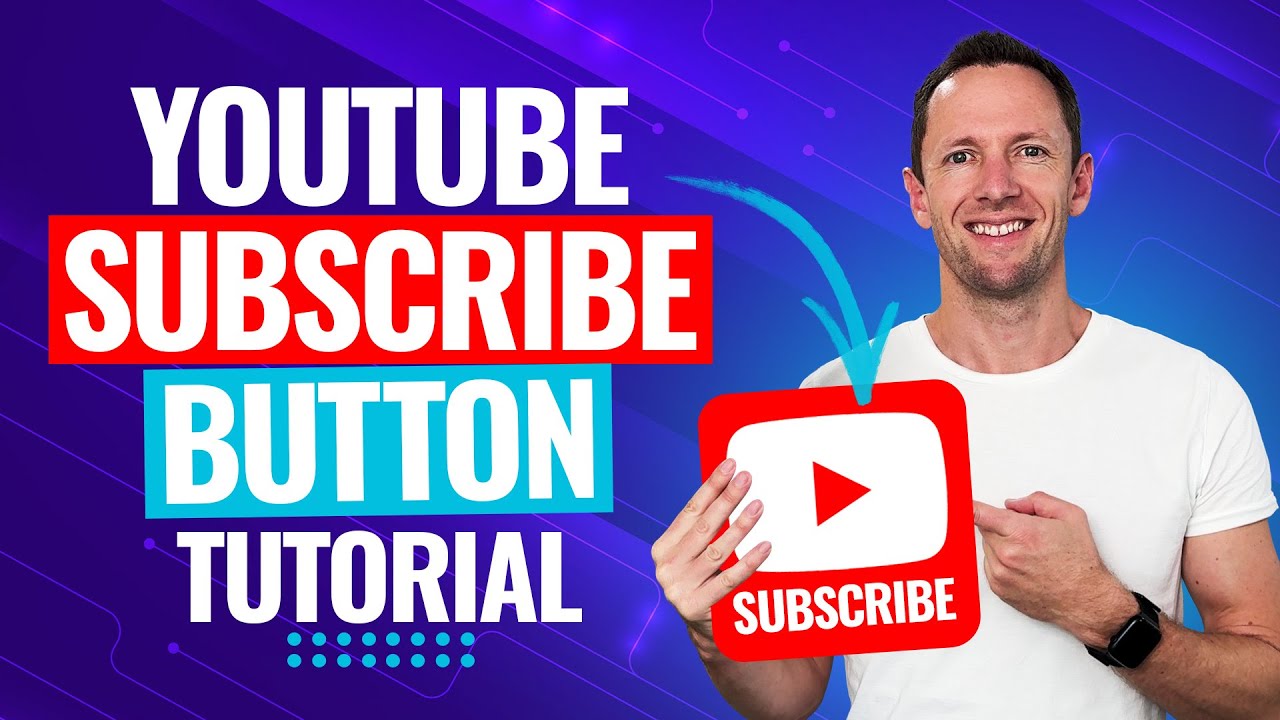
How To Add A YouTube Subscribe Button To Your Videos (YouTube Watermark Tutorial!)
YouTube Subscribe Button tutorial! Learn how to add a YouTube subscribe button (aka YouTube watermark) to your videos. If you’re wondering how to get more su...

Justin Brown - Primal Video
76.5K views • Nov 26, 2024
About this video
YouTube Subscribe Button tutorial! Learn how to add a YouTube subscribe button (aka YouTube watermark) to your videos. If you’re wondering how to get more subscribers, this is for you!
-- LINKS --
(When available, we use affiliate links and may earn a commission!)
Tools To Level Up Your Videos!
Royalty-free stock video sites for awesome b-roll footage:
► Storyblocks: https://go.primalvideo.com/iBXdSwn?utm_content=VMnMhq4WExY
► Motion Array: https://go.primalvideo.com/wO7yRCD?utm_content=VMnMhq4WExY
Royalty-free stock MUSIC to level up your videos:
► Epidemic: https://go.primalvideo.com/1skafnj?utm_content=VMnMhq4WExY
► Artlist: https://go.primalvideo.com/ZQjYDQM?utm_content=VMnMhq4WExY
Custom animated graphics:
► PlaceIt: https://go.primalvideo.com/Nhj22mI?utm_content=VMnMhq4WExY
📕 Learn the NEW rules for YouTube Topic research to 10X your traffic on YouTube! Grab the FREE Guide ► https://go.primalvideo.com/NPnRF5l?utm_content=VMnMhq4WExY 📕
Timestamps:
00:00 How To Add A YouTube Subscribe Button To Your Videos (YouTube Watermark Tutorial!)
00:44 How To Make A YouTube Subscribe Graphic
01:01 Custom YouTube Subscribe Button Size
01:15 Designing Your YouTube Subscribe Graphic
03:16 How To Download Your YouTube Subscribe Graphic
03:41 How To Add Subscribe Button On YouTube Video
04:18 How To Set Display Time For Subscribe Button Watermark
*** GEAR WE USE ***
https://go.primalvideo.com/mlWf5RV?utm_content=VMnMhq4WExY
*Unlock more with Primal Video PLUS*
Stay current on video tools and AI. Ask JustinAI for instant answers, access extended tutorials, monthly AMAs, and ready-made workflows → https://go.primalvideo.com/mPYz9fW?utm_content=VMnMhq4WExY
--
Subscribe to receive the latest updates and news from Primal Video: https://go.primalvideo.com/Yb3EsuN?utm_content=VMnMhq4WExY
-- How to Add a Youtube Subscribe Button Watermark to Your Videos --
If you’re wondering how to get more subscribers on YouTube, you need to make it as easy as possible for viewers to subscribe to your YouTube channel. Thankfully, there’s a really easy way to implement this!
You can add a YouTube subscribe button (also known as a YouTube watermark) to your videos which allows viewers to subscribe to your channel with just one click. You can even customize your branded watermark button exactly how you like it, with the ability to upload your own image, as long as it fits YouTube’s required size.
The best part is, once you’ve completed the process, it will be set up across all of your current and future YouTube videos.
In this complete tutorial, you’ll learn exactly how to add subscribe button on YouTube videos. We’ll share all the key YouTube settings you need to add a watermark for YouTube videos quickly & easily.
-- Related Content –
- How to Make a YouTube Video Intro:https://youtu.be/MKe0NlMLLao
- Best Royalty Free Music Sites: https://youtu.be/56JqpcoFDzY
- TOP Sites for Royalty Free Stock Footage!: https://youtu.be/HXIWcTjIM_I
- Our Video Creation Workflow (How to Make YouTube Videos Faster!): https://youtu.be/EJM5NAyYAe0
DISCLOSURE: We often review or link to products & services we regularly use and think you might find helpful. Wherever possible we use referral links, which means if you click one of the links in this video or description and make a purchase we may receive a small commission or other compensation.
We're big fans of Amazon, and many of our links to products/gear are links to those products on Amazon. We are a participant in the Amazon Services LLC Associates Program, an affiliate advertising program designed to provide a means for us to earn fees by linking to Amazon.com and related sites.
-- LINKS --
(When available, we use affiliate links and may earn a commission!)
Tools To Level Up Your Videos!
Royalty-free stock video sites for awesome b-roll footage:
► Storyblocks: https://go.primalvideo.com/iBXdSwn?utm_content=VMnMhq4WExY
► Motion Array: https://go.primalvideo.com/wO7yRCD?utm_content=VMnMhq4WExY
Royalty-free stock MUSIC to level up your videos:
► Epidemic: https://go.primalvideo.com/1skafnj?utm_content=VMnMhq4WExY
► Artlist: https://go.primalvideo.com/ZQjYDQM?utm_content=VMnMhq4WExY
Custom animated graphics:
► PlaceIt: https://go.primalvideo.com/Nhj22mI?utm_content=VMnMhq4WExY
📕 Learn the NEW rules for YouTube Topic research to 10X your traffic on YouTube! Grab the FREE Guide ► https://go.primalvideo.com/NPnRF5l?utm_content=VMnMhq4WExY 📕
Timestamps:
00:00 How To Add A YouTube Subscribe Button To Your Videos (YouTube Watermark Tutorial!)
00:44 How To Make A YouTube Subscribe Graphic
01:01 Custom YouTube Subscribe Button Size
01:15 Designing Your YouTube Subscribe Graphic
03:16 How To Download Your YouTube Subscribe Graphic
03:41 How To Add Subscribe Button On YouTube Video
04:18 How To Set Display Time For Subscribe Button Watermark
*** GEAR WE USE ***
https://go.primalvideo.com/mlWf5RV?utm_content=VMnMhq4WExY
*Unlock more with Primal Video PLUS*
Stay current on video tools and AI. Ask JustinAI for instant answers, access extended tutorials, monthly AMAs, and ready-made workflows → https://go.primalvideo.com/mPYz9fW?utm_content=VMnMhq4WExY
--
Subscribe to receive the latest updates and news from Primal Video: https://go.primalvideo.com/Yb3EsuN?utm_content=VMnMhq4WExY
-- How to Add a Youtube Subscribe Button Watermark to Your Videos --
If you’re wondering how to get more subscribers on YouTube, you need to make it as easy as possible for viewers to subscribe to your YouTube channel. Thankfully, there’s a really easy way to implement this!
You can add a YouTube subscribe button (also known as a YouTube watermark) to your videos which allows viewers to subscribe to your channel with just one click. You can even customize your branded watermark button exactly how you like it, with the ability to upload your own image, as long as it fits YouTube’s required size.
The best part is, once you’ve completed the process, it will be set up across all of your current and future YouTube videos.
In this complete tutorial, you’ll learn exactly how to add subscribe button on YouTube videos. We’ll share all the key YouTube settings you need to add a watermark for YouTube videos quickly & easily.
-- Related Content –
- How to Make a YouTube Video Intro:https://youtu.be/MKe0NlMLLao
- Best Royalty Free Music Sites: https://youtu.be/56JqpcoFDzY
- TOP Sites for Royalty Free Stock Footage!: https://youtu.be/HXIWcTjIM_I
- Our Video Creation Workflow (How to Make YouTube Videos Faster!): https://youtu.be/EJM5NAyYAe0
DISCLOSURE: We often review or link to products & services we regularly use and think you might find helpful. Wherever possible we use referral links, which means if you click one of the links in this video or description and make a purchase we may receive a small commission or other compensation.
We're big fans of Amazon, and many of our links to products/gear are links to those products on Amazon. We are a participant in the Amazon Services LLC Associates Program, an affiliate advertising program designed to provide a means for us to earn fees by linking to Amazon.com and related sites.
Tags and Topics
Browse our collection to discover more content in these categories.
Video Information
Views
76.5K
Likes
1.3K
Duration
5:26
Published
Nov 26, 2024
User Reviews
4.7
(15) Related Trending Topics
LIVE TRENDSRelated trending topics. Click any trend to explore more videos.
Trending Now