Activate JioPhone Plans with MyJio App 📱
Learn how to activate upcoming plans on JioPhone using the MyJio app with simple steps.

Jio
23.2K views • Mar 5, 2018
About this video
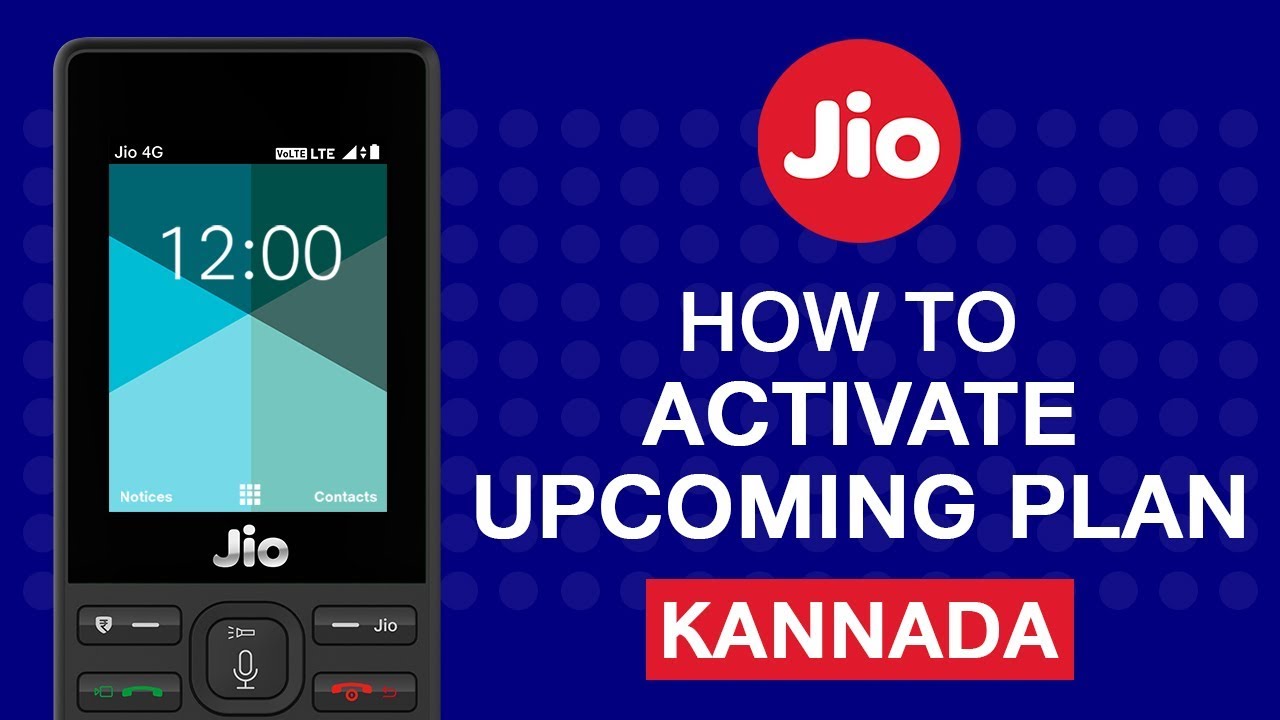
In this video we will learn How to activate upcoming plans using MyJio app in JioPhone.
Following are the steps to activate upcoming plans using MyJio app in JioPhone:
Step 1: Press & Hold Jio key on JioPhone
Step 2: Open MyJio app in your Jio Phone
Step 3: Tap on Menu and select My Plans
Step 4: Tap on Upcoming Plans
Step 5: Tap on the plan which you want to activate
Step 6: Tap on Activate
Step 7: Tap on OK, now selected plan is active.
Now activate your upcoming plans whenever you want.
Experience the Power of MyJio with everything you need at your fingertips.
Reliance Jio Infocomm Limited, doing business as Jio, is a LTE mobile network operator in India. Mukesh Ambani, owner of Reliance Industries Limited (RIL) whose Reliance Jio is the telecom subsidiary, had unveiled details of Jio's fourth-generation (4G) services on 12 June 2015 at RIL's 41st annual general meeting. Jio is the largest 4G network in India offering High Speed Internet & Unlimited Free Voice Calls.
Official Website: https://www.jio.com/
Facebook: https://www.facebook.com/Jio
Twitter: https://twitter.com/reliancejio
Following are the steps to activate upcoming plans using MyJio app in JioPhone:
Step 1: Press & Hold Jio key on JioPhone
Step 2: Open MyJio app in your Jio Phone
Step 3: Tap on Menu and select My Plans
Step 4: Tap on Upcoming Plans
Step 5: Tap on the plan which you want to activate
Step 6: Tap on Activate
Step 7: Tap on OK, now selected plan is active.
Now activate your upcoming plans whenever you want.
Experience the Power of MyJio with everything you need at your fingertips.
Reliance Jio Infocomm Limited, doing business as Jio, is a LTE mobile network operator in India. Mukesh Ambani, owner of Reliance Industries Limited (RIL) whose Reliance Jio is the telecom subsidiary, had unveiled details of Jio's fourth-generation (4G) services on 12 June 2015 at RIL's 41st annual general meeting. Jio is the largest 4G network in India offering High Speed Internet & Unlimited Free Voice Calls.
Official Website: https://www.jio.com/
Facebook: https://www.facebook.com/Jio
Twitter: https://twitter.com/reliancejio
Tags and Topics
Browse our collection to discover more content in these categories.
Video Information
Views
23.2K
Likes
94
Duration
1:05
Published
Mar 5, 2018
User Reviews
4.0
(4) Related Trending Topics
LIVE TRENDSRelated trending topics. Click any trend to explore more videos.
Trending Now