4 Quick Hacks to Achieve Inbox Zero 📥
Learn 4 simple email tips to declutter your inbox and boost productivity. Secure your online info at Dashlane with code 'collegeinfogeek'.
Thomas Frank
226.6K views • Feb 1, 2019
About this video
Improve your online security at https://www.dashlane.com/collegeinfogeek - and be among the first 200 people to use the code "collegeinfogeek" at checkout to get 10% off Dashlane Premium.
Huge thanks to Dashlane for sponsoring this video and supporting my channel!
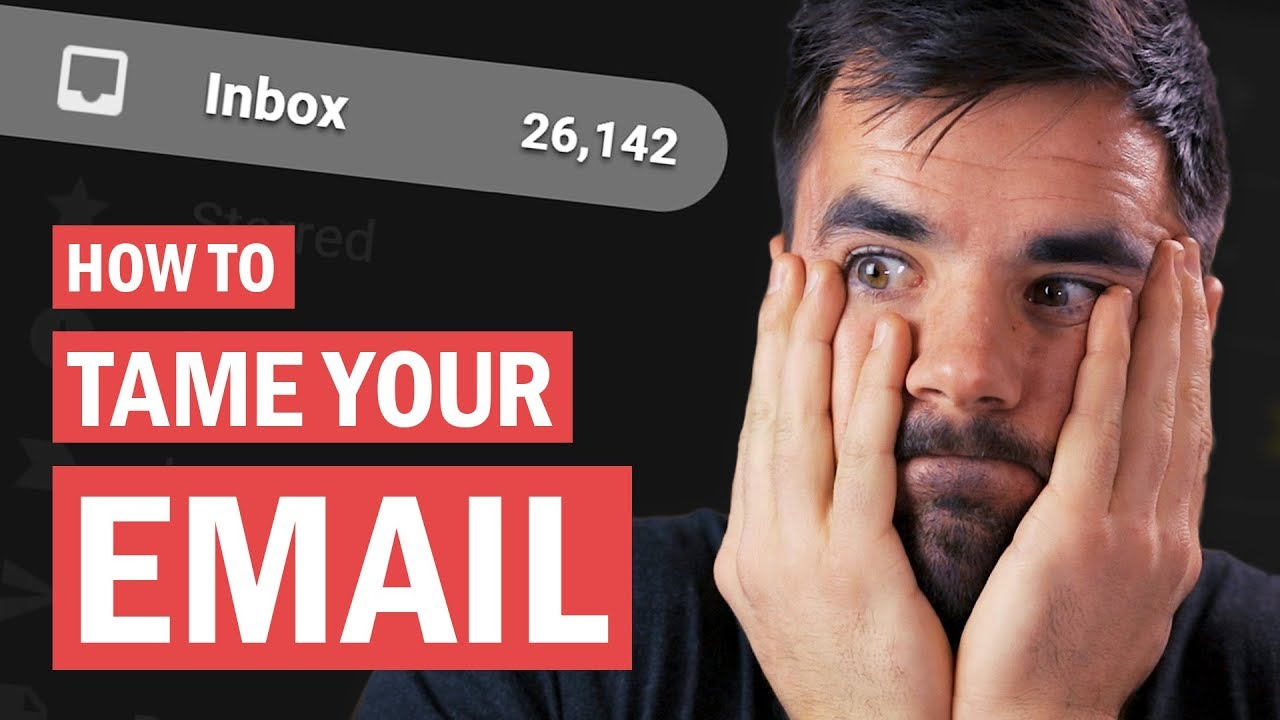
Email is kind of like a hydra. Answer one, and two more will take its place. And for the longest time, my overflowing inbox was a significant cause of stress in my life.
But over the past couple of years, I've learned how to get my inbox under control - and today, I'll show you how to do the same. In this video we'll talk about how email should fit in with your task manager or to-do list, whether to archive or delete messages, and how to use labels and filters effectively.
Put these tips into action, and you'll find yourself spending a lot more time at inbox zero.
Get my book "10 Steps to Earning Awesome Grades" FREE:
https://collegeinfogeek.com/get-better-grades/
Follow Me:
Instagram ➔ https://instagram.com/tomfrankly
Twitter ➔ https://twitter.com/tomfrankly
Podcast ➔ https://www.youtube.com/TheCollegeInfoGeekPodcast
Subscribe to My Channel:
http://buff.ly/1vQP5ar
The email app I use: https://frontapp.com/ - I don't recommend this for individuals, but if you've gotten to the point where it makes sense to hire an assistant or share email duties with a team, Front is amazing.
Otherwise, I still recommend Gmail!
My Video Gear:
https://www.amazon.com/shop/thomasfrank
Huge thanks to Dashlane for sponsoring this video and supporting my channel!
Email is kind of like a hydra. Answer one, and two more will take its place. And for the longest time, my overflowing inbox was a significant cause of stress in my life.
But over the past couple of years, I've learned how to get my inbox under control - and today, I'll show you how to do the same. In this video we'll talk about how email should fit in with your task manager or to-do list, whether to archive or delete messages, and how to use labels and filters effectively.
Put these tips into action, and you'll find yourself spending a lot more time at inbox zero.
Get my book "10 Steps to Earning Awesome Grades" FREE:
https://collegeinfogeek.com/get-better-grades/
Follow Me:
Instagram ➔ https://instagram.com/tomfrankly
Twitter ➔ https://twitter.com/tomfrankly
Podcast ➔ https://www.youtube.com/TheCollegeInfoGeekPodcast
Subscribe to My Channel:
http://buff.ly/1vQP5ar
The email app I use: https://frontapp.com/ - I don't recommend this for individuals, but if you've gotten to the point where it makes sense to hire an assistant or share email duties with a team, Front is amazing.
Otherwise, I still recommend Gmail!
My Video Gear:
https://www.amazon.com/shop/thomasfrank
Tags and Topics
Browse our collection to discover more content in these categories.
Video Information
Views
226.6K
Likes
5.5K
Duration
12:09
Published
Feb 1, 2019
User Reviews
4.7
(45) Related Trending Topics
LIVE TRENDSRelated trending topics. Click any trend to explore more videos.
Trending Now