How I structure my iOS apps (SwiftUI)
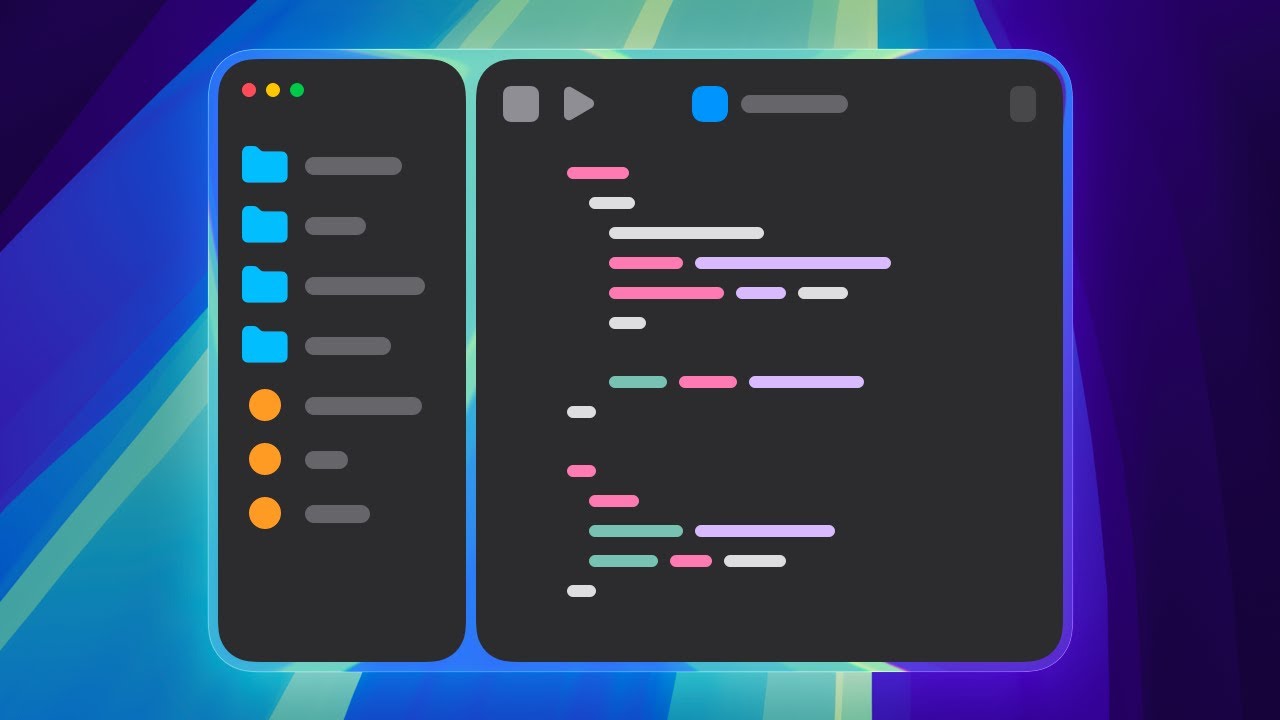
I'm showing how my two SwiftUI apps are structured: how folders and files look, how data flow works within the apps, why I'm switching to SwiftData, and also...
Mykola Harmash
16.9K views • Nov 13, 2025
About this video
I'm showing how my two SwiftUI apps are structured: how folders and files look, how data flow works within the apps, why I'm switching to SwiftData, and also how I'm designing a custom color scheme for my second app.
My first app (Ripples): https://ripples.day
My second app (Lyn): https://lyn.software
My website template for iOS apps: https://appview.dev
✉️ Reach Out
- [mykola.harmash@gmail.com](mailto:mykola.harmash@gmail.com)
- https://www.threads.net/@mykola.harmash
- https://x.com/mykolaharmash
- https://mastodon.social/@harmash
- https://bsky.app/profile/mykolaharmash.bsky.social
🛠️ My setup essentials (some links are affiliate, I appreciate your support 💚)
- Video editing: Final Cut Pro
- On-screen graphics: Apple Motion
- Hosting for all my websites: DigitalOcean https://digitalocean.pxf.io/9gNqoj
- Graphics editor (thumbnails, logos, etc.): Pixelmator Pro https://www.pixelmator.com/pro/
- UI Design: Sketch https://www.sketch.com/
- Screenshots/screen recording: CleanShot X https://cleanshot.sjv.io/LXJYaO
⏱️ Timecodes
00:00 – First app
05:03 – Second app
#swiftui #buildinpublic #iosdev #iosapp
My first app (Ripples): https://ripples.day
My second app (Lyn): https://lyn.software
My website template for iOS apps: https://appview.dev
✉️ Reach Out
- [mykola.harmash@gmail.com](mailto:mykola.harmash@gmail.com)
- https://www.threads.net/@mykola.harmash
- https://x.com/mykolaharmash
- https://mastodon.social/@harmash
- https://bsky.app/profile/mykolaharmash.bsky.social
🛠️ My setup essentials (some links are affiliate, I appreciate your support 💚)
- Video editing: Final Cut Pro
- On-screen graphics: Apple Motion
- Hosting for all my websites: DigitalOcean https://digitalocean.pxf.io/9gNqoj
- Graphics editor (thumbnails, logos, etc.): Pixelmator Pro https://www.pixelmator.com/pro/
- UI Design: Sketch https://www.sketch.com/
- Screenshots/screen recording: CleanShot X https://cleanshot.sjv.io/LXJYaO
⏱️ Timecodes
00:00 – First app
05:03 – Second app
#swiftui #buildinpublic #iosdev #iosapp
Video Information
Views
16.9K
Likes
551
Duration
8:33
Published
Nov 13, 2025
User Reviews
4.6
(3) Related Trending Topics
LIVE TRENDSRelated trending topics. Click any trend to explore more videos.
No specific trending topics match this video yet.
Explore All Trends