Create & Sell a 2026 Planner on Amazon KDP 📅
Learn how to design a 2026 planner in Canva and sell it on Amazon KDP with my step-by-step kit. Start your planner business today!

Design Made Clear
8.0K views • Nov 7, 2025
About this video
✨Your 2026 Planner KDP Kit
https://stan.store/designmadeclear/p/sell-physical-planners-notebooks-and-journals-
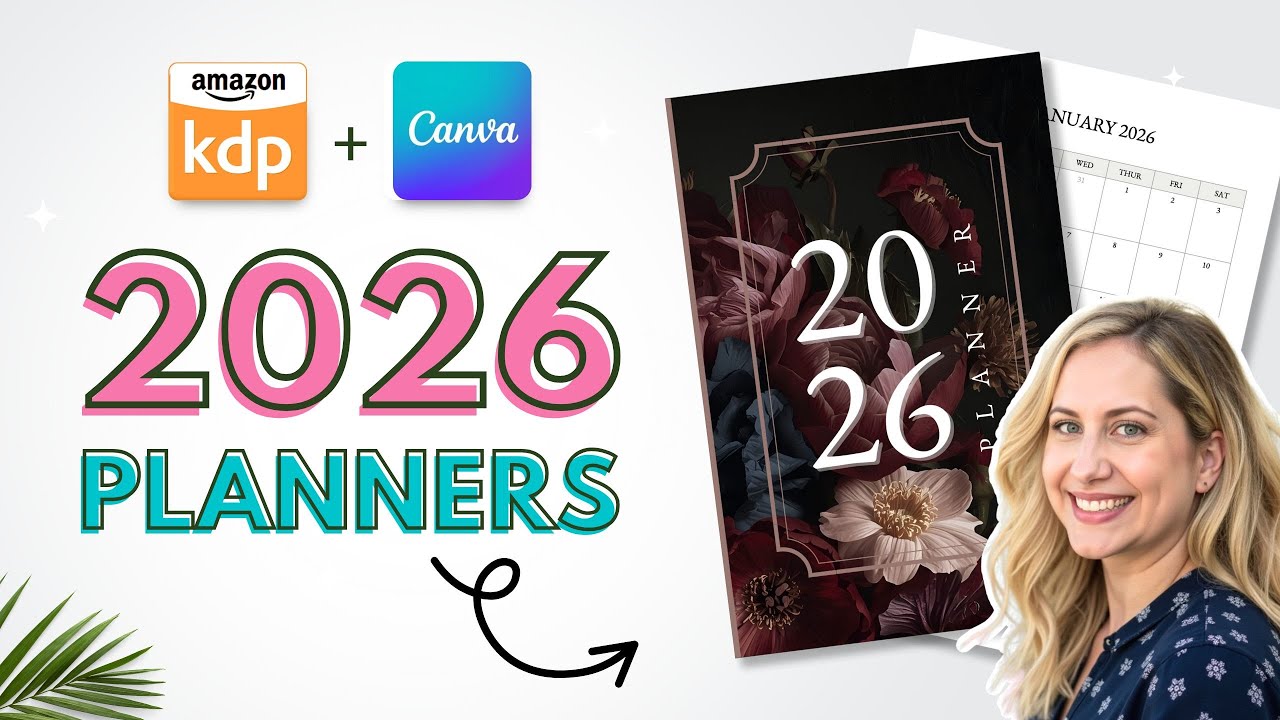
You’ll see exactly how I build a full 2026 planner in Canva from start to finish. I open a clean project, pull in all 120 pages, adjust fonts, organize layouts, and style the interior so it looks cohesive. I design a simple cover, export the files, and upload everything to Amazon KDP.
Explore more digital products here:
👉 https://stan.store/designmadeclear
Upgrade to CANVA Pro: https://partner.canva.com/bOQ7x9
Spy on competitor Etsy Shops: https://www.alura.io/?via=568865
00:00 intro
01:04 Setup Canva file
05:12 Design the Cover
06:35 Export your files
07:06 Upload to KDP
---
This video is for educational purposes only and is not financial, legal, or business advice. I’m simply sharing what I’ve learned from experience, and results are never guaranteed. Any third-party shops or listings shown are included for example and inspiration only. I don’t claim ownership of anything I didn’t create. All rights go to the original owners. Any designs I create are based on trends or ideas I’ve seen, but they’re always my own original work, never copies. If I mention one of my own products or use affiliate links, it’s because I believe in them and think they’ll help you too. As always, do your own research before making any business decisions. 💻✨
#amazonkdp #planners #canvatutorial #CanvaTips #CanvaTutorial #DigitalProducts #PlannerDesign #CanvaForBeginners #PassiveIncome #DesignMadeEasy #SideHustle #CreativeEntrepreneur #CanvaLovers
https://stan.store/designmadeclear/p/sell-physical-planners-notebooks-and-journals-
You’ll see exactly how I build a full 2026 planner in Canva from start to finish. I open a clean project, pull in all 120 pages, adjust fonts, organize layouts, and style the interior so it looks cohesive. I design a simple cover, export the files, and upload everything to Amazon KDP.
Explore more digital products here:
👉 https://stan.store/designmadeclear
Upgrade to CANVA Pro: https://partner.canva.com/bOQ7x9
Spy on competitor Etsy Shops: https://www.alura.io/?via=568865
00:00 intro
01:04 Setup Canva file
05:12 Design the Cover
06:35 Export your files
07:06 Upload to KDP
---
This video is for educational purposes only and is not financial, legal, or business advice. I’m simply sharing what I’ve learned from experience, and results are never guaranteed. Any third-party shops or listings shown are included for example and inspiration only. I don’t claim ownership of anything I didn’t create. All rights go to the original owners. Any designs I create are based on trends or ideas I’ve seen, but they’re always my own original work, never copies. If I mention one of my own products or use affiliate links, it’s because I believe in them and think they’ll help you too. As always, do your own research before making any business decisions. 💻✨
#amazonkdp #planners #canvatutorial #CanvaTips #CanvaTutorial #DigitalProducts #PlannerDesign #CanvaForBeginners #PassiveIncome #DesignMadeEasy #SideHustle #CreativeEntrepreneur #CanvaLovers
Tags and Topics
Browse our collection to discover more content in these categories.
Video Information
Views
8.0K
Likes
342
Duration
8:02
Published
Nov 7, 2025
User Reviews
4.6
(1) Related Trending Topics
LIVE TRENDSRelated trending topics. Click any trend to explore more videos.
No specific trending topics match this video yet.
Explore All Trends