Hackers' Tricks to Hide Phishing Links 🔍
Learn how hackers disguise phishing links to appear completely legitimate and deceive users effectively.
LinuxGuy | Cyber Security
877 views • Dec 5, 2025
About this video
💣 Think phishing links are easy to spot? Think again.
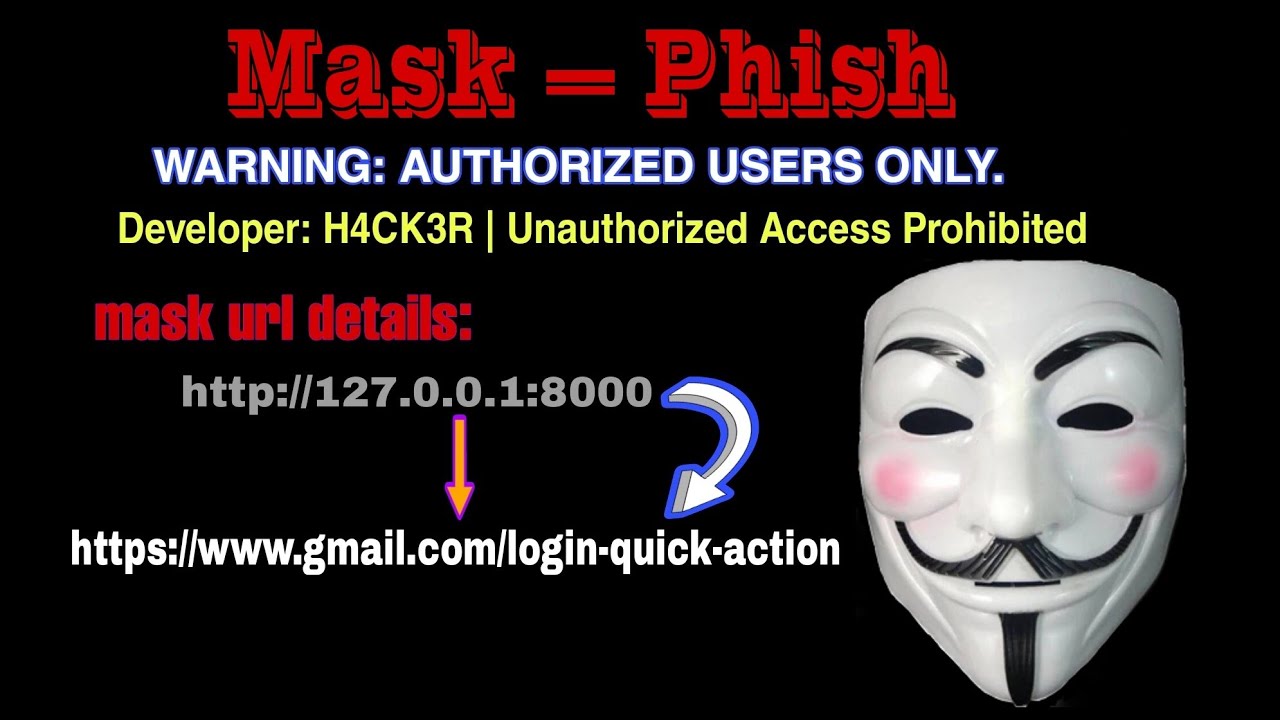
Hackers today can hide a phishing link and make it look 100% real — and in this tutorial, you’ll see exactly how it’s done using URL masking techniques commonly used in social engineering attacks.
We break down how modern attackers disguise malicious links using tools like MaskPhish, URL shorteners, redirects, and domain‑spoofing tricks. You’ll see how a simple fake login page becomes almost impossible to detect once the URL is masked to look trustworthy.
This video is created purely for education and cybersecurity awareness, showing you the same techniques used by ethical hackers, penetration testers, and unfortunately… cyber criminals.
🔍 What You’ll Learn:
• How hackers hide malicious URLs using MaskPhish
• How phishing links are made to look legitimate
• How attackers combine URL shorteners, redirects, and spoofed domains
• Real‑world examples of deceptive links used in 2025
• Why masked URLs are dangerous even to smart users
• How to analyze suspicious links before clicking
• The best security practices to protect yourself from phishing attacks
🛡️ How to Stay Safe:
• Always hover over links before clicking
• Avoid shortened or masked URLs from unknown sources
• Use browser security features and anti‑phishing tools
• Enable two‑factor authentication on all major accounts
• Never log in through links sent via messages or DMs
• Stay updated on modern phishing and social engineering tricks
⚠️ Disclaimer:
This channel does not promote phishing or any illegal activity.
This demonstration shows how attackers hide URLs so you can recognize and avoid these threats in real life.
All examples in this video were created in a controlled, safe environment with no real victims involved.
Stay informed. Stay ethical. Stay protected.
🔔 Don’t forget to like, subscribe, and turn on notifications for more cybersecurity and ethical hacking tutorials.
🔥 Keywords :
how hackers hide phishing links 2025, maskphish tutorial 2025, how phishing links look real, how hackers disguise malicious links, ethical hacking phishing awareness, url masking tools 2025, termux maskphish tutorial, kali linux phishing demo, how to identify fake links 2025, phishing attack explained for beginners, social engineering link masking, url shortener hacker tricks, cyber security awareness phishing, mask phishing url demonstration, fake login page url masking, phishing detection tips 2025, cybersecurity tutorial for beginners, how to protect against phishing attacks, hacker url spoofing explained, real‑world phishing examples 2025
📌 Hashtags:
#cybersecurity #ethicalhacking #hacking #infosec #termux
#kalilinux #maskphish #phishing #urlmasking #socialengineering
#privacy #datasecurity #cyberawareness #tech #hackers
Hackers today can hide a phishing link and make it look 100% real — and in this tutorial, you’ll see exactly how it’s done using URL masking techniques commonly used in social engineering attacks.
We break down how modern attackers disguise malicious links using tools like MaskPhish, URL shorteners, redirects, and domain‑spoofing tricks. You’ll see how a simple fake login page becomes almost impossible to detect once the URL is masked to look trustworthy.
This video is created purely for education and cybersecurity awareness, showing you the same techniques used by ethical hackers, penetration testers, and unfortunately… cyber criminals.
🔍 What You’ll Learn:
• How hackers hide malicious URLs using MaskPhish
• How phishing links are made to look legitimate
• How attackers combine URL shorteners, redirects, and spoofed domains
• Real‑world examples of deceptive links used in 2025
• Why masked URLs are dangerous even to smart users
• How to analyze suspicious links before clicking
• The best security practices to protect yourself from phishing attacks
🛡️ How to Stay Safe:
• Always hover over links before clicking
• Avoid shortened or masked URLs from unknown sources
• Use browser security features and anti‑phishing tools
• Enable two‑factor authentication on all major accounts
• Never log in through links sent via messages or DMs
• Stay updated on modern phishing and social engineering tricks
⚠️ Disclaimer:
This channel does not promote phishing or any illegal activity.
This demonstration shows how attackers hide URLs so you can recognize and avoid these threats in real life.
All examples in this video were created in a controlled, safe environment with no real victims involved.
Stay informed. Stay ethical. Stay protected.
🔔 Don’t forget to like, subscribe, and turn on notifications for more cybersecurity and ethical hacking tutorials.
🔥 Keywords :
how hackers hide phishing links 2025, maskphish tutorial 2025, how phishing links look real, how hackers disguise malicious links, ethical hacking phishing awareness, url masking tools 2025, termux maskphish tutorial, kali linux phishing demo, how to identify fake links 2025, phishing attack explained for beginners, social engineering link masking, url shortener hacker tricks, cyber security awareness phishing, mask phishing url demonstration, fake login page url masking, phishing detection tips 2025, cybersecurity tutorial for beginners, how to protect against phishing attacks, hacker url spoofing explained, real‑world phishing examples 2025
📌 Hashtags:
#cybersecurity #ethicalhacking #hacking #infosec #termux
#kalilinux #maskphish #phishing #urlmasking #socialengineering
#privacy #datasecurity #cyberawareness #tech #hackers
Tags and Topics
Browse our collection to discover more content in these categories.
Video Information
Views
877
Likes
21
Duration
2:25
Published
Dec 5, 2025
Related Trending Topics
LIVE TRENDSRelated trending topics. Click any trend to explore more videos.
No specific trending topics match this video yet.
Explore All Trends