Guide to Writing Office Notes and Editing Google Docs on iPad
Learn how to efficiently create office notes and edit Google Docs on your iPad using Office Note and Google Docs editor. These tools offer a WYSIWYG interface suitable for blogs, HTML, email signatures, and more.
bewriteapp
2.7K views • Jan 16, 2013
About this video
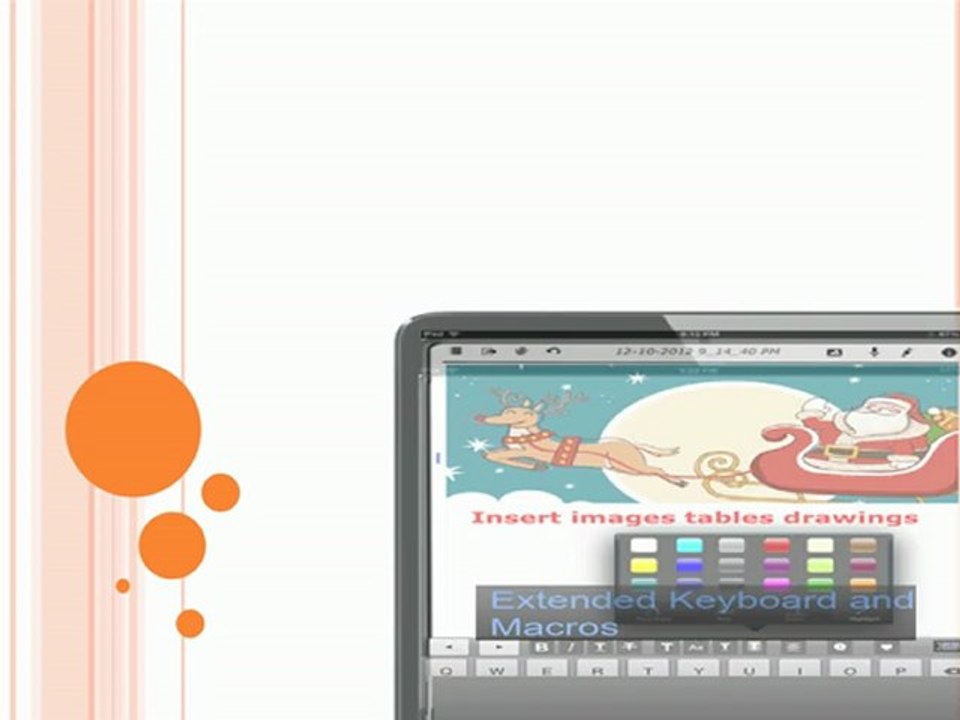
Office Note provide better solution for office notes writing and Google Docs editor.<br /><br />WYSIWYG document Editor for BLOGS, Google Docs, HTML and EMAIL Signatures. .. <br /><br />Google Docs™ SYNC <br />** Sync documents with Google Docs. <br />** View and edit Google Docs™ in the app and on the desktop. Changes made on the desktop will be maintained once they are on your iPad. <br />***Add handwriting to Google Docs <br />** Keep documents in sync across multiple devices. <br />**Download documents in different formats <br />**Open in other apps such as Pages <br />**Update or upload documents from other apps <br />Export to DROPBOX and use as web page
Video Information
Views
2.7K
Duration
1:02
Published
Jan 16, 2013
User Reviews
3.7
(2) Related Trending Topics
LIVE TRENDSRelated trending topics. Click any trend to explore more videos.
No specific trending topics match this video yet.
Explore All Trends