Guide to Setting Alexa as Default Virtual Assistant on Redmi Note 7 Pro (MIUI 11.0)
Learn how to set Amazon Alexa as the default virtual assistant on your Redmi Note 7 Pro running MIUI 11.0. Start by downloading the Alexa app from the Google Play Store and follow the steps to configure it as your primary assistant.
TechTips
538 views • Nov 20, 2019
About this video
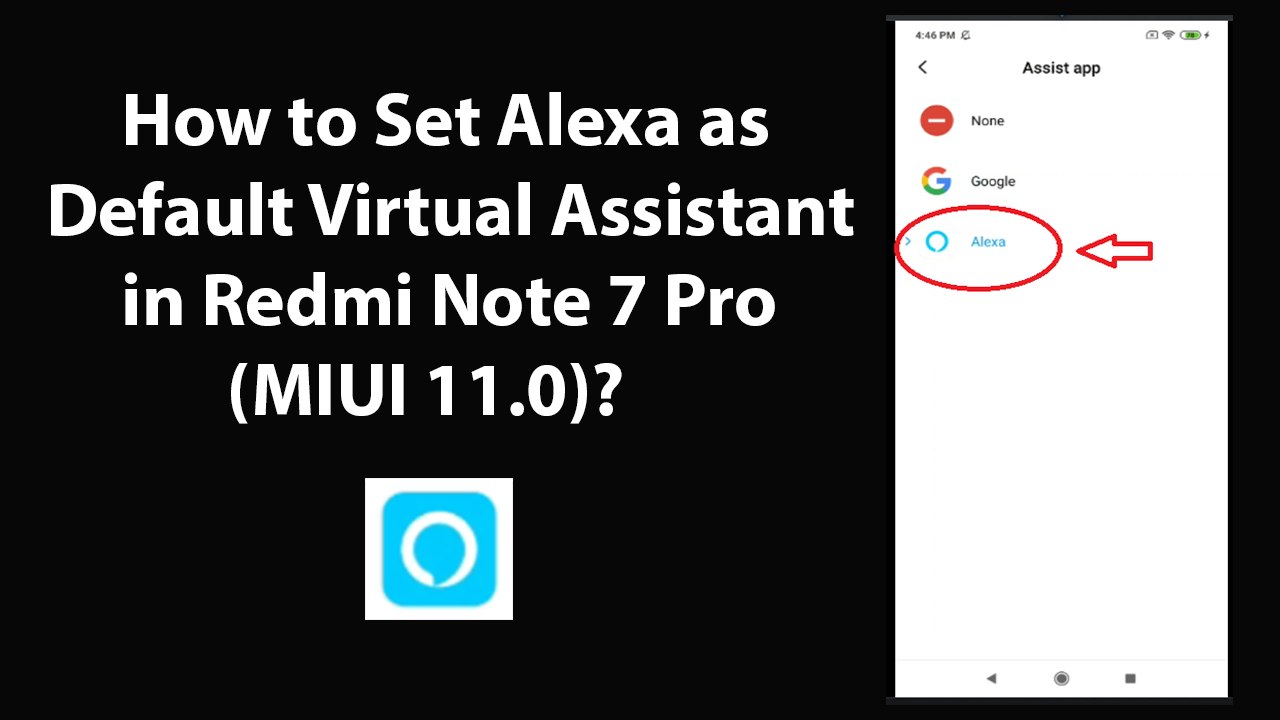
How to Set Alexa as Default Virtual Assistant in Redmi Note 7 Pro(MIUI 11.0)?<br /><br />Note: First go to Google Play Store, and Download and Install 'Amazon Alexa' App, If you have not done it yet. After that, follow the instructions below.<br /><br />Step 1: Open 'Amazon Alexa' App.<br /><br />Step 2: If you don't have amazon account, You can create one. After that Login to your Amazon Account.<br /><br />Step 3: Close 'Alexa' App.<br /><br />Step 4: Open 'Settings' App, and then scroll down to 'Apps,' and then tap on it.<br /><br />Step 5: Tap on 'Manage Apps.' After that, Tap on 'Three Dots' at the top right, and then Tap on 'Default Apps.'<br /><br />Step 6: Scroll down at the very bottom, and then tap on 'Assist & Voice Input.'<br /><br />Step 7: Tap on 'Assist app.'<br /><br />Step 8: Tap on 'Alexa.'<br /><br />It's done.<br /><br />Thanks for watching, please like and subscribe <br /><br />==============================================<br /><br />https://www.facebook.com/HowtoTutorialsByAmit/
Video Information
Views
538
Duration
4:28
Published
Nov 20, 2019
Related Trending Topics
LIVE TRENDSRelated trending topics. Click any trend to explore more videos.
No specific trending topics match this video yet.
Explore All Trends