Guide to Enabling and Disabling Typing Insights in Windows 10
Learn what Typing Insights are and how to enable or disable this feature in Windows 10 to improve your typing experience.
TechTips
235 views • Jun 23, 2019
About this video
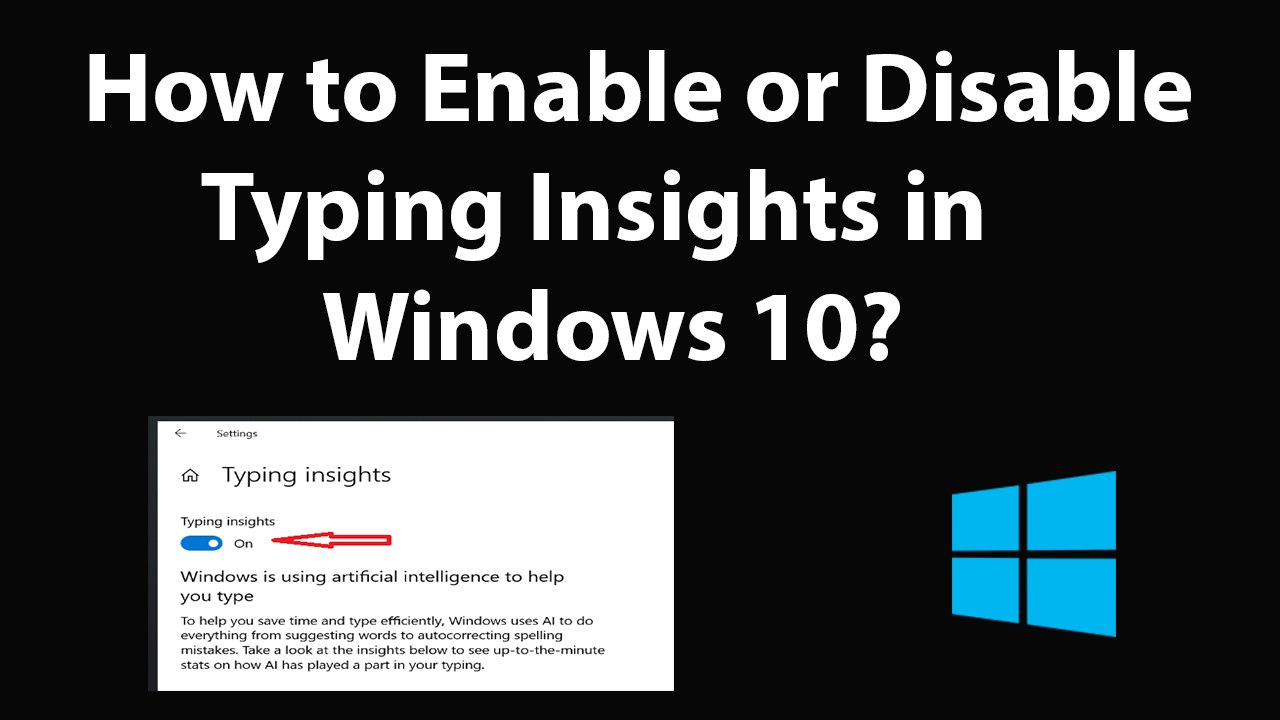
How to Enable or Disable Typing Insights in Windows 10?<br /><br />What is Typing Insights?<br /><br />It is used to help people type in a more efficient way by taking advantage of Artificial Intelligence.<br /><br />To Enable:<br /><br />Step 1: Click on the Search box, and then type 'settings,' and then click on 'settings' app to open it.<br /><br />Step 2: Click on 'Devices,' and then click on 'Typing.'<br /><br />Step 3: Scroll down, and then click on 'Typing Insights.'<br /><br />Step 4: Click on 'Toggle' under typing insights to make it 'On.'<br /><br /><br />To Disable:<br /><br />Step 1: Follow till step 3 from above.<br /><br />Step 3: Click on 'Toggle' under typing insights to make it 'Off.'<br /><br /><br /><br />Thanks for watching, please like and subscribe <br /><br />==============================================<br />https://www.facebook.com/HowtoTutorialsByAmit/<br />
Video Information
Views
235
Duration
2:41
Published
Jun 23, 2019
Related Trending Topics
LIVE TRENDSRelated trending topics. Click any trend to explore more videos.
No specific trending topics match this video yet.
Explore All Trends