Guide to Downloading Free Content from Scribd
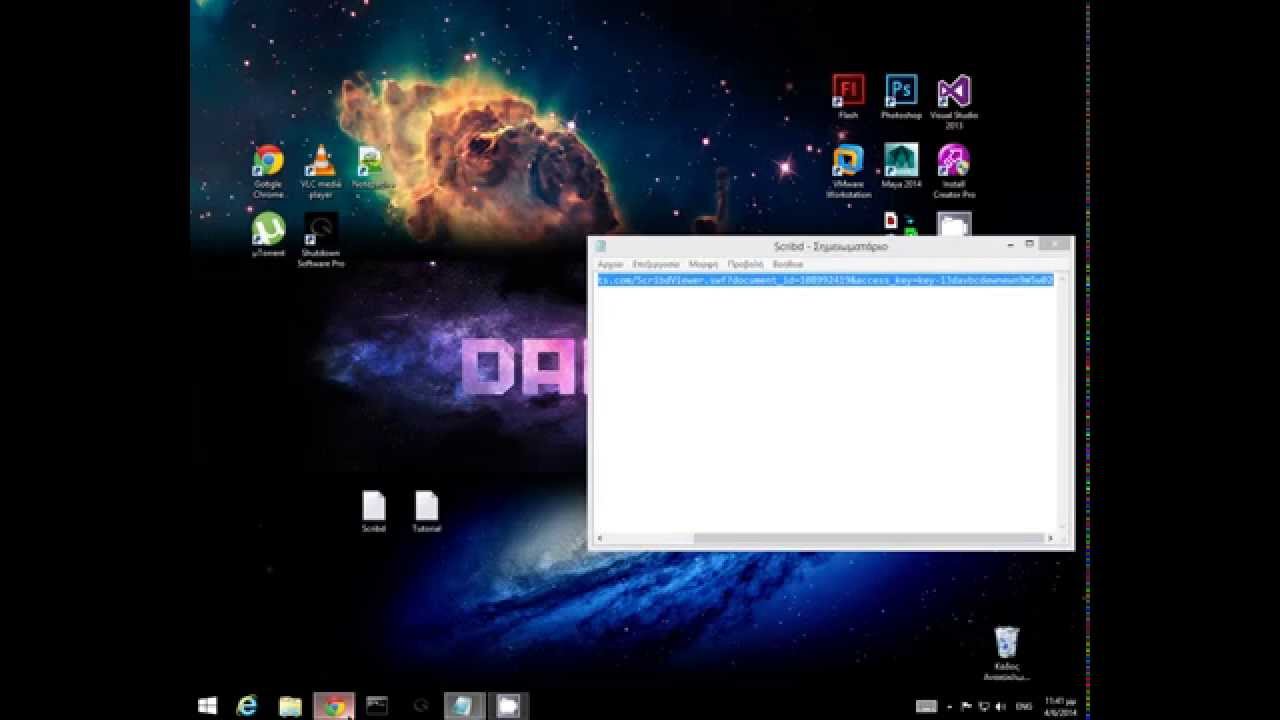
***~~Read Description for Downloading Issues~~*** Access the link: http://d1.scribdassets.com/ScribdViewer.swf?document_id=108992419&access_key=key-13davbcdewne...

Bits&Bytes
15.6K views • Jun 5, 2014
About this video
***~~Read Description for Downloading Problems~~***
The link : http://d1.scribdassets.com/ScribdViewer.swf?document_id=108992419&access_key=key-13davbcdewnewn9m5w02
1.Select the document you want and in empty space right click and press "View page Source" like me
2.Press Ctrl+F and type "access"
3.Copy the key like me and paste it in a new tab (don't press enter)
4.Copy the document id like me and paste it in a new tab (don't press enter)
5.Copy the adress i give to you in description and paste it in a new tab (don't press enter)
6.Replace the aceess key and the document id and press enter
7.Enjoy!
Download Problems
Do exactly the same until you can press the print button on the top left. There, a pop-up window will appear. There, press print. Now you have to change the destination of the document. In the left side press the change button in the destination category. Now there are many destinations. You have to select in the local destination the Save As PDF option. Now you simply press the Save button in the top left. Hope you Enjoy it!
Our Site : http://daks39.wix.com/bits-bytes
Facebook : https://www.facebook.com/bitsnbytes39gr
The link : http://d1.scribdassets.com/ScribdViewer.swf?document_id=108992419&access_key=key-13davbcdewnewn9m5w02
1.Select the document you want and in empty space right click and press "View page Source" like me
2.Press Ctrl+F and type "access"
3.Copy the key like me and paste it in a new tab (don't press enter)
4.Copy the document id like me and paste it in a new tab (don't press enter)
5.Copy the adress i give to you in description and paste it in a new tab (don't press enter)
6.Replace the aceess key and the document id and press enter
7.Enjoy!
Download Problems
Do exactly the same until you can press the print button on the top left. There, a pop-up window will appear. There, press print. Now you have to change the destination of the document. In the left side press the change button in the destination category. Now there are many destinations. You have to select in the local destination the Save As PDF option. Now you simply press the Save button in the top left. Hope you Enjoy it!
Our Site : http://daks39.wix.com/bits-bytes
Facebook : https://www.facebook.com/bitsnbytes39gr
Tags and Topics
Browse our collection to discover more content in these categories.
Video Information
Views
15.6K
Likes
108
Duration
1:27
Published
Jun 5, 2014
User Reviews
4.2
(3) Related Trending Topics
LIVE TRENDSRelated trending topics. Click any trend to explore more videos.
No specific trending topics match this video yet.
Explore All Trends