Guide to Downloading and Installing Google Chrome 64-bit
Learn how to download and install the 64-bit version of Google Chrome by visiting en.softonic.com and searching for 'Google Chrome 64 bit'.
Softonic EN
223 views • Jul 16, 2015
About this video
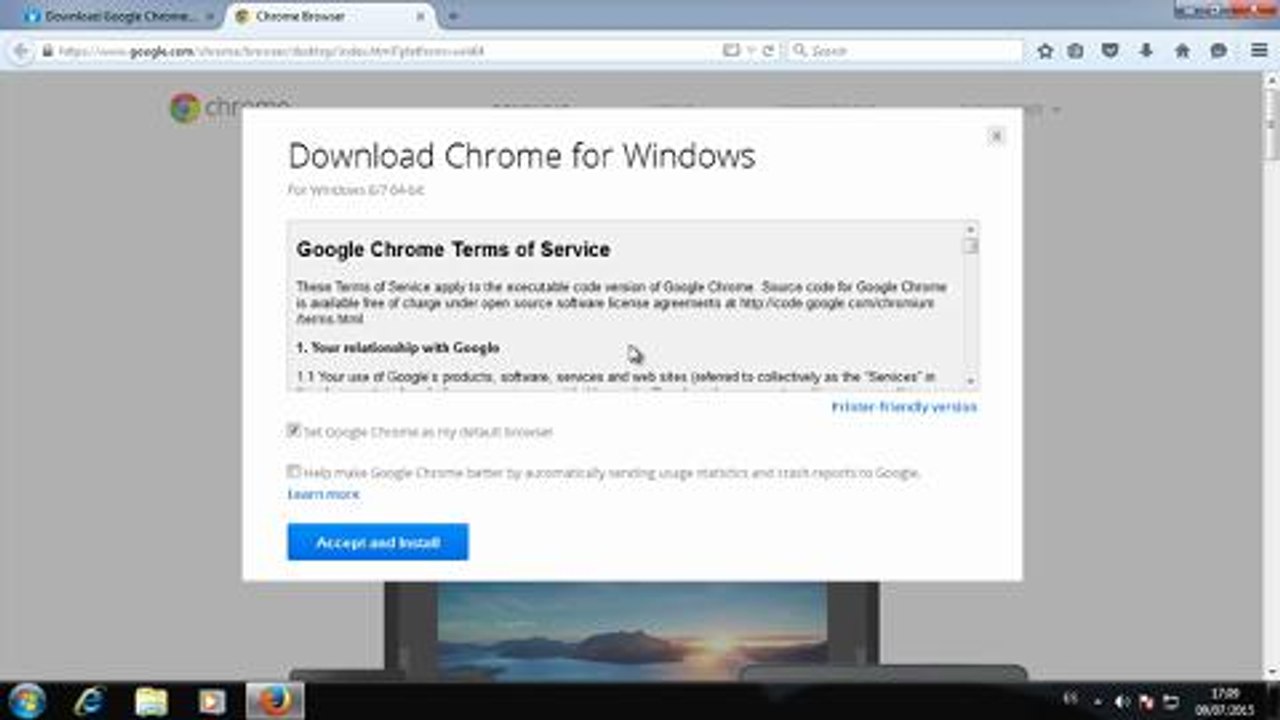
To download Google Chrome visit the website en.softonic.com and type “Google Chrome 64 bit” into the search box. Click on Google Chrome (64-bit) to access the program’s review. Once you’re on the program page click on “Free Download” to access the Google Chrome website. Click on “Download Chrome” to start the download. Please red the terms of service, mark or unmark the check boxes and click on “Accept and Install” to carry on with the download. After this you'll see the download window. Save the file on your computer, and click on the file to start the installation. The installation process will begin automatically. When the installation is over Google Chrome will open.
Video Information
Views
223
Duration
1:09
Published
Jul 16, 2015
Related Trending Topics
LIVE TRENDSRelated trending topics. Click any trend to explore more videos.
No specific trending topics match this video yet.
Explore All Trends