Guide to Bypassing BitLocker Blue Screen on Windows 10/11
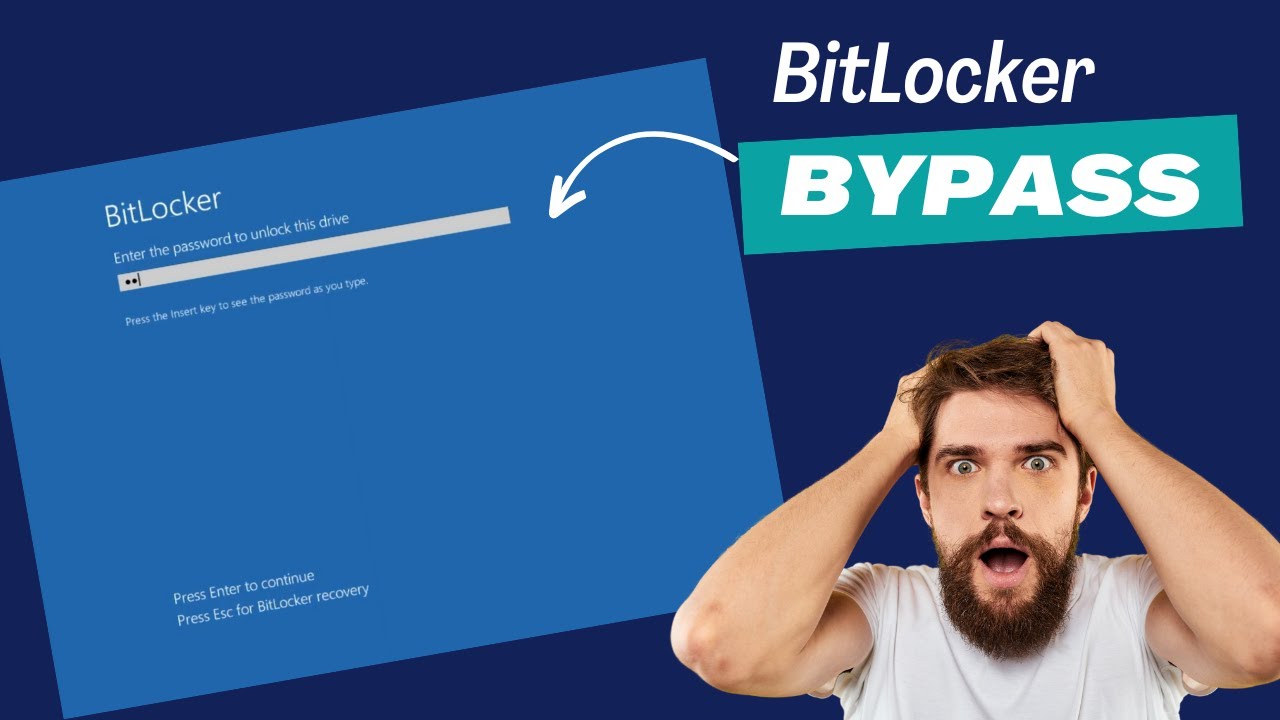
Learn how to bypass the BitLocker password screen and regain access to your Windows 10 or 11 device with this detailed step-by-step guide.

TechWise
22.2K views • May 15, 2024
About this video
Unlocking your computer when you're stuck at the BitLocker password screen is easy with this step-by-step guide. Follow the instructions to access the recovery key, unlock the encrypted drive, and disable BitLocker, allowing you to bypass the password prompt and access your computer effortlessly. Don't forget to like and subscribe if you found this tutorial helpful!
Commands used in this video
manage-bde -status
manage-bde -unlock (drive letter:) -rp recovery key
manage-bde -protectors -disable (drive letter:)
Commands used in this video
manage-bde -status
manage-bde -unlock (drive letter:) -rp recovery key
manage-bde -protectors -disable (drive letter:)
Tags and Topics
Browse our collection to discover more content in these categories.
Video Information
Views
22.2K
Likes
91
Duration
3:40
Published
May 15, 2024
User Reviews
4.0
(4) Related Trending Topics
LIVE TRENDSRelated trending topics. Click any trend to explore more videos.