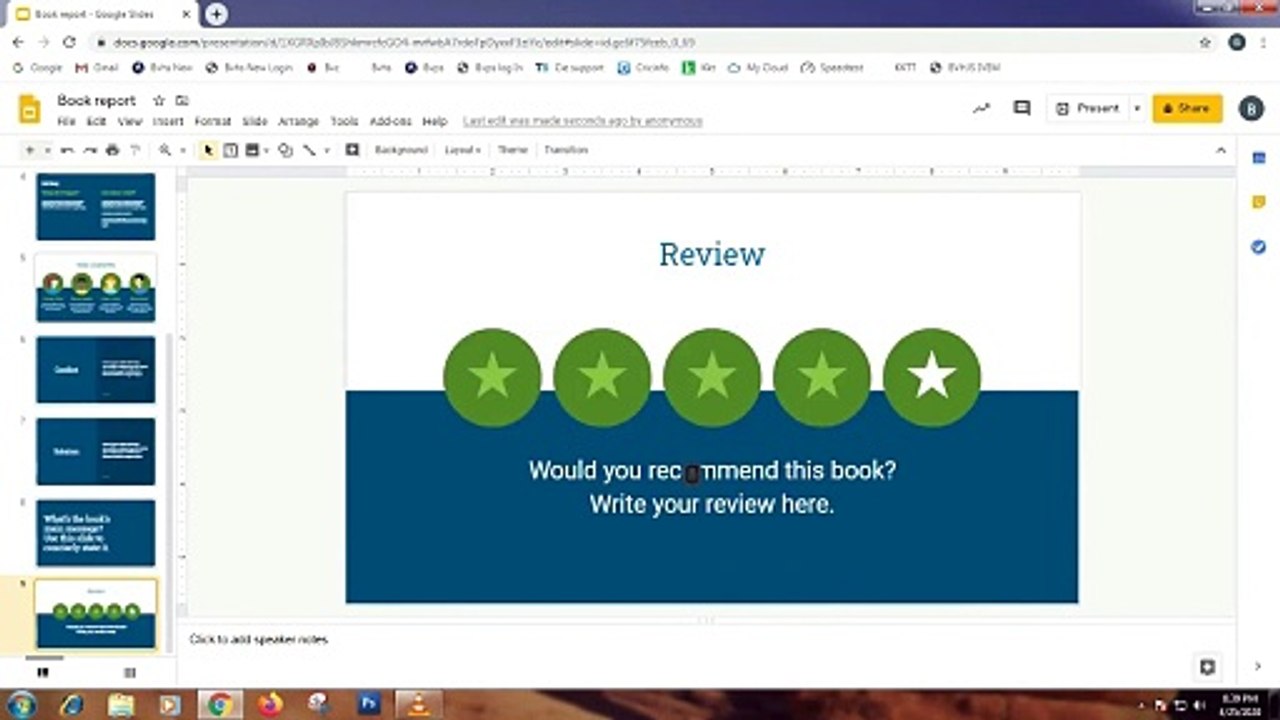
Master Google Slides: Features & Navigation Guide
Learn to navigate Google Slides effortlessly, create stunning presentations, and utilize all features effectively.🚀
Learning Trade
4 views • May 10, 2024
About this video
Learn the fundamentals of navigating Google Slides with ease as we walk you through every feature and function. From creating visually stunning slides to incorporating multimedia elements such as images, videos, and charts, you'll discover how to captivate your audience with engaging presentations.<br /><br />But the magic doesn't stop there – delve into the realm of collaboration as we show you how to seamlessly work with teammates in real-time, whether you're brainstorming ideas or fine-tuning the final touches of your presentation. With built-in commenting and editing features, teamwork has never been more efficient.<br /><br />And because your presentations are stored securely in the cloud, access them anytime, anywhere, and from any device. Say goodbye to the hassle of emailing files back and forth – with Google Slides, your work is always up-to-date and accessible.<br /><br />Join us on this empowering journey of creativity, collaboration, and convenience. Whether you're crafting a school project, delivering a business pitch, or sharing your ideas with the world, Google Slides is your ultimate companion for bringing your vision to life. Let's dive in and unleash your presentation prowess!"
Video Information
Views
4
Duration
6:07
Published
May 10, 2024
Related Trending Topics
LIVE TRENDSRelated trending topics. Click any trend to explore more videos.
No specific trending topics match this video yet.
Explore All Trends