Godot Control Node (UI) Masterclass 🎮
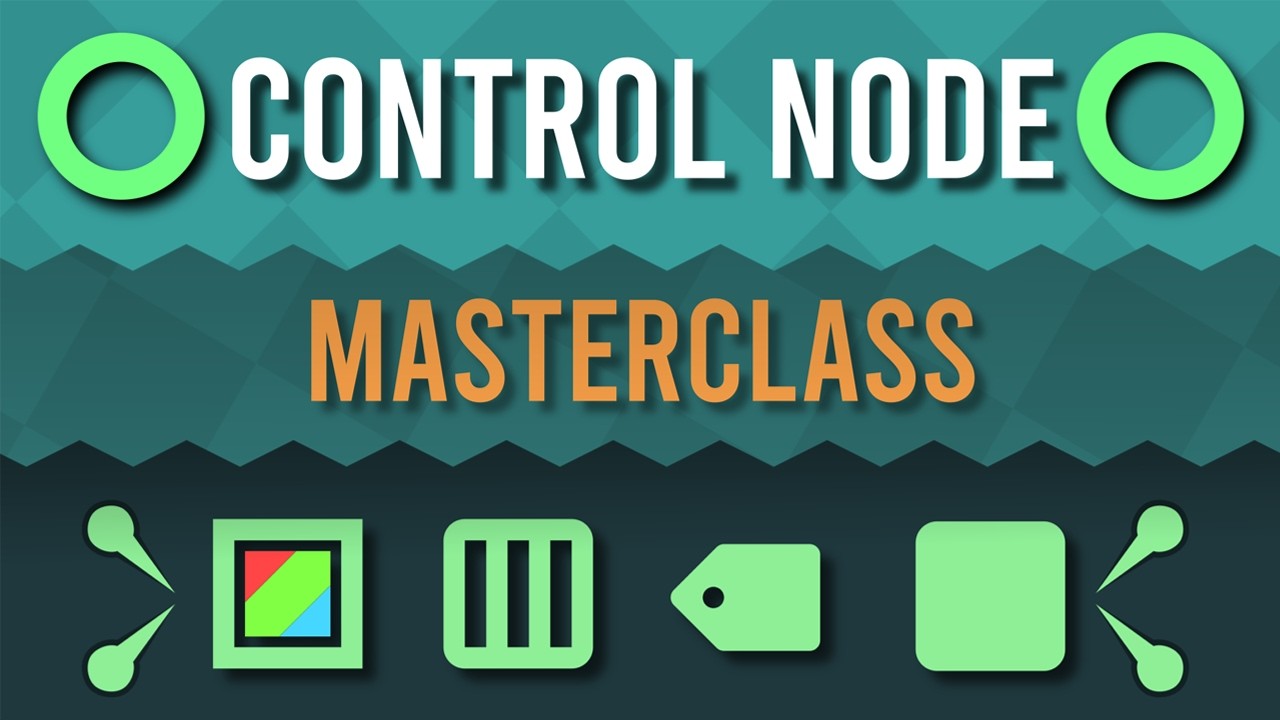
Learn UI control nodes in Godot with Lukky’s masterclass. Get beginner mentorship and 100+ tips to enhance your game development skills.
Karto
150.6K views • Aug 28, 2024
About this video
Lukky's video: https://youtu.be/sPfoZy-cW-E?si=p00RNhChrk1hEYrv
Get Beginner Godot Mentorship: https://www.fiverr.com/s/ZmNmR3k
For one HUNDRED godot tips in 20 minutes, watch these two videos!
https://youtu.be/1xjoExMwrMc?si=cGm2KDNh2L08NhfA
https://youtu.be/6SWoPVIxJyQ?si=azJOpMvKapfB2QpF
Have you tried to get into UI in Godot before only to quickly get overwhelmed because it seemed to have a lot of moving parts that were difficult to understand? That was certainly the case for me when I got started with them. It was only after a lot of experimentation that I finally started getting a hang of them!
I've put a whole month into making this video so that you wouldn't have to waste time having to stumble in the dark! You'll still have to experiment a lot though! These concepts will only make sense if you start playing around with them yourself! But atleast you'll have a headstart now!
How to make UI in Godot?
In Godot, Control nodes are responsible to everything related to UI, you can compose them using the various available nodes to create complex user interfaces. There are a lot of concepts involved that you'll need a good understanding of to be able to make good use of the UI system.
What are containers? How to use containers?
What are anchors?
What are theme overrides?
What are styleboxes?
If you've had any of these questions before and had trouble with figuring them out, this video will serve as the perfect master class to cover all the involved concepts.
However, this is not an ordinary 'Control Node Tutorial', it is not a step by step tutorial. I will be introducing the relevant concepts and bring up practical examples, which you'll have to understand and transform into your own projects!
This was a LOT of work to record, edit and animate! I would really appreciate it if you could subscribe! If you have any suggestions for video ideas, let me know in the comments!
Music used:
https://www.youtube.com/watch?v=zykHcVpqBQU
https://www.youtube.com/watch?v=NXXyIYXmu_M
https://www.youtube.com/watch?v=yFt5qLFvWIc
https://www.youtube.com/watch?v=ysPtBjY8o_A
https://www.youtube.com/watch?v=N8OHSXvneOE
https://www.youtube.com/watch?v=lFzYiIKWwoA
https://www.youtube.com/watch?v=53oWT6opXQk
https://www.youtube.com/watch?v=g2m8ms32xa4
https://www.youtube.com/watch?v=xFTvumMVrek
https://www.youtube.com/watch?v=Oh72giq0AmM
https://youtu.be/FZVXRQPXvQM
Timestamps:
0:00 Intro
0:50 The Basics
2:39 Anchors
4:48 Anchor Offsets
6:55 Anchor Presets
8:49 Custom Minimum Size
9:30 Containers
11:54 Container Sizing
14:38 Expand
16:18 Theme Overrides
18:24 Styleboxes
19:42 Practical Demonstration
Get Beginner Godot Mentorship: https://www.fiverr.com/s/ZmNmR3k
For one HUNDRED godot tips in 20 minutes, watch these two videos!
https://youtu.be/1xjoExMwrMc?si=cGm2KDNh2L08NhfA
https://youtu.be/6SWoPVIxJyQ?si=azJOpMvKapfB2QpF
Have you tried to get into UI in Godot before only to quickly get overwhelmed because it seemed to have a lot of moving parts that were difficult to understand? That was certainly the case for me when I got started with them. It was only after a lot of experimentation that I finally started getting a hang of them!
I've put a whole month into making this video so that you wouldn't have to waste time having to stumble in the dark! You'll still have to experiment a lot though! These concepts will only make sense if you start playing around with them yourself! But atleast you'll have a headstart now!
How to make UI in Godot?
In Godot, Control nodes are responsible to everything related to UI, you can compose them using the various available nodes to create complex user interfaces. There are a lot of concepts involved that you'll need a good understanding of to be able to make good use of the UI system.
What are containers? How to use containers?
What are anchors?
What are theme overrides?
What are styleboxes?
If you've had any of these questions before and had trouble with figuring them out, this video will serve as the perfect master class to cover all the involved concepts.
However, this is not an ordinary 'Control Node Tutorial', it is not a step by step tutorial. I will be introducing the relevant concepts and bring up practical examples, which you'll have to understand and transform into your own projects!
This was a LOT of work to record, edit and animate! I would really appreciate it if you could subscribe! If you have any suggestions for video ideas, let me know in the comments!
Music used:
https://www.youtube.com/watch?v=zykHcVpqBQU
https://www.youtube.com/watch?v=NXXyIYXmu_M
https://www.youtube.com/watch?v=yFt5qLFvWIc
https://www.youtube.com/watch?v=ysPtBjY8o_A
https://www.youtube.com/watch?v=N8OHSXvneOE
https://www.youtube.com/watch?v=lFzYiIKWwoA
https://www.youtube.com/watch?v=53oWT6opXQk
https://www.youtube.com/watch?v=g2m8ms32xa4
https://www.youtube.com/watch?v=xFTvumMVrek
https://www.youtube.com/watch?v=Oh72giq0AmM
https://youtu.be/FZVXRQPXvQM
Timestamps:
0:00 Intro
0:50 The Basics
2:39 Anchors
4:48 Anchor Offsets
6:55 Anchor Presets
8:49 Custom Minimum Size
9:30 Containers
11:54 Container Sizing
14:38 Expand
16:18 Theme Overrides
18:24 Styleboxes
19:42 Practical Demonstration
Video Information
Views
150.6K
Likes
8.0K
Duration
26:25
Published
Aug 28, 2024
User Reviews
4.7
(30) Related Trending Topics
LIVE TRENDSRelated trending topics. Click any trend to explore more videos.
Trending Now