Beginner's Guide to SketchUp Pro 2025 🛠️
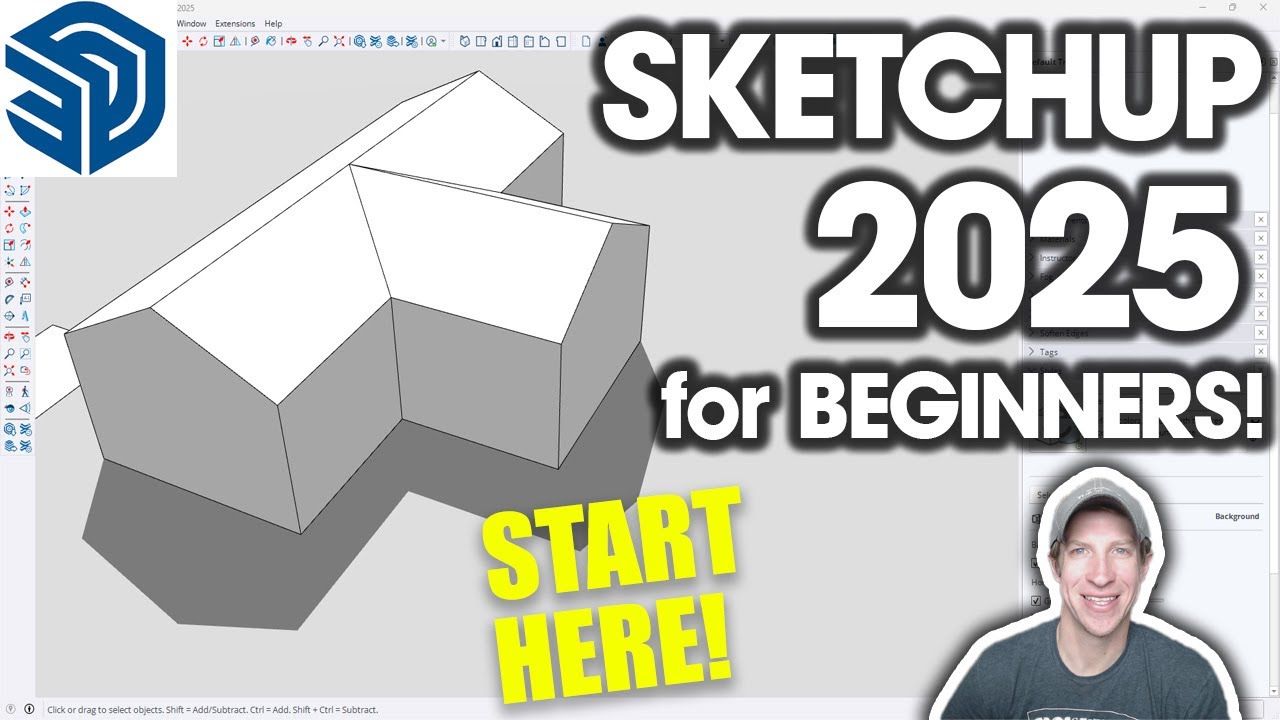
Learn the basics of SketchUp Pro 2025 with our free shortcuts guide and training course for beginners.

TheSketchUpEssentials
142.8K views • Apr 3, 2025
About this video
FREE Keyboard Shortcuts Guide
https://www.theSketchUpEssentials.com/Beginner
Need more help? Get training and support in THE SKETCHUP ESSENTIALS COURSE
http://www.thesketchupessentials.com/course
SKETCHUP FREE vs. GO vs. PRO vs. STUDIO Video
https://youtu.be/BS7biv6lvNk
FULL GETTING STARTED IN SKETCHUP PLAYLIST
https://www.youtube.com/watch?v=AB6UN-DrR1c&list=PLEQT0qjXe6zgmMMP6ZzoUDG_fdjcRmCQE
TIMESTAMPS
0:00 - Introduction
0:15 - Which version of SketchUp to Use
0:45 - Picking a template
1:21 - SketchUp Workspace Overview
1:55 - Toolbars in SketchUp
3:31 - Trays (or windows on Mac)
4:33 - The Status Bar and Value Control Bar
5:22 - Navigation and the kind of mouse you need
5:50 - Zooming in and out
7:30 - How to deactivate tools
7:51 - Panning
8:20 - What to do if you get lost in the viewport
9:09 - Drawing in SketchUp and Keyboard shortcuts
10:13 - Drawing in SketchUp - Lines
11:00 - Drawing lines with specific lengths
12:45 - Using inferencing and locking inferences
14:15 - Locking inferences with the shift key
14:55 - How to create faces and shapes in SketchUp
16:02 - When faces form and when they don't
16:39 - How to heal faces back into your model
17:20 - Example model - simple house
18:13 - Erasing edges to merge faces
18:33 - Extruding a shape to 3D
19:00 - Adding a wing to the house
https://www.theSketchUpEssentials.com/Beginner
Need more help? Get training and support in THE SKETCHUP ESSENTIALS COURSE
http://www.thesketchupessentials.com/course
SKETCHUP FREE vs. GO vs. PRO vs. STUDIO Video
https://youtu.be/BS7biv6lvNk
FULL GETTING STARTED IN SKETCHUP PLAYLIST
https://www.youtube.com/watch?v=AB6UN-DrR1c&list=PLEQT0qjXe6zgmMMP6ZzoUDG_fdjcRmCQE
TIMESTAMPS
0:00 - Introduction
0:15 - Which version of SketchUp to Use
0:45 - Picking a template
1:21 - SketchUp Workspace Overview
1:55 - Toolbars in SketchUp
3:31 - Trays (or windows on Mac)
4:33 - The Status Bar and Value Control Bar
5:22 - Navigation and the kind of mouse you need
5:50 - Zooming in and out
7:30 - How to deactivate tools
7:51 - Panning
8:20 - What to do if you get lost in the viewport
9:09 - Drawing in SketchUp and Keyboard shortcuts
10:13 - Drawing in SketchUp - Lines
11:00 - Drawing lines with specific lengths
12:45 - Using inferencing and locking inferences
14:15 - Locking inferences with the shift key
14:55 - How to create faces and shapes in SketchUp
16:02 - When faces form and when they don't
16:39 - How to heal faces back into your model
17:20 - Example model - simple house
18:13 - Erasing edges to merge faces
18:33 - Extruding a shape to 3D
19:00 - Adding a wing to the house
Tags and Topics
Browse our collection to discover more content in these categories.
Video Information
Views
142.8K
Likes
1.8K
Duration
20:59
Published
Apr 3, 2025
User Reviews
4.5
(28) Related Trending Topics
LIVE TRENDSRelated trending topics. Click any trend to explore more videos.
No specific trending topics match this video yet.
Explore All Trends