SketchUp 2025: Copies & Arrays Tutorial 📐
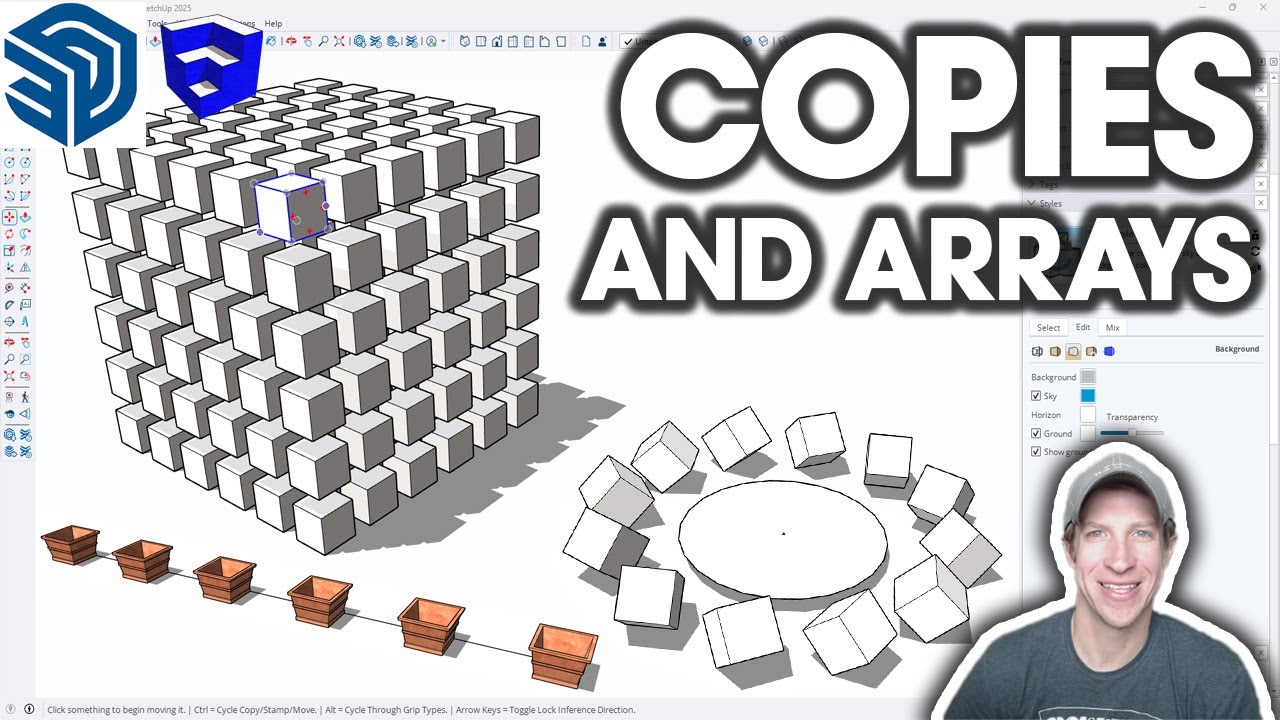
Learn how to create copies and arrays in SketchUp 2025. Download the free shortcuts guide and improve your modeling skills!

TheSketchUpEssentials
22.0K views • Apr 17, 2025
About this video
Get my FREE Downloadable Keyboard Shortcuts Guide
https://www.theSketchUpEssentials.com/Beginner
Need more help? Learn SketchUp with me in THE SKETCHUP ESSENTIALS COURSE!
http://www.thesketchupessentials.com/course
In this video, learn how to use the move tool to create copies and arrays in SketchUp. This can be a MASSIVE timesaver - do not skip this video if you want to be effective when modeling in SketchUp!
TIMESTAMPS
0:00 - Introduction
0:11 - Copy and Paste vs a better way
1:48 - Using the move tool for copies
2:35 - Creating copies with a distance
3:15 - Creating multiple copies at once
3:49 - Copying with precision
4:34 - Using base points off of objects
5:54 - Creating multiple copies with Arrays (DON'T SKIP THIS)
8:39 - Copying along a line or edge
10:45 - Rotating with the rotate tool
12:10 - Rotating along an arc
12:48 - Creating copies along an arc with the rotate tool
14:33 - Organizing your groups and components with the outliner (DONT SKIP)
18:55 - Components in the outliner
19:43 - Using tags to turn objects on and off
21:23 - Organizing your whole model with the outliner
https://www.theSketchUpEssentials.com/Beginner
Need more help? Learn SketchUp with me in THE SKETCHUP ESSENTIALS COURSE!
http://www.thesketchupessentials.com/course
In this video, learn how to use the move tool to create copies and arrays in SketchUp. This can be a MASSIVE timesaver - do not skip this video if you want to be effective when modeling in SketchUp!
TIMESTAMPS
0:00 - Introduction
0:11 - Copy and Paste vs a better way
1:48 - Using the move tool for copies
2:35 - Creating copies with a distance
3:15 - Creating multiple copies at once
3:49 - Copying with precision
4:34 - Using base points off of objects
5:54 - Creating multiple copies with Arrays (DON'T SKIP THIS)
8:39 - Copying along a line or edge
10:45 - Rotating with the rotate tool
12:10 - Rotating along an arc
12:48 - Creating copies along an arc with the rotate tool
14:33 - Organizing your groups and components with the outliner (DONT SKIP)
18:55 - Components in the outliner
19:43 - Using tags to turn objects on and off
21:23 - Organizing your whole model with the outliner
Tags and Topics
Browse our collection to discover more content in these categories.
Video Information
Views
22.0K
Likes
382
Duration
22:45
Published
Apr 17, 2025
User Reviews
4.6
(4) Related Trending Topics
LIVE TRENDSRelated trending topics. Click any trend to explore more videos.
No specific trending topics match this video yet.
Explore All Trends