Getting Started with OpenSSH Key Management
In various tutorials throughout the history of LearnLinuxTV, we've gone over the importance of using public keys with OpenSSH. But what do you do when you ha...

Learn Linux TV
56.9K views • Jan 10, 2022
About this video
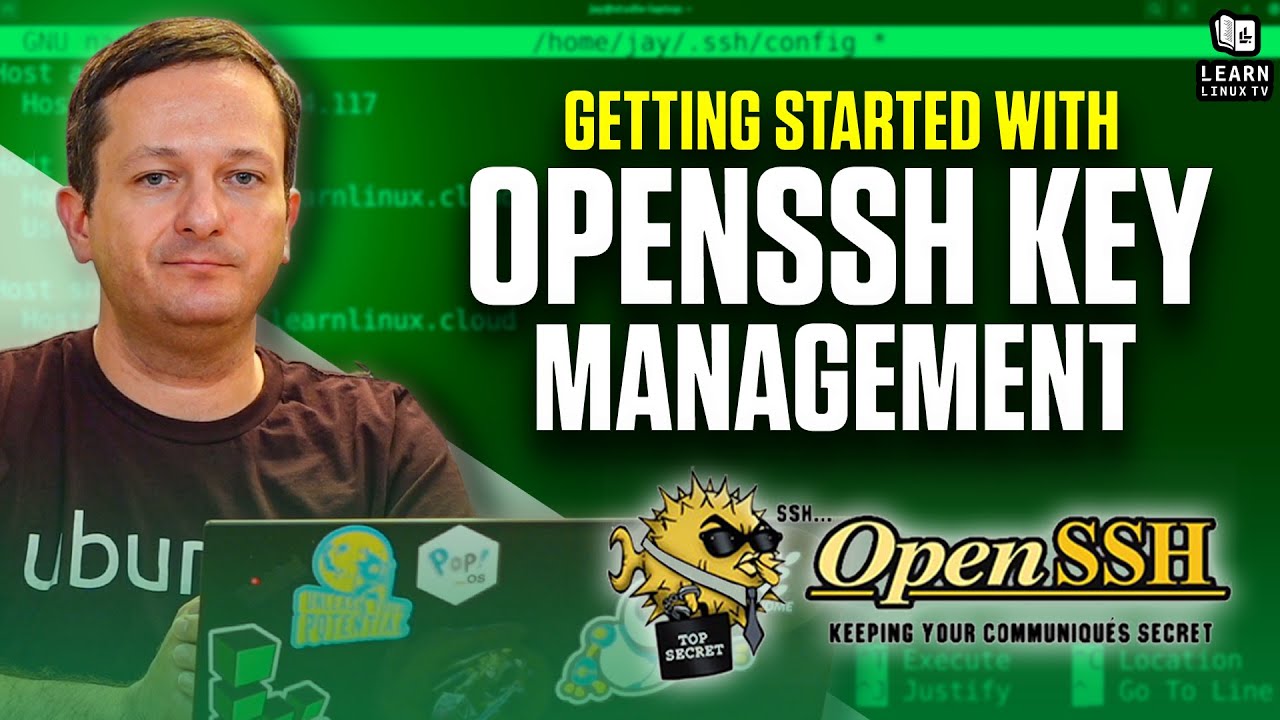
In various tutorials throughout the history of LearnLinuxTV, we've gone over the importance of using public keys with OpenSSH. But what do you do when you have multiple clients you work with, how do you manage keys between them? In this video, we'll go through an example scenario where we have three clients, and we need to maintain multiple SSH keys for each.
Note: It's recommended to watch the ssh config file video prior to watching this one: https://youtu.be/MWqfc_fegVg
*🐧 Donate to Learn Linux TV and Receive a PDF with tips for switching to Linux*
Contains over 40 pages of tips and recommendations to help make your transition easier!
Check it out here ➜ https://learnlinux.link/linux-desktop-tips
*💧 Spin up some Linux Servers with Digital Ocean*
Digital Ocean is a great way to quickly spin up some Linux machines!
• Check it out here ➜ https://learnlinux.link/digitalocean (Affiliate Link)
*📄 Check out this awesome Linux commands cheatsheet!*
Support Learn Linux TV and grab yourself this super-handy cheatsheet, featuring all the important Linux commands and their most useful options.
Grab yours here ➜ https://learnlinux.link/linux-commands
*🛍️ Support The Channel and Get Awesome Linux Swag!*
Head on over to the Learn Linux TV Merch Shop and check out some great Linux-themed gear, including (but not limited to) T-shirts, drinkware, buttons, stickers and more!
• "apt install coffee" T-Shirt ➜ https://learnlinux.link/apt-install-coffee
• "sudo" T-Shirt ➜ https://learnlinux.link/sudo-shirt
• Linux Commands Cheat Sheet ➜ https://learnlinux.link/linux-commands
• "May Spontaneously Talk About Linux" T-Shirt ➜ https://learnlinux.link/talk-about-linux-shirt
• "Dark Side of the Terminal" T-Shirt ➜ https://learnlinux.link/dark-side-shirt
• Lots more ➜ https://merch.learnlinux.tv
_Use coupon code "LINUXFAN" to get 10% off your entire order ➜ https://merch.learnlinux.tv_
*🐧 Other Ways to Support Learn Linux TV*
• Patreon ➜ https://learnlinux.link/patron
• Spin up your very own Linux server ➜ https://learnlinux.link/digitalocean
• Linux swag ➜ https://merch.learnlinux.tv
• Check out Netdata ➜ https://learnlinux.link/netdata
• Jay's Gear ➜ https://learnlinux.link/amazon
_Note: Royalties and/or commission is earned from each of the above links_
*Support Linux Learning!*
• Grab some Linux swag from the official Merch Shop ➜ https://merch.learnlinux.tv
• Become a Channel Member here on YouTube ➜ https://learnlinux.link/member
• Become a Patron and gain access to exclusive perks ➜ https://learnlinux.link/patron
• 5% discount on LPI exam vouchers ➜ https://learnlinux.link/lpi-voucher
• Check out my latest book, Mastering Ubuntu Server 4th Edition ➜ https://ubuntuserverbook.com
• Grab an awesome Pi-powered KVM ➜ https://learnlinux.link/tinypilot
• Jay's Gear ➜ https://learnlinux.link/amazon
_Note: Royalties and/or commission is earned from each of the above links_
*🕐 Time Codes*
00:00 - intro
01:58 - Overview of the sample scenario
04:49 - Using the ssh-keygen command to generate an RSA key
08:17 - Creating an SSH key pair for company #1 (Acme)
11:10 - Creating SSH key pairs for the other two companies
12:14 - Associating the SSH keys with their respective servers
14:11 - Specifying a particular key while connecting to a server
15:41 - Using the SSH agent to cache the passphrase for a key
18:57 - Specifying an SSH key within the SSH client config file*🎓 Full Linux Courses*
• Linux Crash Course ➜ https://linux.video/cc
• Netdata ➜ https://linux.video/netdata
• tmux ➜ https://linux.video/tmux
• vim ➜ https://linux.video/vim
• Bash Scripting ➜ https://linux.video/bash
• Proxmox VE ➜ https://linux.video/pve
• Ansible (Paid) ➜ https://learnlinux.link/ansible
• LPI Linux Essentials (Paid) ➜ https://learnlinux.link/linux-essentials
*🎓 More About Learn Linux TV*
• Main site ➜ https://www.learnlinux.tv
• Community Forums ➜ https://community.learnlinux.tv
• Github Account ➜ https://github.com/LearnLinuxTV
• Content Ethics ➜ https://www.learnlinux.tv/content-ethics
• Request Paid Assistance ➜ https://www.learnlinux.tv/request-assistance
⚠️ Use Content Responsibly
Learn Linux TV shares technical content intended to teach and help you, but it comes with no warranty. The channel is not liable for any damages from its use. Always ensure you have proper permissions, follow company policies, and comply with all applicable laws while working with infrastructure.
#Linux #SSH #KeyManagement
Note: It's recommended to watch the ssh config file video prior to watching this one: https://youtu.be/MWqfc_fegVg
*🐧 Donate to Learn Linux TV and Receive a PDF with tips for switching to Linux*
Contains over 40 pages of tips and recommendations to help make your transition easier!
Check it out here ➜ https://learnlinux.link/linux-desktop-tips
*💧 Spin up some Linux Servers with Digital Ocean*
Digital Ocean is a great way to quickly spin up some Linux machines!
• Check it out here ➜ https://learnlinux.link/digitalocean (Affiliate Link)
*📄 Check out this awesome Linux commands cheatsheet!*
Support Learn Linux TV and grab yourself this super-handy cheatsheet, featuring all the important Linux commands and their most useful options.
Grab yours here ➜ https://learnlinux.link/linux-commands
*🛍️ Support The Channel and Get Awesome Linux Swag!*
Head on over to the Learn Linux TV Merch Shop and check out some great Linux-themed gear, including (but not limited to) T-shirts, drinkware, buttons, stickers and more!
• "apt install coffee" T-Shirt ➜ https://learnlinux.link/apt-install-coffee
• "sudo" T-Shirt ➜ https://learnlinux.link/sudo-shirt
• Linux Commands Cheat Sheet ➜ https://learnlinux.link/linux-commands
• "May Spontaneously Talk About Linux" T-Shirt ➜ https://learnlinux.link/talk-about-linux-shirt
• "Dark Side of the Terminal" T-Shirt ➜ https://learnlinux.link/dark-side-shirt
• Lots more ➜ https://merch.learnlinux.tv
_Use coupon code "LINUXFAN" to get 10% off your entire order ➜ https://merch.learnlinux.tv_
*🐧 Other Ways to Support Learn Linux TV*
• Patreon ➜ https://learnlinux.link/patron
• Spin up your very own Linux server ➜ https://learnlinux.link/digitalocean
• Linux swag ➜ https://merch.learnlinux.tv
• Check out Netdata ➜ https://learnlinux.link/netdata
• Jay's Gear ➜ https://learnlinux.link/amazon
_Note: Royalties and/or commission is earned from each of the above links_
*Support Linux Learning!*
• Grab some Linux swag from the official Merch Shop ➜ https://merch.learnlinux.tv
• Become a Channel Member here on YouTube ➜ https://learnlinux.link/member
• Become a Patron and gain access to exclusive perks ➜ https://learnlinux.link/patron
• 5% discount on LPI exam vouchers ➜ https://learnlinux.link/lpi-voucher
• Check out my latest book, Mastering Ubuntu Server 4th Edition ➜ https://ubuntuserverbook.com
• Grab an awesome Pi-powered KVM ➜ https://learnlinux.link/tinypilot
• Jay's Gear ➜ https://learnlinux.link/amazon
_Note: Royalties and/or commission is earned from each of the above links_
*🕐 Time Codes*
00:00 - intro
01:58 - Overview of the sample scenario
04:49 - Using the ssh-keygen command to generate an RSA key
08:17 - Creating an SSH key pair for company #1 (Acme)
11:10 - Creating SSH key pairs for the other two companies
12:14 - Associating the SSH keys with their respective servers
14:11 - Specifying a particular key while connecting to a server
15:41 - Using the SSH agent to cache the passphrase for a key
18:57 - Specifying an SSH key within the SSH client config file*🎓 Full Linux Courses*
• Linux Crash Course ➜ https://linux.video/cc
• Netdata ➜ https://linux.video/netdata
• tmux ➜ https://linux.video/tmux
• vim ➜ https://linux.video/vim
• Bash Scripting ➜ https://linux.video/bash
• Proxmox VE ➜ https://linux.video/pve
• Ansible (Paid) ➜ https://learnlinux.link/ansible
• LPI Linux Essentials (Paid) ➜ https://learnlinux.link/linux-essentials
*🎓 More About Learn Linux TV*
• Main site ➜ https://www.learnlinux.tv
• Community Forums ➜ https://community.learnlinux.tv
• Github Account ➜ https://github.com/LearnLinuxTV
• Content Ethics ➜ https://www.learnlinux.tv/content-ethics
• Request Paid Assistance ➜ https://www.learnlinux.tv/request-assistance
⚠️ Use Content Responsibly
Learn Linux TV shares technical content intended to teach and help you, but it comes with no warranty. The channel is not liable for any damages from its use. Always ensure you have proper permissions, follow company policies, and comply with all applicable laws while working with infrastructure.
#Linux #SSH #KeyManagement
Tags and Topics
Browse our collection to discover more content in these categories.
Video Information
Views
56.9K
Likes
2.6K
Duration
23:31
Published
Jan 10, 2022
User Reviews
4.7
(11) Related Trending Topics
LIVE TRENDSRelated trending topics. Click any trend to explore more videos.
No specific trending topics match this video yet.
Explore All Trends