Getting Started with MATLAB
Get started with MATLAB® by walking through an example. This video shows you the basics, and it gives you an idea of what working in MATLAB is like. The vid...

MATLAB
579.9K views • May 1, 2019
About this video
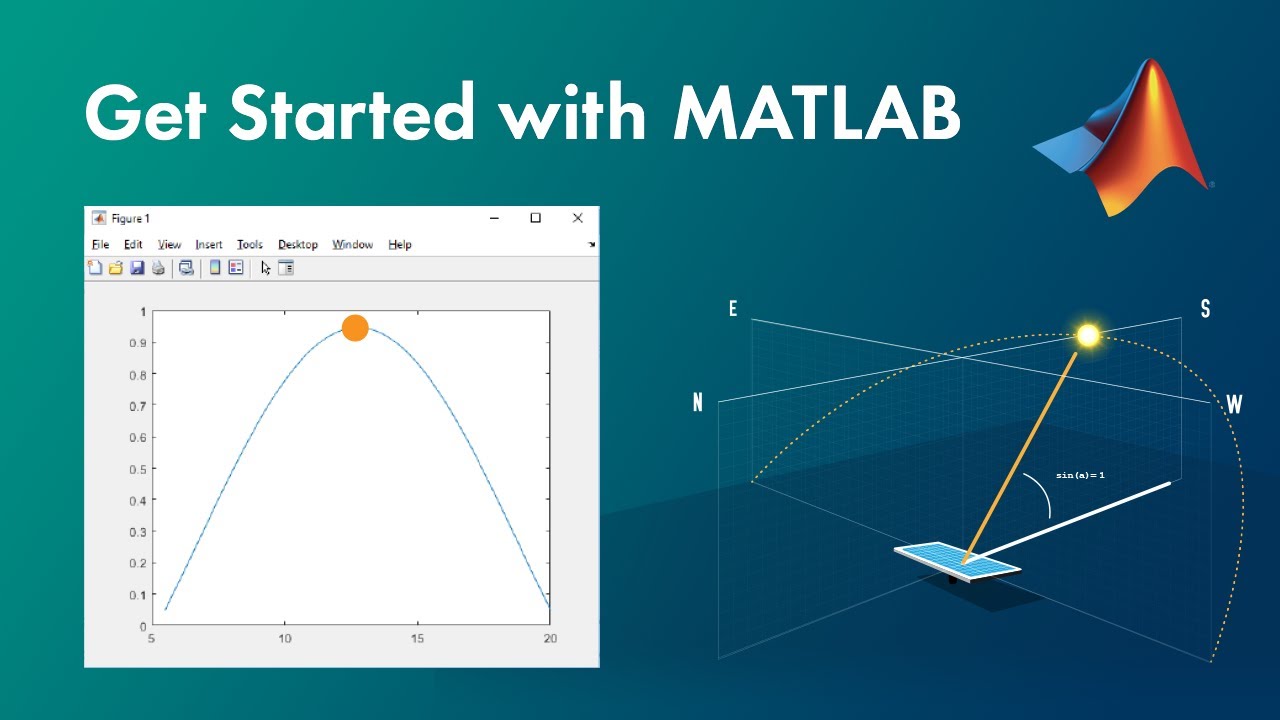
Get started with MATLAB® by walking through an example. This video shows you the basics, and it gives you an idea of what working in MATLAB is like.
The video walks through how to calculate solar panel energy production. You’ll see how to import data, define variables, and perform calculations using various elements of the MATLAB desktop environment, including the Command Window, the Workspace browser, and the Variables editor. Visualize data using prebuilt plots and then customize those visualizations. You’ll also learn how to use the documentation to find built-in functions, guidance on their syntax, and code examples that demonstrate how to use the functions.
Lastly, you’ll see how to use the Live Editor to create scripts that combine code, output, and formatted text in an executable notebook that can be shared with others.
Related Resources:
- Download code: http://bit.ly/2LfoGWi
- Learn the essentials of MATLAB through the MATLAB Onramp: http://bit.ly/2LifW1w
- Learn the fundamental concepts with the help of one of our expert instructors: https://bit.ly/4mfalWi
--------------------------------------------------------------------------------------------------------
Get a free product Trial: https://goo.gl/ZHFb5u
Learn more about MATLAB: https://goo.gl/8QV7ZZ
Learn more about Simulink: https://goo.gl/nqnbLe
See What's new in MATLAB and Simulink: https://goo.gl/pgGtod
© 2019 The MathWorks, Inc. MATLAB and Simulink are registered
trademarks of The MathWorks, Inc.
See www.mathworks.com/trademarks for a list of additional trademarks. Other product or brand names may be trademarks or registered trademarks of their respective holders.
The video walks through how to calculate solar panel energy production. You’ll see how to import data, define variables, and perform calculations using various elements of the MATLAB desktop environment, including the Command Window, the Workspace browser, and the Variables editor. Visualize data using prebuilt plots and then customize those visualizations. You’ll also learn how to use the documentation to find built-in functions, guidance on their syntax, and code examples that demonstrate how to use the functions.
Lastly, you’ll see how to use the Live Editor to create scripts that combine code, output, and formatted text in an executable notebook that can be shared with others.
Related Resources:
- Download code: http://bit.ly/2LfoGWi
- Learn the essentials of MATLAB through the MATLAB Onramp: http://bit.ly/2LifW1w
- Learn the fundamental concepts with the help of one of our expert instructors: https://bit.ly/4mfalWi
--------------------------------------------------------------------------------------------------------
Get a free product Trial: https://goo.gl/ZHFb5u
Learn more about MATLAB: https://goo.gl/8QV7ZZ
Learn more about Simulink: https://goo.gl/nqnbLe
See What's new in MATLAB and Simulink: https://goo.gl/pgGtod
© 2019 The MathWorks, Inc. MATLAB and Simulink are registered
trademarks of The MathWorks, Inc.
See www.mathworks.com/trademarks for a list of additional trademarks. Other product or brand names may be trademarks or registered trademarks of their respective holders.
Tags and Topics
Browse our collection to discover more content in these categories.
Video Information
Views
579.9K
Likes
5.8K
Duration
10:01
Published
May 1, 2019
User Reviews
4.5
(115) Related Trending Topics
LIVE TRENDSRelated trending topics. Click any trend to explore more videos.
No specific trending topics match this video yet.
Explore All Trends