Extract PDF Data to Excel with Free Power Automate Desktop
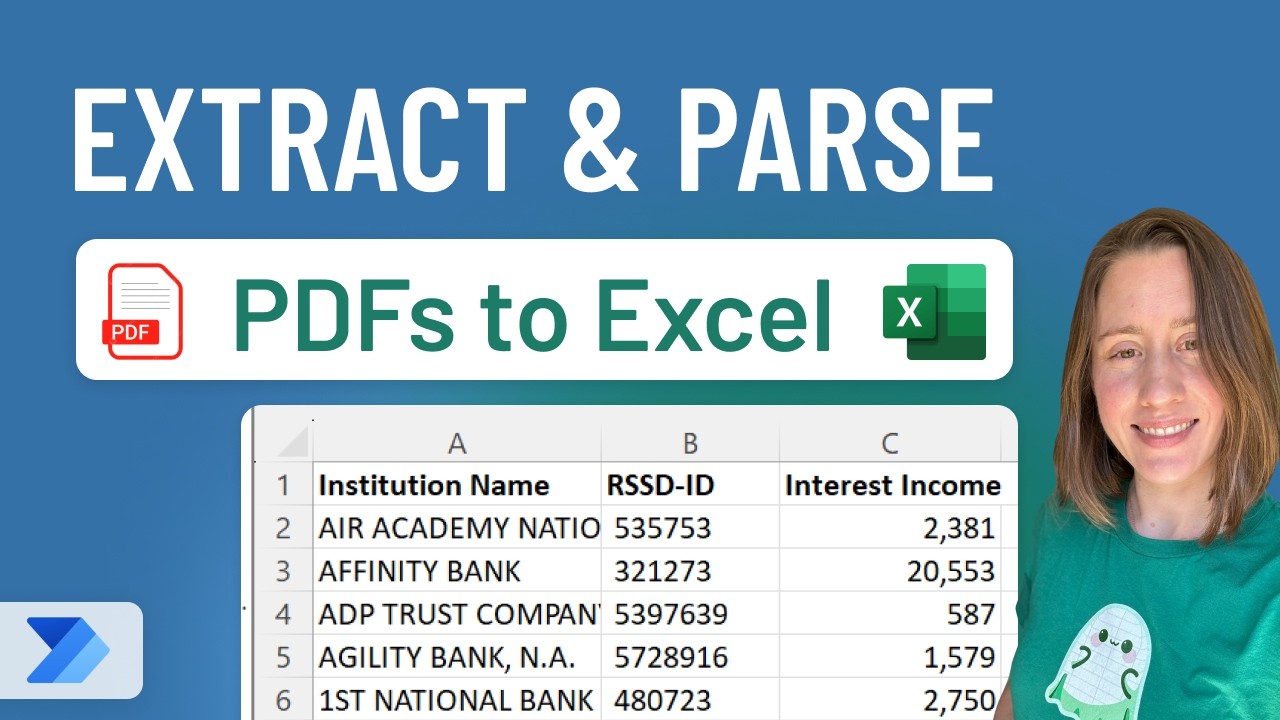
Learn how to extract data from PDFs and send it to Excel using Power Automate Desktop, a free Windows tool available in 2023. 📊

Christine Payton
135.6K views • Oct 10, 2023
About this video
Power Automate Desktop is the lesser-known cousin to Power Automate Cloud. As of 2023, it's free with the latest version of Windows - so you may already have it installed! You can use it with a free Microsoft account OR with an existing M365 subscription.
In this video, we go through how to extract and parse specific values and metadata from PDFs by looking for words "next to" our values and send them to an Excel sheet. This is a beginner-level video, though it helps to be familiar with the concept of regular expressions for an easy intro into robotic process automation (RPA).
This technique can be particularly useful for legal and finance groups, who have a tendency to get filled PDFs routinely and then need to organize them!
⏲️ TIMESTAMPS
0:00 Demo
2:00 Configure the Excel template
2:49 Power Automate: Get files in folder
4:42 Loop through files and extract text
6:24 Parse text using regular expressions
9:00 Split text to isolate your values
10:44 Send to Excel
▶️RELATED VIDEOS
- Move desktop flows: https://youtu.be/X5VlzhvU5UI
- Reverse directions! Bulk convert to PDF: https://youtu.be/q9hucnZ0Dk4
- Save Web Files to Folder in Power Automate Desktop: https://youtu.be/VDV4gS-C-NY
- Power Automate Playlist: https://www.youtube.com/playlist?list=PLVWnQj3YS9wuCbVH0Z9aWP451IFFH6xYd
🎓 COURSE
https://christine-payton.com/course/
🪽 CONNECT WITH ME
📝 Blog - https://christine-payton.com/
🔗 LinkedIn - https://www.linkedin.com/in/christinehpayton/
📣 Get new videos via email! - https://bi-ome.kit.com/youtube
#automation #excel #free
In this video, we go through how to extract and parse specific values and metadata from PDFs by looking for words "next to" our values and send them to an Excel sheet. This is a beginner-level video, though it helps to be familiar with the concept of regular expressions for an easy intro into robotic process automation (RPA).
This technique can be particularly useful for legal and finance groups, who have a tendency to get filled PDFs routinely and then need to organize them!
⏲️ TIMESTAMPS
0:00 Demo
2:00 Configure the Excel template
2:49 Power Automate: Get files in folder
4:42 Loop through files and extract text
6:24 Parse text using regular expressions
9:00 Split text to isolate your values
10:44 Send to Excel
▶️RELATED VIDEOS
- Move desktop flows: https://youtu.be/X5VlzhvU5UI
- Reverse directions! Bulk convert to PDF: https://youtu.be/q9hucnZ0Dk4
- Save Web Files to Folder in Power Automate Desktop: https://youtu.be/VDV4gS-C-NY
- Power Automate Playlist: https://www.youtube.com/playlist?list=PLVWnQj3YS9wuCbVH0Z9aWP451IFFH6xYd
🎓 COURSE
https://christine-payton.com/course/
🪽 CONNECT WITH ME
📝 Blog - https://christine-payton.com/
🔗 LinkedIn - https://www.linkedin.com/in/christinehpayton/
📣 Get new videos via email! - https://bi-ome.kit.com/youtube
#automation #excel #free
Tags and Topics
Browse our collection to discover more content in these categories.
Video Information
Views
135.6K
Likes
1.6K
Duration
18:52
Published
Oct 10, 2023
User Reviews
4.5
(27) Related Trending Topics
LIVE TRENDSRelated trending topics. Click any trend to explore more videos.