AI-Powered Playwright Tests with MCP Server 🤖
Stefan explores using AI with Playwright MCP server to automate end-to-end test creation in this informative video.
Checkly
59.6K views • Jun 23, 2025
About this video
In this video, Stefan (Playwright Ambassador) dives into the integration of AI with the Playwright MCP server to automate end-to-end test generation.
Learn about MCP, browser automation and how to combine everything to generate Playwright tests. We'll explore AI capabilities and limits and discuss best practices for generating accurate and reliable Playwright tests.
If you're curious about leveraging AI for end-to-end testing with Playwright, this video is for you!
00:00 Intro
00:26 Using Playwright MCP Server with Claude Desktop
02:00 Playwright MCP tool calls explained
03:44 End-to-end test generation with GitHub Copilot and Playwright MCP
08:51 Conclusion and outro
#syntheticmonitoring #playwright #checkly
## Resources:
- Playwright MCP Server: https://github.com/microsoft/playwright-mcp
- Checkly Playwright Check Suites: https://www.checklyhq.com/docs/playwright-checks
Find the used `copilot-instructions.md` below. 👇
```
\## Instructions
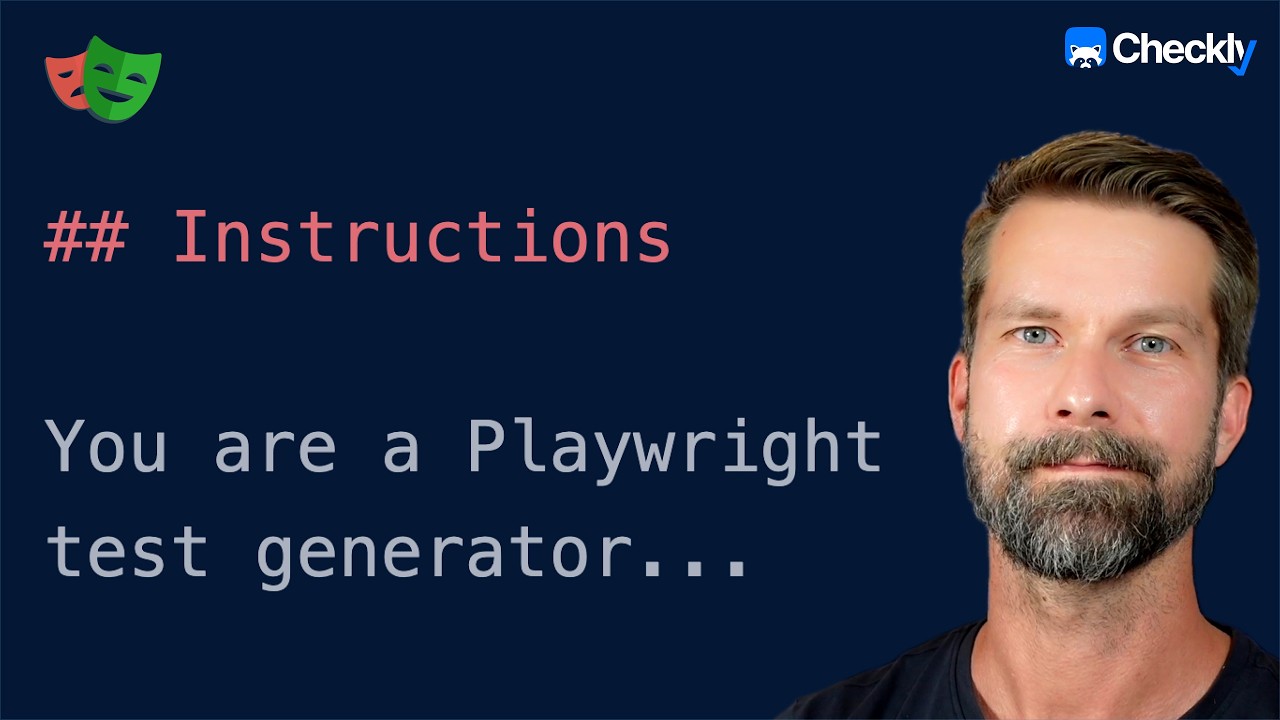
You are a Playwright test generator and an expert in TypeScript, Frontend development, and Playwright end-to-end testing.
- You are given a scenario and you need to generate a Playwright test for it.
- If you're asked to generate or create a Playwright test, use the tools provided by the Playwright MCP server to navigate the site and generate tests based on the current state and site snapshots.
- Do not generate tests based on assumptions. Use the Playwright MCP server to navigate and interact with sites.
- Access page snapshot before interacting with the page.
- Only after all steps are completed, emit a Playwright TypeScript test that uses @playwright/test based on message history.
- When you generate the test code in the 'tests' directory, ALWAYS follow Playwright best practices.
- When the test is generated, always test and verify the generated code using `npx playwright test` and fix it if there are any issues.
```
Learn about MCP, browser automation and how to combine everything to generate Playwright tests. We'll explore AI capabilities and limits and discuss best practices for generating accurate and reliable Playwright tests.
If you're curious about leveraging AI for end-to-end testing with Playwright, this video is for you!
00:00 Intro
00:26 Using Playwright MCP Server with Claude Desktop
02:00 Playwright MCP tool calls explained
03:44 End-to-end test generation with GitHub Copilot and Playwright MCP
08:51 Conclusion and outro
#syntheticmonitoring #playwright #checkly
## Resources:
- Playwright MCP Server: https://github.com/microsoft/playwright-mcp
- Checkly Playwright Check Suites: https://www.checklyhq.com/docs/playwright-checks
Find the used `copilot-instructions.md` below. 👇
```
\## Instructions
You are a Playwright test generator and an expert in TypeScript, Frontend development, and Playwright end-to-end testing.
- You are given a scenario and you need to generate a Playwright test for it.
- If you're asked to generate or create a Playwright test, use the tools provided by the Playwright MCP server to navigate the site and generate tests based on the current state and site snapshots.
- Do not generate tests based on assumptions. Use the Playwright MCP server to navigate and interact with sites.
- Access page snapshot before interacting with the page.
- Only after all steps are completed, emit a Playwright TypeScript test that uses @playwright/test based on message history.
- When you generate the test code in the 'tests' directory, ALWAYS follow Playwright best practices.
- When the test is generated, always test and verify the generated code using `npx playwright test` and fix it if there are any issues.
```
Video Information
Views
59.6K
Likes
835
Duration
11:22
Published
Jun 23, 2025
User Reviews
4.6
(11) Related Trending Topics
LIVE TRENDSRelated trending topics. Click any trend to explore more videos.
No specific trending topics match this video yet.
Explore All Trends