Generate SSH Key in Terminal: Quick Guide 🔑
Learn how to generate an SSH key via terminal and add it to your hosting account in simple steps!

WebHostMost
1.3K views • Oct 16, 2024
About this video
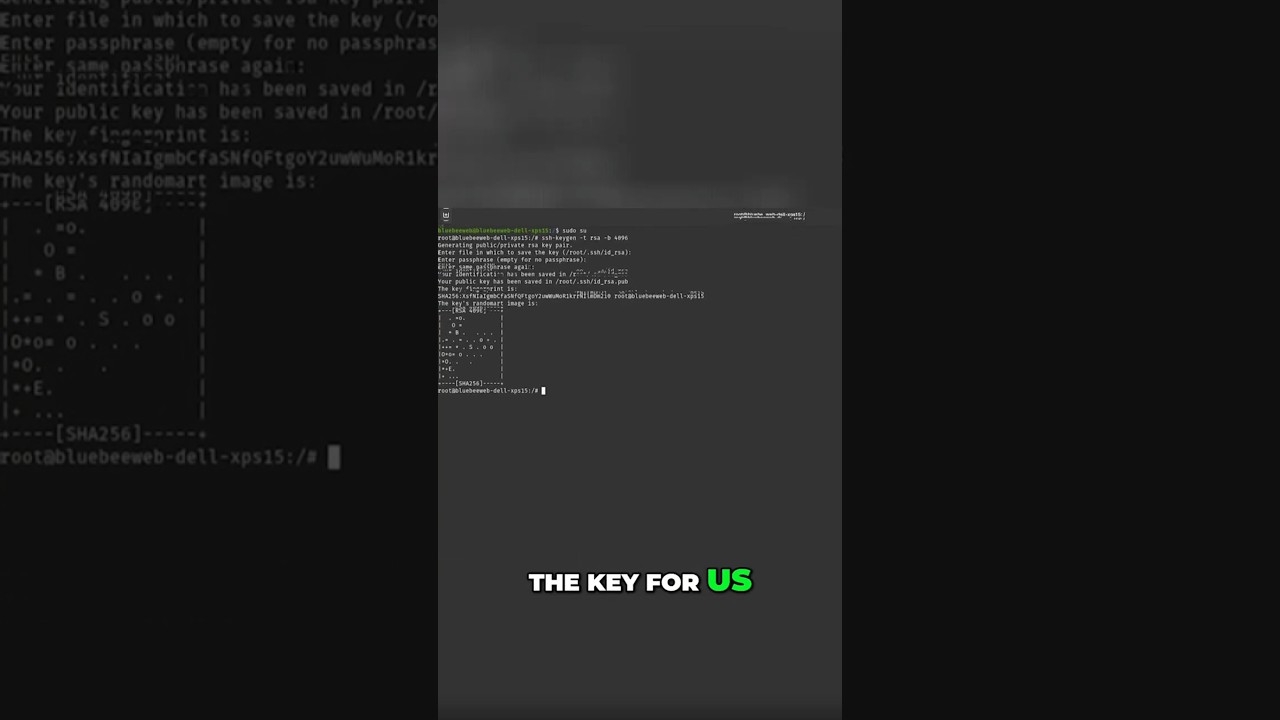
Learn how to generate an SSH key using your terminal and add it to your web hosting account in just a few steps!
1️⃣ First, log in as the root user by typing sudo su.
2️⃣ Then, generate the key using the ssh-keygen command.
3️⃣ Leave the location and passphrase options at default, and your key will be generated in seconds.
🔧 Secure your web hosting account with this quick and easy process! ✅
#sshaccess #webhosting #techtips #webhostmost #hostingtutorial #webdevelopment #sshkeygen
1️⃣ First, log in as the root user by typing sudo su.
2️⃣ Then, generate the key using the ssh-keygen command.
3️⃣ Leave the location and passphrase options at default, and your key will be generated in seconds.
🔧 Secure your web hosting account with this quick and easy process! ✅
#sshaccess #webhosting #techtips #webhostmost #hostingtutorial #webdevelopment #sshkeygen
Tags and Topics
Browse our collection to discover more content in these categories.
Video Information
Views
1.3K
Likes
11
Duration
0:41
Published
Oct 16, 2024
User Reviews
4.1
(1) Related Trending Topics
LIVE TRENDSRelated trending topics. Click any trend to explore more videos.
Trending Now